Get Your Website AI Chatbot Live in the First Week
Answer questions 24/7, capture leads and help cut repetitive support. A practical first-week AI chatbot plan for small businesses and agencies using FastBots.

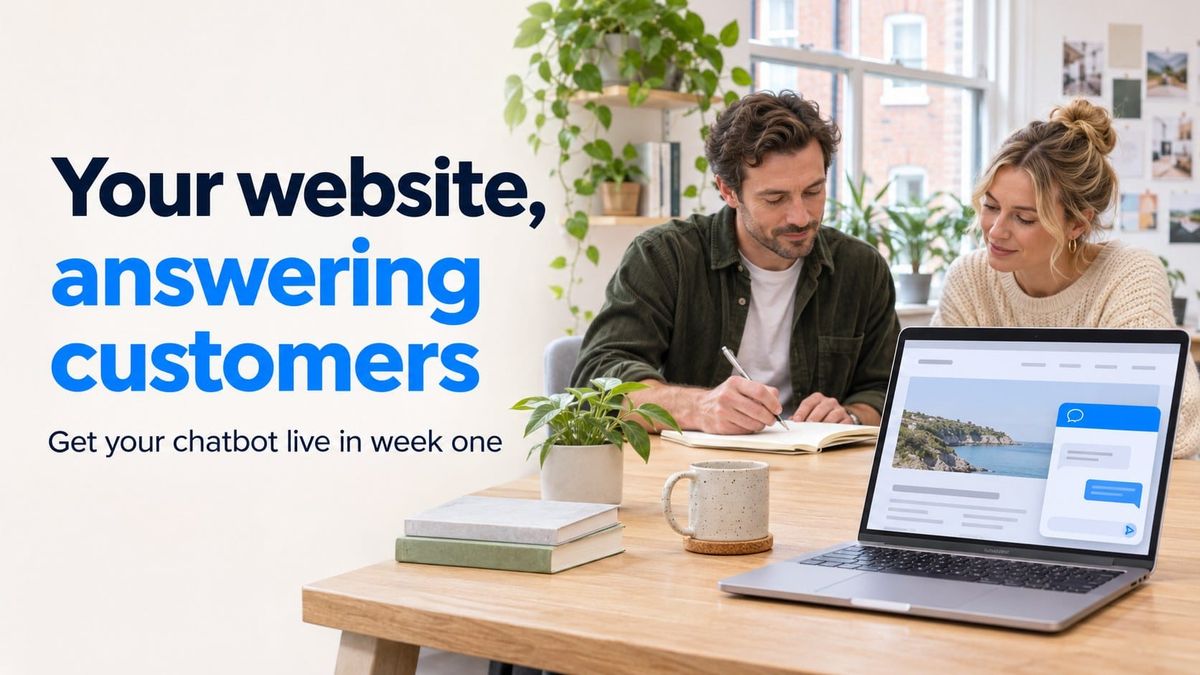
A customer gets an answer on Sunday evening. A potential buyer leaves their details while your team is busy. Someone finds the instructions they need without sending another support email.
These are useful reasons to put an AI chatbot on your website.
For small businesses, it can mean fewer routine interruptions and a way to help visitors outside opening hours. For agencies, it is a practical service to offer an existing client whose team keeps answering the same questions.
FastBots lets you build a website chatbot using your business content, with options to collect enquiries and review conversations. Your first-week goal should be simple: get one useful bot tested and live, with a clear job to do. See how FastBots works.
What businesses are already using chatbots for

The most useful starting point is a problem your customers already have. These published FastBots customer stories show what that looks like.
Fewer interruptions at a B&B. Bottger Mansion was receiving repeated calls about information already on its website, including check-in times and pet policies. Its FastBots chatbot answered routine guest questions and directed visitors towards the reservation system. The business reported fewer calls, giving its small team more uninterrupted time. Read the Bottger Mansion case study.
Less repetitive support for a training business. QDA Training used FastBots on its WordPress website to help customers with common questions and registration instructions. Its case study describes less confusion around registrations and less pressure on the team, leaving more time for complex client needs. It also reported a few leads that the team could follow up. Read the QDA Training case study.
A useful service for an agency's existing clients. Content Matters introduced FastBots through its Chat Matters service. For a meditation organisation with a large website, the agency helped visitors find information and used unanswered test questions to identify gaps in the content. It then offered chatbots to other existing clients where there was a clear need. Read the Content Matters case study.
Each started with a recognisable customer problem. That gives you a much better brief than simply deciding your website needs AI.
Answer customer questions around the clock
Your customers do not always visit when you are available. They may be comparing courses after work, planning a weekend away or checking a service before making an enquiry.
A chatbot can answer common questions from the information you give it, including outside your opening hours. FastBots supports website content and uploaded documents as sources for those answers.
For example, a training provider could help visitors understand course requirements. A small software business could explain where to find setup instructions. A guesthouse could answer questions about parking and arrival times.
The benefit is straightforward: people can get useful information when they need it, without waiting for someone to read an email.
Choose questions with clear, dependable answers. If something needs a member of staff, give the visitor a clear contact route and realistic expectations about when someone will respond.
Capture enquiries while visitors are interested
Sometimes a visitor needs an answer before they are ready to leave their details.
A prospective customer might want to know whether your service suits their business or whether a course covers a particular topic. Once that is clear, the next step could be an enquiry.
FastBots lets you set up a lead form, choose the details to collect and configure email notifications. You can review submitted details in Contacts. The lead collection guide explains how to set this up and test it.
Keep the first version simple. Ask for the details your team needs to reply, such as a name, email address and a short message. Make it clear what happens next.
Then decide who will follow up. A captured enquiry is useful only if someone takes responsibility for answering it.
Cut the questions your team answers repeatedly

Look through your recent support emails. Which replies could someone on your team write without looking anything up?
Those are good candidates for your first chatbot:
- Where can I find the getting-started instructions?
- What is included in this service?
- How do I register for support?
- Where can I read the cancellation policy?
- Which page explains the course requirements?
A chatbot gives visitors another way to find information that may already exist but is difficult to locate.
This can reduce routine support work and leave your team more time for questions that need judgement, investigation or a proper conversation. Start with the repeated questions that cause the most disruption.
Your first-week website chatbot plan
Treat the first week as a focused launch plan. Allow time to check the information, test the answers and make improvements before customers use it.
Day 1: Choose one job.
Pick a specific outcome, such as helping visitors understand your courses or answering common questions before a guest books.
If you run an agency, choose one existing client with a recurring support problem and someone available to approve the information.
Day 2: Gather the answers.
Collect the relevant website pages, FAQs and documents. Check that prices, policies, links and contact details are current.
Ask the person who usually handles enquiries what is missing. Their everyday answers may be more useful than another page of general marketing copy.
Day 3: Build your first version.
Add the selected website content or documents to FastBots. Choose a welcome message and colours that suit the business.
Give the bot clear instructions about its role, the information it should use and what to say when an answer is unavailable. Keep its first job narrow enough to test properly.
Day 4: Set up the next step.
Decide what a visitor should do after getting an answer: submit an enquiry, visit a booking page or contact your team.
If you are collecting leads, configure the form and notification recipients. Submit a test enquiry and confirm that the right person receives it.
Day 5: Test it like a customer.
Ask the questions your team hears regularly. Try short questions, spelling mistakes and follow-up questions.
Include things the bot cannot answer. Check that it admits the gap and gives a useful next step.
For example, a guesthouse bot can explain a published cancellation policy and link to the booking system. It should not claim that a room is available unless it has a reliable way to check.
Correct missing or unclear source information, then test the affected answers again.
Day 6: Put it on the website.
Use the website installation code provided by FastBots. If someone else manages your site, send it to them to install.
Check the live chat on a phone and a computer. Make sure it is easy to open, does not cover important buttons and sends visitors to the correct pages.
Day 7: Review the first conversations.
Read any genuine visitor conversations and check captured enquiries. Look for unclear answers, repeated misunderstandings and missing information.
If nobody has used it yet, check that visitors can find it and continue testing. Low traffic may mean you need longer to judge its usefulness.
For agencies, make the ongoing service useful
Start with a client whose website you already understand. Ask which questions interrupt their team, what visitors struggle to find and who will handle enquiries.
Agree what you will maintain after launch. That could include checking conversations, updating information when services change and testing answers after important website updates.
Report on what happened: the questions visitors asked, the enquiries received and the gaps you fixed. Keep your own test chats separate from customer conversations.
This gives the client something concrete to assess and gives your agency a clear ongoing job.
What to check after launch
A bot being live is the start. To see whether it is helping, review a few practical questions:
- Are real visitors using it?
- Are its answers accurate and useful?
- Are enquiries reaching the right person?
- Is your team seeing fewer of the routine questions it was built to handle?
- What information needs updating?
Keep improving the answers people actually need. A repeated unanswered question may also reveal something worth adding to your website.
Get one useful chatbot live this week
Choose one recurring customer question, gather the information needed to answer it and build from there.
With a focused first version, you can work towards a website chatbot that answers questions around the clock, captures enquiries and reduces repetitive support.
Start with FastBots and use this first-week plan to get it tested and ready for your customers.