Chatbot for Restaurants: A Practical Multi-Channel Playbook
Learn how a restaurant chatbot handles guest questions, bookings and private events across web and messaging, with ROI maths and a seven-step setup.

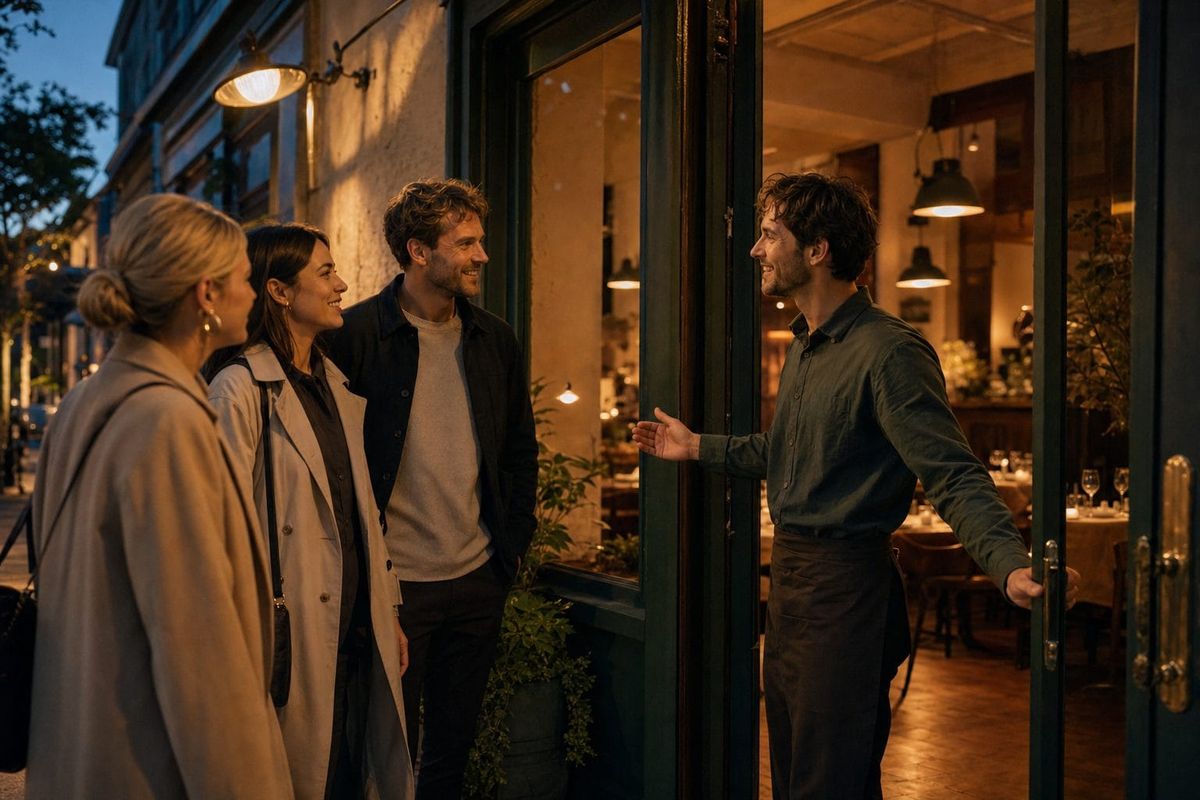
Dinner service is the worst possible time for the phone to ring with an easy question.
A guest wants to know whether the kitchen is still serving. Another asks if the tasting menu can accommodate a dairy allergy. A family cannot find the car park. Someone planning a 40-person birthday sends an Instagram message, then waits while the team is focused on the dining room.
None of those enquiries is trivial. One could become tonight's table, a future private event or a loyal local customer. Yet answering every channel manually pulls hosts and managers away from the guests already in the building.
A chatbot for restaurants can handle that gap, but only if its job is defined properly. It should answer from the restaurant's real menu and policies, capture the details staff need, connect to an authorised booking action when one is available, and step aside when safety or judgement matters.
This guide explains that operating model. We will use the Five Service Moments Framework to map the guest journey, calculate ROI from your own numbers, compare FastBots with Slang AI, Loman AI and Popmenu, and build a seven-step launch plan that protects hospitality rather than automating it out of the room.
What is a restaurant chatbot?
A restaurant chatbot is a conversational interface trained on information about a specific venue: opening hours, menus, dietary notes, booking rules, parking, accessibility, private dining, takeaway, gift vouchers and events. Guests ask questions in natural language and receive answers based on that approved content.
The chatbot is the interface. It becomes an AI agent when it does more than answer, such as maintaining context, qualifying a private-event enquiry, routing a complaint or taking an authorised action through a connected app.
That distinction prevents a common buying mistake. A basic website chatbot may be ideal for repetitive questions. A restaurant needing confirmed bookings, CRM updates or inbox handling needs an agentic workflow and the relevant systems connected. The existence of a chat box does not create a live reservation integration by itself.
FastBots can place the same trained bot on a website and channels such as WhatsApp, Instagram and Facebook Messenger. That gives the restaurant one approved answer source instead of separate scripts scattered across inboxes.
The measurable cost of unanswered guest intent
Restaurant enquiries have two costs: staff interruption and lost intent.
Measure interruption with four inputs:
- Written and phone enquiries per week.
- Percentage that repeat information already published somewhere.
- Average minutes needed to read, find and give the answer.
- Fully loaded hourly cost of the team member handling it.
Suppose a restaurant receives 180 enquiries a week across its website, social messages and phone. If 60% are routine and each takes three minutes, the routine load is:
180 enquiries x 60% x 3 minutes = 324 minutes, or 5.4 staff hours a week.
At $22 per hour, that is about $119 of weekly capacity. The real operational cost may be higher because those minutes arrive in fragments during preparation and service.
Lost intent needs a separate calculation. Track booking requests, private-dining leads, catering enquiries and gift-voucher questions received outside staffed hours. Record how many received a useful first response, how many progressed and how many disappeared. Do not assume every unanswered message was a lost booking. Build a baseline from your own inboxes.
This matters in a margin-sensitive industry. The National Restaurant Association reports that operators are using automation and data tools to control costs while maintaining customer experience. The practical lesson is not to add technology everywhere. It is to automate the moments where delay and repetition create measurable waste.
The Five Service Moments Framework
Restaurant chatbot projects often begin with a list of features. We prefer to begin with five moments in the guest journey: Discover, Decide, Reserve, Arrive and Return. Each moment has a useful job, a boundary and a measurable outcome.
1. Discover: turn curiosity into a useful next step
The guest has found the restaurant through search, social media or a recommendation. They may ask about cuisine, atmosphere, location, opening hours, outdoor seating, dress code or whether children and dogs are welcome.
The chatbot should answer directly from current venue information and offer the next relevant link. Its job is not to deliver a long brand speech. A useful outcome is a menu view, a booking-page visit or a captured question that staff can follow up.
Measure menu clicks, booking-link clicks and enquiries captured outside opening hours.
2. Decide: explain the menu without making unsafe promises
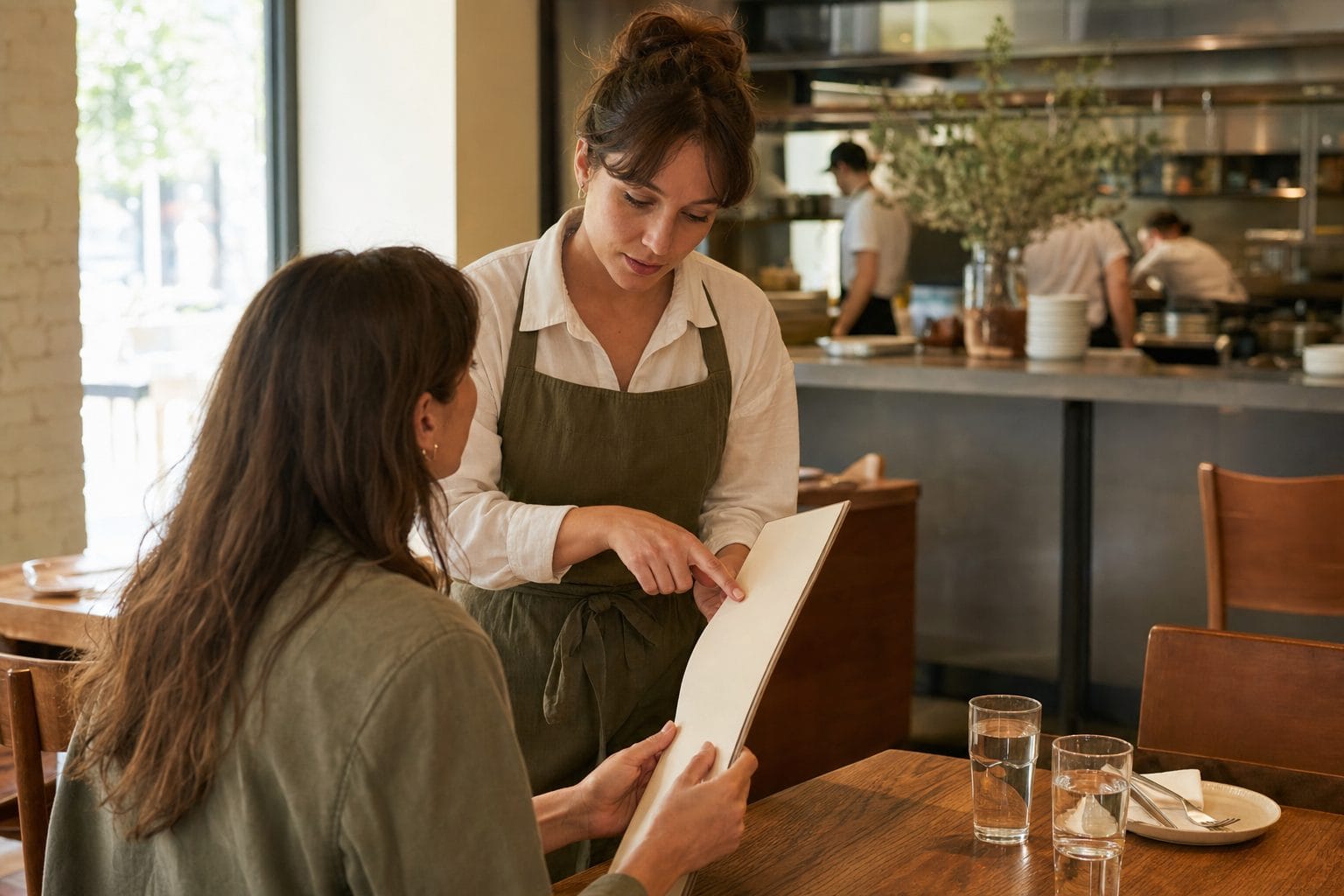
This is where a trained chatbot is more useful than a static PDF. A guest might ask for vegetarian starters, dishes without shellfish, the children's menu or the minimum spend for a set menu.
The bot can retrieve documented ingredients and dietary labels. It must not guarantee that a dish is allergen-free or rule on cross-contamination. Menus change, kitchens share equipment and individual circumstances differ. The safe response gives the published information, tells the guest to alert staff and escalates serious allergy questions to the restaurant.
Measure successful menu answers, human escalations and corrections. A low escalation rate is not the goal if the system is being overconfident.
3. Reserve: capture or complete the booking through an authorised path
Without a connected booking system, the chatbot can collect name, contact details, date, time, party size and notes, then email or route the enquiry. It can also send the guest to the restaurant's existing reservation page.
If a compatible reservation or calendar action is connected through Zapier MCP, the AI agent can take that authorised action during the conversation. Compatibility and available actions depend on the app the restaurant connects. FastBots does not have a native restaurant POS or reservation integration, so never promise a confirmed table unless the connected system has actually returned confirmation.
Measure completed booking links, qualified requests and booking actions confirmed by the source system.
4. Arrive: remove friction before the guest reaches the host stand
The final hour before a booking produces practical questions: where to park, which entrance is step-free, whether the table can be delayed, where a pushchair can go and how late the kitchen serves.
These are ideal for instant answers when the policy is explicit. Changes to a live reservation, complaints and urgent accessibility problems should reach a person. The bot should preserve context so the guest does not repeat the entire conversation.
Measure the volume of arrival questions answered and the response time for escalated cases.
5. Return: convert a completed visit into permission-based follow-up
After the meal, the chatbot can explain how to buy a gift voucher, join a loyalty scheme, enquire about a future event or leave feedback through an approved channel. It should not manufacture reviews, pressure unhappy guests or add people to marketing lists without consent.
Measure opted-in leads, private-event enquiries and feedback routed to a person. Revenue attribution should use actual bookings or purchases, not chat counts.
The framework keeps the system grounded in hospitality. Discover and Decide reduce uncertainty. Reserve and Arrive reduce friction. Return creates a respectful next step. Human staff still own safety, exceptions, complaints and the emotional work that makes a restaurant memorable.
What FastBots can actually do for a restaurant
FastBots can train a chatbot on website pages, menu PDFs, documents, spreadsheets and other approved sources. A restaurant can use separate material for its main menu, private dining, catering, accessibility, gift vouchers and frequently asked questions.
The same bot can then:
- Answer website questions around the clock.
- Reply across WhatsApp, Instagram, Messenger and Telegram using the same knowledge.
- Support around 95 languages, while keeping answers grounded in the source content.
- Collect guest details through built-in lead capture and email them to the team.
- Accept file and image uploads in a chat when a workflow needs them.
- Hand a conversation to a person through Live Chat on the Business plan and above.
- Send captured information to other tools through standard Zapier or Make workflows.
- Take configured actions during the conversation through Zapier MCP.
- Handle a reservations or events inbox through Email Replies on the Business plan and above, using auto-send or human approval.
There are important limits. FastBots does not answer phone calls, provide native SMS or connect natively to restaurant POS and reservation systems. It should not take payment by pretending a chat response is a checkout. It can provide a link or use an authorised connected action if the chosen app supports it.
The strongest use case is not replacing every restaurant system. It is giving guests a consistent text front door and routing each conversation into the right human or connected process.
Why the channel mix matters
A restaurant does not have one queue. It has a website, phone, Google profile, Instagram inbox, Messenger, WhatsApp and perhaps a reservations email address. Guests choose the channel that is convenient for them, not the one that is easiest for the operator.
Use each channel deliberately:
- Website chat is best for menu, policy, access and booking questions at the point of decision.
- Instagram and Messenger catch intent created by posts, reels and event promotion.
- WhatsApp gives locals and travellers a familiar written conversation with automatic lead details on that channel.
- Email suits private dining, catering and complex enquiries where documents and a longer thread matter.
- Phone remains important for guests who prefer voice and for urgent conversations.
The goal is not to force every guest into chat. It is to stop text enquiries from becoming four separate knowledge bases. FastBots' multilingual support is especially useful when visitors ask in different languages, but the restaurant should still review translations of safety-critical wording.
Transparent ROI for a restaurant chatbot
Use three value buckets and keep them separate.
Capacity recovered
Return to the example of 108 routine enquiries a week. If the chatbot handles 65% without staff intervention, it removes about 70 manual responses. At three minutes each, that is 3.5 hours recovered. At $22 per hour, the weekly capacity value is $77, or roughly $334 per month.
Qualified opportunities recovered
Assume the chatbot captures four after-hours private-dining enquiries a month that would otherwise receive no useful response. If one becomes an event worth $1,500 in contribution after food and direct labour, that is meaningful upside. Do not put $6,000 into the ROI model. Use the one converted event and record it in the booking system.
Software and operating cost
FastBots Essential is currently $39 per month and includes two chatbots, 2,000 message credits and supported integrations including Zapier MCP. Business is $89 per month and adds Live Chat, Email Replies, auto-retrain and other features. Check the current FastBots pricing because plans and limits can change.
The break-even equation is simple:
monthly software and maintenance cost / hourly capacity value = hours to recover.
At $39 and $22 per hour, the subscription alone breaks even at about 1.8 hours recovered each month. Add setup, testing and monthly content maintenance to the cost before claiming a return. Our broader chatbot ROI guide explains how to track containment, escalation, lead value and correction cost without inflating the result.
Seven steps to set up FastBots for a restaurant
1. Audit real guest questions
Sample recent calls, direct messages, emails and contact-form submissions. Group them into menu, dietary, booking, access, private dining, takeaway, vouchers, complaints and other topics. Mark which answers are stable and which depend on live judgement.
2. Build one approved information pack
Gather opening hours, menus, dietary labels, booking rules, cancellation policy, parking, accessibility, private-room capacities, minimum spends, catering terms and contact routes. Remove old menus and duplicate policy pages before training.
3. Train the chatbot on the smallest complete source set
Create a bot and crawl the relevant website pages. Upload menu PDFs and private-event documents. Do not add unrelated content because more documents do not automatically produce better answers. Test whether the bot cites the current menu rather than an archived one.
4. Write the house rules
Define tone and boundaries in plain instructions. For example: answer warmly and briefly; never guarantee an allergen-free dish; never confirm a booking unless the connected system returns confirmation; never quote a bespoke event price; escalate complaints, safety concerns and severe allergy questions.
5. Connect channels in order of demand
Install the website widget first, then connect the inboxes where guests already write. For many restaurants that means Instagram and WhatsApp before adding every available channel. Use lead-generation workflows to collect contact details and purpose without turning the conversation into an interrogation.
6. Connect actions carefully
Use standard Zapier or Make workflows to send completed lead data after a chat. Use Zapier MCP only when a real mid-conversation action is useful, such as checking an authorised calendar or creating a booking request. Test failure cases, duplicate submissions, unavailable times and the exact confirmation wording.
7. Run a service rehearsal and launch narrowly
Test at least 40 realistic questions across all five service moments. Include a changed menu item, a severe allergy, a fully booked night, a late arrival, a complaint, a 50-person event and a guest requesting a human. Launch on one or two channels, review conversations daily for the first week, then expand only when corrections are understood.
For booking flows, the principle is simple: a link is not a confirmed reservation, a captured request is not a confirmed reservation, and a connected action is confirmed only when the source system says it succeeded. The booking use case shows how to design that path without blurring those states.
FastBots vs Slang AI, Loman AI and Popmenu
These products solve related problems, but they enter the restaurant through different doors.
| Platform | Main channel and current public pricing | Strongest fit | Honest limitation |
|---|---|---|---|
| FastBots | Multi-channel text platform. Essential from $39/month; Business from $89/month | Restaurants wanting one trained answer source across web, WhatsApp, Instagram, Messenger and email, with connected actions through Zapier MCP | No voice or phone answering and no native POS or reservation integration |
| Slang AI | Restaurant voice AI. Core currently starts at $379 per location | Full-service and multi-location operators wanting phone reservations, call handling and direct reservation-platform integrations | Higher per-location entry cost and a phone-first proposition rather than a broad text-channel platform |
| Loman AI | Restaurant voice AI with quote-based Starter and Premium plans | Operators wanting phone ordering, reservations, payments and deep POS connections | No public entry price and likely more implementation than a simple website and messaging assistant |
| Popmenu | AI phone answering from $149 per month | Restaurants wanting calls answered and guests texted links for ordering or reservations | Phone-first and tied to the wider Popmenu restaurant platform rather than a channel-neutral knowledge layer |
FastBots is not an automatic winner. If unanswered calls are the dominant problem and deep phone booking is essential, a restaurant-specific voice platform may be the better purchase. If guests mainly ask through the website and social messaging, or the restaurant wants one bot across several written channels, FastBots is the more natural fit. Some operators may use both, with a voice product handling calls and FastBots handling text.
Common mistakes to avoid
Training on an old menu. Archive or remove expired files before upload. On Business and above, auto-retrain can revisit selected pages, but staff still need an owner for menu changes.
Turning dietary information into an allergy guarantee. The bot can repeat documented ingredients and labels. Kitchen staff must own cross-contamination and safety decisions.
Calling every booking request confirmed. Use explicit states: link sent, request captured, action submitted or booking confirmed by the reservation system.
Automating complaints. A holding response and rapid handoff are safer than an AI agent negotiating compensation or arguing with a guest.
Copying one script to every channel. Website questions, Instagram messages and event emails have different levels of detail. Keep one knowledge source but tune the response style to the channel.
Measuring chat volume instead of business value. Count recovered staff time, completed bookings, qualified event enquiries, correction rate and escalation speed.
Removing the human route. Guests should be able to ask for a person clearly. Good automation makes human hospitality easier to reach when it matters.
Frequently asked questions
Can a restaurant chatbot book tables?
It can send a guest to the restaurant's booking page or capture a request for staff. If a compatible booking or calendar action is connected and authorised through Zapier MCP, the AI agent may complete the action during the chat. FastBots has no native restaurant reservation integration, so the source system must confirm success.
Can it answer allergy questions safely?
It can provide documented menu and ingredient information, but it should never guarantee that a dish is allergen-free or safe from cross-contamination. Serious allergy questions should be escalated to trained restaurant staff.
Does FastBots answer restaurant phone calls?
No. FastBots is text-based across website and supported messaging channels. Restaurants needing automated call handling should consider a voice-first product such as Slang AI, Loman AI or Popmenu, or use both types of platform.
Which channels can use the same FastBots chatbot?
A trained bot can be deployed on a website and connected to WhatsApp, Instagram, Facebook Messenger, Telegram, Slack and other supported surfaces. Email Replies is available from the Business plan.
Can it take food orders or payments?
FastBots does not natively operate a restaurant POS or process payments. It can provide an ordering link, capture an enquiry or take an authorised action through a connected app when that app and action are supported.
How much does a restaurant chatbot cost?
FastBots has a free plan for testing. Essential is currently $39 per month, while Business is $89 per month and adds Live Chat, Email Replies and auto-retrain. Voice-first restaurant tools generally use separate per-location or quote-based pricing. Always confirm current plans before buying.
How quickly can a restaurant launch one?
A basic website bot can be installed quickly, but a safe production launch should include a question audit, current menu and policy sources, written guardrails, channel testing and human handoff. Allow time for a proper service rehearsal rather than treating the embed code as the whole project.
Will a chatbot replace front-of-house staff?
It should not. The useful role is to absorb repetitive written questions, capture structured intent and route exceptions. Staff remain responsible for in-room hospitality, safety, complaints, judgement and the personal moments that create loyalty.
Give every written enquiry a front door
The best restaurant chatbot is not a digital waiter trying to run the dining room. It is a trained, consistent front door for the questions and enquiries that arrive before, during and after service.
Use the Five Service Moments Framework to define its job: help guests Discover, Decide, Reserve, Arrive and Return. Keep allergens, complaints and unconfirmed bookings behind clear human guardrails. Then measure recovered time and real opportunities, not the novelty of the technology.
You can build and test a FastBots chatbot for restaurants free. Start with your current menu, twenty real guest questions and one busy written channel. If it earns its place there, expand from evidence.