Chatbot for Personal Trainers: Turn DMs Into Consultations
Learn how a personal trainer chatbot answers enquiries, qualifies prospects and arranges consultations while keeping health and coaching decisions human.

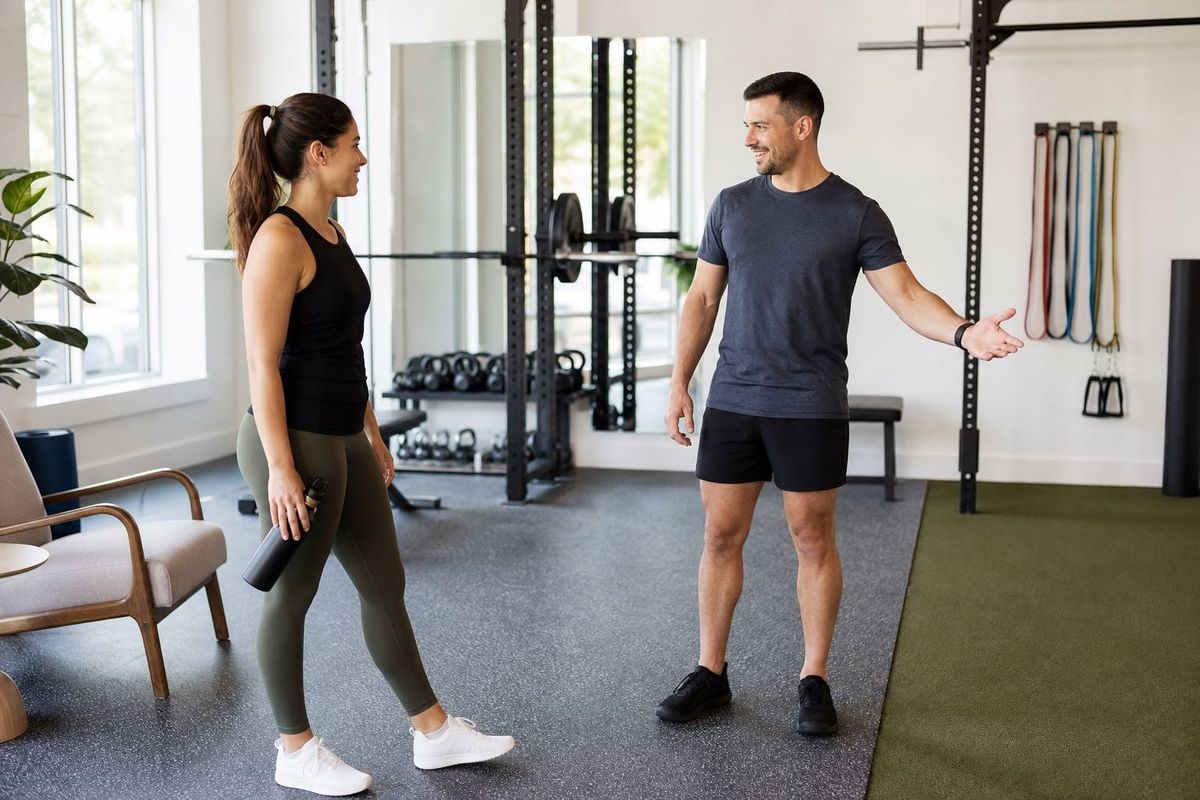
A potential client watches one of your training clips at 9.15 pm, opens Instagram and asks, "How much is online coaching, and can you help me get stronger after a long break?"
You are coaching, travelling home or trying not to run your business from the sofa. By the time you reply, the prospect may have messaged another trainer. A rushed answer can create a different problem: a vague price, an implied result or a consultation arranged without the information you need.
A useful chatbot for personal trainers sits between silence and overpromising. It answers from your approved services and policies, asks a short sequence of fit questions, and moves an appropriate prospect towards a real next step. It does not diagnose an injury, prescribe a programme, approve somebody for exercise or replace the trainer-client relationship.
The chatbot is the conversational interface. It behaves more like an AI agent when it keeps context, routes an enquiry, drafts an email or takes a configured action through another app. That distinction matters because the job is not merely to talk. The job is to create a safe, accurate handoff.
This guide introduces the Consult-Ready Relay: Catch, Clarify, Fence, Confirm and Hand Off. We will use it to examine the real cost of scattered enquiries, the right role for Instagram and other channels, transparent ROI, a seven-step FastBots setup and an honest comparison with Manychat, Jotform AI Agents and ABC Trainerize.
What can a chatbot for personal trainers actually do?
A personal trainer chatbot is a conversational layer trained on information you approve. That information can include coaching formats, session locations, service areas, programme lengths, published prices, consultation steps, cancellation policies, equipment expectations, opening hours and the broad types of clients you serve.
For a prospective client, it can answer questions such as:
- Do you offer one-to-one, small-group, online or hybrid coaching?
- Where do sessions take place?
- What packages are available and what do published prices include?
- Do you work with beginners, older adults or a particular sport?
- How does the initial consultation work?
- What availability can the trainer review?
FastBots for fitness instructors can be trained on selected web pages, documents, spreadsheets and other approved sources. It can run on a website and connect to Instagram, WhatsApp, Messenger and Telegram. The same knowledge can therefore support the prospect who arrives through a search result and the follower who replies to a training post.
The system can also collect the details needed for a useful follow-up: goal, preferred coaching format, location or time zone, broad availability, experience level, desired start window and contact information. FastBots lead generation turns that conversation into a structured lead rather than another screenshot in the trainer's camera roll.
If you connect a compatible calendar or CRM through Zapier MCP, the AI agent can take an authorised action during the conversation, such as checking a calendar, creating a contact or booking a consultation. The action depends on the app, account and permissions you configure. A standard Zapier or Make workflow can instead move captured details after the conversation.
The boundaries are just as important. FastBots is text based, with no phone calls or native SMS. It is not a personal-training CRM, programming platform, health-screening system, payment processor or native scheduler. It should not invent availability, confirm an unverified payment, assess pain, give medical advice or generate a personalised plan as if the trainer had reviewed it.
The measurable cost of scattered fitness enquiries
Solo trainers rarely have a formal sales desk. Enquiries arrive between sets, through DMs, website forms, WhatsApp messages and emails. A prospect asks for a price, the trainer asks about goals, the prospect answers the next day, and the conversation pauses while somebody finds a booking link. Each interruption is small. The aggregate is not.
Measure the routine load first. Suppose an independent trainer receives 120 written enquiries a month across all channels. If 60% ask questions that approved content could answer and each takes an average of five minutes, the monthly load is:
120 enquiries x 60% x 5 minutes = 360 minutes, or 6 hours.
At a working value of $45 per hour, that is $270 of capacity. It is not an automatic cash saving. It is time that could move towards paid sessions, programme review, client retention or deliberate follow-up.
Now measure the clarification loop. Imagine 36 reasonably serious prospects a month, with half missing two or more details needed for a consultation. If each clarification takes eight minutes in total, that creates:
36 prospects x 50% x 8 minutes = 144 minutes, or 2.4 hours.
Do not assume every late reply loses a client. Track median first-response time, complete-fit-field rate, consultation booking and attendance rates, and conversion from attended consultation to paid package. Compare business hours with evenings and weekends.
Also measure false progress. A calendar link clicked is not a booking. A booked consultation is not an attended consultation. An attended consultation is not a paid client. A chatbot earns its place only when it improves a stage you can verify.
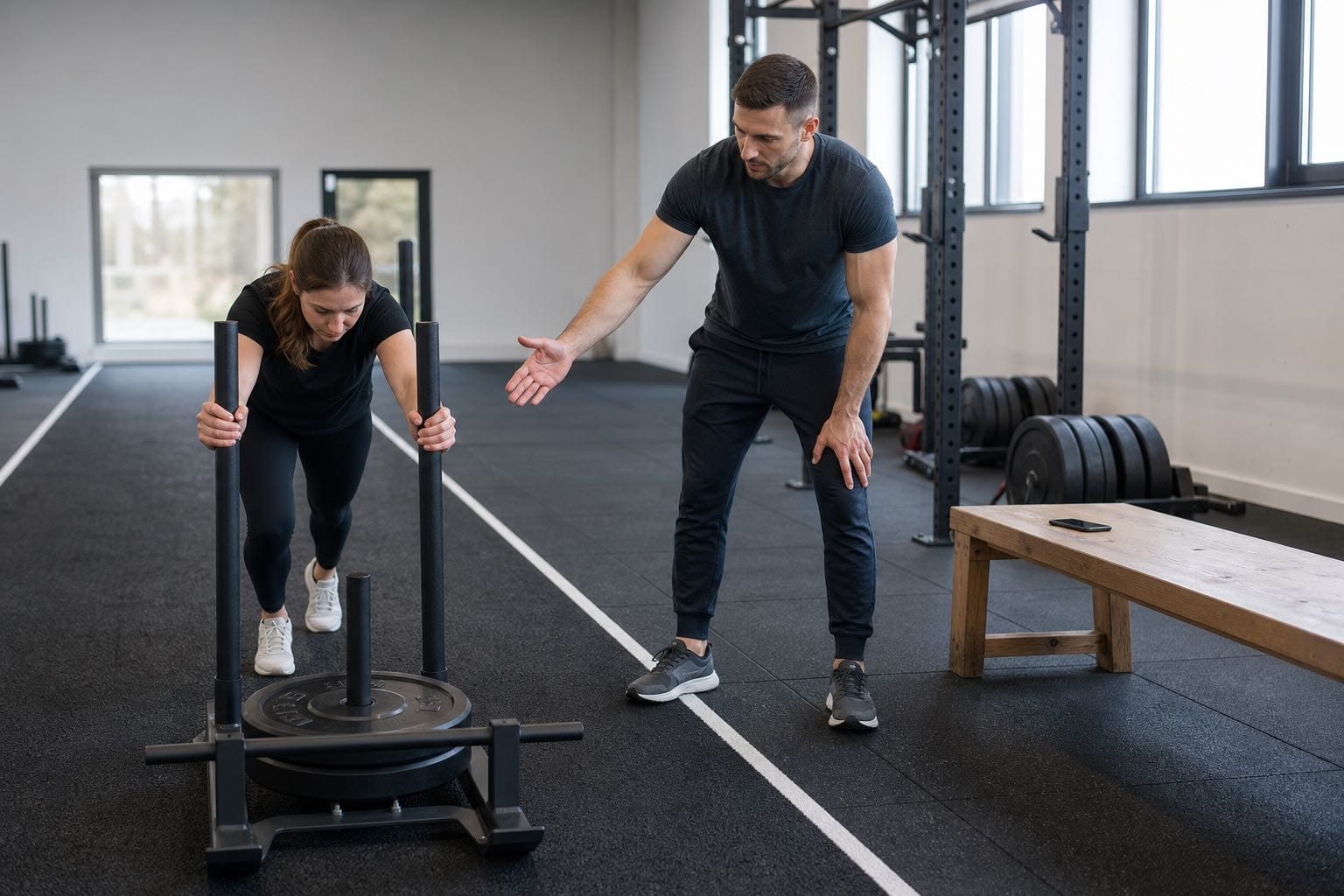
The Consult-Ready Relay
The Consult-Ready Relay gives a personal trainer chatbot five distinct jobs. Each job has a finish line, so the conversation does not drift into coaching or health decisions simply because the prospect keeps typing.
1. Catch the signal
The first job is to respond where genuine interest appears. On a website, that might be a visitor reading the coaching page. On Instagram, it may be somebody asking about price, location or availability after seeing a post. On WhatsApp, it may be a direct referral from an existing client.
The opening should make the next step obvious without pretending every visitor is ready to buy. A useful message might say: "I can explain the coaching options and help you request a consultation. What kind of support are you looking for?"
Keep the choices broad: one-to-one training, online coaching, small-group sessions, a specific class or general information. The goal is orientation, not a 14-question intake form before the prospect has received any value.
2. Clarify practical fit
Once the intent is clear, collect only the information needed to decide the next business step. A compact consultation brief might include:
- the main goal in the prospect's own words;
- preferred coaching format;
- location or time zone;
- broad days and times;
- relevant experience level;
- desired start period;
- the best contact route.
Ask one or two questions at a time. Explain why the information is useful. "Which days usually work for you?" feels lighter and produces better data than presenting a wall of fields.
Separate practical fit from professional assessment. The chatbot can record that somebody mentions back pain or a recent operation, but it must not decide whether training is appropriate. Health details should trigger the trainer's approved screening and referral process, not an improvised recommendation.
3. Fence health and coaching judgement
This is the most important stage. Personal training sits close to health, pain, nutrition and body image. A conversational system can sound confident even when the right answer is, "A qualified person needs to review this."
Write explicit boundaries for injuries, symptoms, pregnancy, medication, eating disorders, rehabilitation, medical conditions, supplements and guaranteed results. The bot should not declare an exercise safe, interpret a diagnosis or calculate a therapeutic diet.
Professional standards support this separation. CIMSPA describes personal trainers as working within their scope and referring clients to physiotherapists, registered dietitians or medical specialists when appropriate. CSEP likewise treats pre-participation screening as an essential process rather than a casual chat question.
Use a simple action rule: record the concern in the person's own words, give the business's approved safety message, and route it to the trainer. The bot may send a link to the trainer's formal screening form, but completion of a form is not clearance to exercise.
4. Confirm the real next step
When practical fit is established and no fence has been triggered, offer the correct next step. That might be a consultation request, a discovery call link, a trial-session request or a message saying the trainer will review availability.
State the system status precisely. If a connected calendar confirms Tuesday at 6 pm, the AI agent can repeat the confirmed appointment. If it has only captured a preferred time, say that the time has been sent for review. If the trainer uses a simple scheduling link, a custom booking button can open that page, but the button itself does not complete the booking.
The same discipline applies to price and payment. The bot can explain published packages, but should route discounts, refunds and bespoke requests. Never claim a payment has been taken unless the connected source confirms it.
5. Hand off a useful brief
The trainer should receive a short summary, not a transcript they have to decode between clients. A good handoff includes the prospect's name, contact route, goal, format, location, broad schedule, start window, question still unanswered, any health or scope flag, and the exact next state.
For example: "Maya is seeking one-to-one strength coaching in Bristol, prefers weekday evenings, hopes to start next month and has requested a consultation. She mentioned recurring knee pain. No session has been confirmed. Trainer review required before any exercise guidance."
That summary lets the trainer begin with attention rather than interrogation. It also makes it easier to audit the fields, safety fence and booking state.
Build a channel mix around how prospects actually enquire
Independent trainers often assume Instagram must do everything because it generates attention. It is important, but it should be one doorway into a shared process.
Instagram for the first question
FastBots' Instagram integration can respond to user messages using the knowledge and tone configured for the chatbot. That suits service questions and inbound DMs while the trainer is with a client.
Instagram has channel limitations. Custom buttons fall back to plain text links, and FastBots does not claim comment-to-DM campaigns or broadcast marketing. A social-first platform may be better if those are core requirements.
Website chat for comparison and trust
The website is where prospects can compare formats, policies and trainer fit without the compression of a social profile. A trained chatbot can answer deeper questions, collect a lead and show relevant links while the service pages remain the source of truth.
This is also where the solo-trainer angle differs from the FastBots approach for gyms. A facility may optimise class occupancy, membership enquiries and front-desk coverage. An independent trainer is usually qualifying fit for a personal service with limited diary capacity.
WhatsApp for a direct, contactable conversation
WhatsApp can be useful after a referral or website click. When a customer messages a connected FastBots WhatsApp bot, their WhatsApp display name and phone number are captured in Leads. The conversation can continue using the same approved knowledge.
That does not create consent for unrelated campaigns, and it does not turn FastBots into native SMS. Set expectations about who sees the conversation, how follow-up works and what information the prospect should not submit in chat.
Email for detailed enquiries
Some prospects send longer questions about packages, travel, previous experience or online coaching. On the Business plan, FastBots Email Replies can draft or send responses from approved knowledge and maintain the thread. Human approval is the safer starting mode for fitness enquiries because health and suitability details can appear unexpectedly.
The useful architecture is one approved answer base, channel-specific openings and a consistent handoff state.
A transparent ROI model for an independent trainer
ROI should be built from your own funnel, not a vendor's best case. Separate capacity value from additional gross contribution so the same benefit is not counted twice.
Consider this illustrative month:
- 120 written enquiries arrive.
- Routine answers and clarification currently consume 8.4 hours.
- The chatbot removes or shortens 60% of that work.
- The trainer values reclaimed capacity at $45 per hour.
- Faster, structured follow-up produces two additional attended consultations.
- One of those consultations becomes a client.
- The first package contributes $300 after direct delivery costs.
Capacity value is:
8.4 hours x 60% x $45 = $226.80.
Additional gross contribution is:
1 additional client x $300 = $300.
Combined monthly value is $526.80 before software and setup costs. If the trainer uses FastBots Essential at $39 a month, the simple net is $487.80. If Email Replies or live chat requires Business at $89 a month, the simple net is $437.80.
This is a planning model, not a forecast. The extra client may not recur monthly. Use contribution after delivery costs, and include setup, review and maintenance time.
Use current FastBots pricing for the software line. Run the system for four to six weeks and compare qualified enquiries, response times, consultations booked, consultations attended and new-client contribution against a sensible baseline.

Seven steps to set up FastBots for a personal training business
1. Define the job and the stop signs
Start with one job: turn service enquiries into consult-ready leads. List what the chatbot may answer, what it may collect, which actions it may take and which topics always require a person. Include health, injury, nutrition, pregnancy, medication, refunds, bespoke pricing and guarantees.
2. Build a clean approved knowledge set
Gather current service pages, price sheets, package rules, locations, consultation steps, cancellation policy, FAQs and contact routes. Remove expired offers and contradictions before training.
3. Design the shortest useful qualification path
Choose the minimum fields the trainer needs before a consultation. Write different paths for one-to-one, online and group enquiries if their fit criteria differ. Keep the questions conversational and allow the visitor to ask something else.
4. Write precise action-state language
Define the words for each state: requested, pending review, booked, paid, accepted and declined. Tell the bot which connected result authorises each statement. This one step prevents a large share of automation embarrassment.
5. Connect channels deliberately
Begin with the website and the highest-value inbound channel, often Instagram or WhatsApp. Test the same questions across both because buttons, links and message length behave differently. Add other channels only when the handoff works.
6. Add external actions with narrow permissions
Connect calendar or CRM actions through Zapier MCP with only the permissions required. Test successful bookings, unavailable slots, duplicates, time zones and tool errors. Standard Zapier or Make may be enough when data only moves after capture.
7. Review real conversations every week
Read a sample of wins, abandoned chats, escalations and wrong answers. Add approved answers for recurring gaps, shorten questions that cause drop-off and tighten any unsafe phrasing. Chatbot best practices matter most after launch, when actual language replaces your imagined test cases.
FastBots vs Manychat vs Jotform AI Agents vs ABC Trainerize
These products solve different parts of the trainer's workflow. The right choice depends on whether the bottleneck is multi-channel service enquiries, social campaign automation, conversational forms or coaching delivery.
| Platform | Strongest fit | Channels and actions | Pricing shape | Important limitation |
|---|---|---|---|---|
| FastBots | One trained answer and qualification layer across web and messaging | Website, Instagram, WhatsApp, Messenger, Telegram, Slack and more; configured mid-chat actions through Zapier MCP | Free plan; Essential is $39 monthly; Business is $89 monthly and adds Email Replies and live chat | Not a coaching platform, phone agent, native SMS service or native scheduler |
| Manychat | Instagram-first creators who need comment, DM, broadcast and campaign automation | Strong social triggers, flows, inbox and AI conversation features across selected plans | Contact-based tiers; Essential starts at $17 monthly or $14 monthly on annual billing, while AI conversations are positioned on Pro and above | Less suited to being a broad website-trained knowledge layer; plan availability can vary by region |
| Jotform AI Agents | Conversational intake tied closely to forms, appointments and Jotform workflows | Chat, Instagram, WhatsApp, phone, SMS, Gmail and form-connected actions | Free entry tier with paid plans and separate usage limits across agents, conversations, sessions, voice and SMS | Broader toolset can be more than a solo trainer needs; compare limits carefully |
| ABC Trainerize | Delivering programmes, nutrition support, progress tracking and client coaching after sale | Client app, scheduling, payments, programme delivery and coaching communication | Free for one coaching client; Grow starts at about $10 monthly, with business features available through add-ons or higher plans | It is primarily a coaching operations platform, not a general website and social enquiry chatbot |
Choose FastBots for controlled answers and qualification across text channels, Manychat for social growth mechanics, Jotform for form-centred intake, and ABC Trainerize for programme delivery and client management.
Some trainers will combine categories. For example, FastBots may handle pre-sale enquiries while ABC Trainerize manages paying clients. Integration only earns its keep when ownership is clear. Pick one system of record for each field and avoid creating three versions of the same prospect.
Common mistakes to avoid
Letting the bot become an unqualified coach
Answer service questions from approved content. Do not let a pre-sale bot prescribe workouts, diagnose pain, interpret medical information or promise outcomes. CIMSPA's personal trainer scope is a useful reminder that qualified humans still work within boundaries and refer when needed.
Asking for sensitive details too early
A stranger asking about price does not need to disclose a medical history. Collect practical fit first. Move formal screening into the trainer's approved process and explain how the data will be used.
Treating every DM as a hot lead
Some people want one answer. Do not force them through qualification or collect contact details before providing basic value. Measure genuine consult-ready leads, not raw conversation volume.
Publishing stale prices and availability
Train on current source pages and review them after any offer or diary change. If availability changes frequently, use a connected source or describe it as subject to confirmation.
Automating every channel at once
Start where real enquiries already arrive. A clean website and Instagram handoff is more valuable than six inconsistent automations nobody reviews.
Hiding the human handoff
Tell prospects when a real trainer will review the enquiry and how they will respond. Automation should make the personal service feel more organised, not less personal.
Frequently asked questions
Can a chatbot book personal training consultations?
Yes, if you connect a compatible calendar through Zapier MCP and authorise the relevant action. It can also show a scheduling link or collect preferred times. Describe an appointment as booked only when the calendar confirms success.
Can FastBots reply to Instagram DMs?
Yes. A FastBots chatbot can connect to Instagram and respond to user messages using its trained knowledge and instructions. It does not claim every Instagram marketing feature, such as comment-triggered campaigns or broadcasts.
Can the chatbot create workout or nutrition plans?
That should not be the role of a pre-sale personal trainer chatbot. It may explain the trainer's published service and general process, but personalised programming, health interpretation and nutrition advice require the qualified trainer's judgement and scope controls.
Does FastBots replace personal training software?
No. It does not replace a platform for programme delivery, progress tracking, billing, waivers or client records. It can sit in front of those systems and pass qualified information through configured integrations.
Is FastBots suitable for a solo personal trainer?
Yes, when the trainer receives enough repetitive written enquiries to justify a consistent answer and handoff layer. A low-volume trainer should start with the free plan or a narrow pilot and measure whether it improves response time or consultation quality.
Can it handle phone calls or SMS?
No. FastBots is text based and does not provide phone or native SMS. It supports website chat and messaging channels including Instagram, WhatsApp, Messenger, Telegram and Slack.
What information should the chatbot collect?
Usually goal, coaching format, location or time zone, broad availability, experience level, desired start period and contact details. Collect health information only through an approved process and only when necessary.
How quickly should a trainer launch?
A focused pilot can be set up quickly, but quality comes from testing. Start with approved service information, 20 to 30 real questions, explicit safety fences and one channel. Review conversations before adding actions or more channels.
Turn more enquiries into good first conversations
A chatbot for personal trainers should not try to be the trainer. It should make the trainer easier to reach, represent the service accurately and prepare a better first conversation.
The Consult-Ready Relay keeps that job clear: catch the enquiry, clarify practical fit, fence professional judgement, confirm the real next step and hand off a useful brief. That is enough to reduce repetitive admin without automating the trust at the centre of coaching.
Build a FastBots chatbot for your personal training business, train it on your approved services and test the process with real enquiry language before you connect any live action.