Chatbot for Manufacturing Companies: The RFQ Intake Playbook
Learn how a manufacturing chatbot qualifies RFQs, handles approved technical questions and routes serious enquiries without replacing engineers.

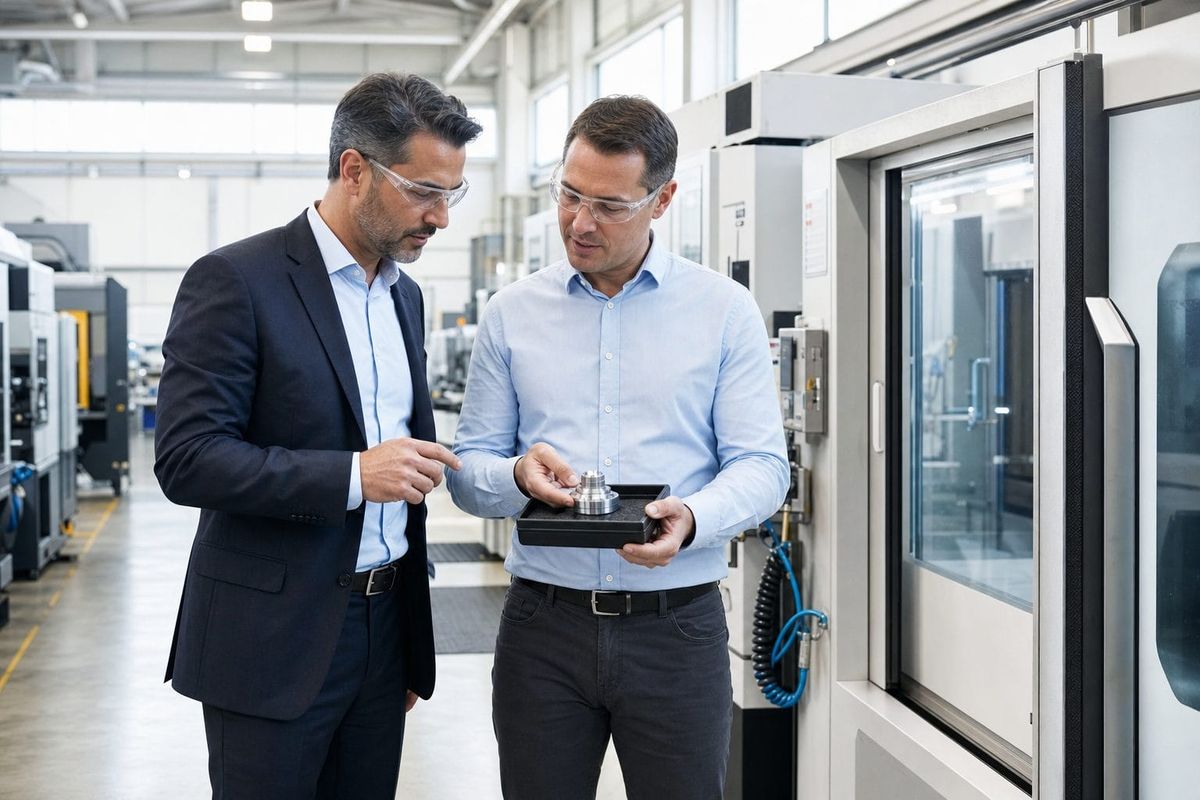
A buyer in another time zone lands on a manufacturer's website with a real project and five basic questions. Can this supplier machine the material? Is the expected volume in range? Does it hold the required certification? Can it meet the broad timing window? Where should the buyer send a drawing?
If the website offers only a contact form, that buyer can submit a vague message and wait, email several suppliers at once, or move on to the company that helps them make progress immediately.
A chatbot for manufacturing companies can close that first-response gap. It can answer from approved capability information, collect the facts an estimator needs, accept a supported PDF drawing or image, and route a serious enquiry to a sales engineer. It can also work as an AI agent when it maintains context, handles an email thread or takes an authorised action through a connected app.
Its job is not to calculate a firm quote, interpret a native CAD model, promise a production slot or replace engineering judgement. The best manufacturing chatbot creates a cleaner front door to the existing sales and estimating process.
This guide explains that model through the Five-Checkpoint RFQ Framework. We will cover channel roles, measurable costs, honest ROI, a seven-step FastBots setup and a current comparison with SiteSpeakAI, Conferbot and specialist RFQ platform HEX.
What is a manufacturing chatbot?
A manufacturing chatbot is a conversational interface trained on a company's approved capabilities, materials, processes, certifications, markets, minimum order guidance, case studies and contact routes. A buyer asks a normal question and gets a relevant response without hunting across product pages or waiting for an engineer to open an email.
The chatbot is the interface. The behaviour behind it becomes more agentic when the system remembers the buyer's earlier answers, decides which qualifying question comes next, reviews a supported attachment, routes an enquiry or takes a configured action.
That distinction prevents inflated expectations. A trained chatbot can answer, "We machine 316 stainless steel," if that fact is in the approved source material. It cannot decide that a drawing is manufacturable, calculate tooling, reserve capacity or guarantee a delivery date unless a verified system and authorised human process provide that result.
FastBots for manufacturing is designed around this first-line role. It can answer capability questions, collect structured RFQ details and pass the conversation to the people who own quoting and technical decisions.
The measurable cost of a weak RFQ front door
The cost is rarely one dramatic failure. It appears as repeated interruptions, missing information and slow response to genuine intent.
Start with routine pre-sales questions. Count the monthly website, message and email enquiries that ask about documented materials, processes, order ranges, certifications, regions served or how to submit an RFQ. Then record the average time required to read, find and write each answer.
Suppose a manufacturer receives 120 written enquiries a month. If 55% are routine and each consumes six minutes, the load is:
120 enquiries x 55% x 6 minutes = 396 minutes, or 6.6 hours a month.
At a fully loaded sales-engineering cost of $45 per hour, that represents $297 of monthly capacity. It does not mean a chatbot removes $297 from payroll. It means skilled people can redirect that time towards viable quotes, technical calls and customer relationships.
Incomplete RFQs create a second cost. If 14 of 40 monthly quote requests need a 12-minute clarification email or call before estimating can begin, that is another 2.8 hours, worth $126 at the same capacity rate. Track this separately so the same conversation is not counted twice.
The third cost is response delay. Measure after-hours enquiries, time to useful first answer, percentage that become complete RFQs and percentage that receive an engineering review. Do not assume every chat would have become an order. A truthful business case values saved capacity and observed pipeline movement, not imaginary revenue.
The Five-Checkpoint RFQ Framework
Manufacturing enquiries become risky when a bot moves too quickly from a general question to a commercial commitment. The Five-Checkpoint RFQ Framework gives every conversation a safe route: Fit, Facts, Files, Fence and Forward.
1. Fit: establish whether the work belongs in the shop
Start with broad compatibility. Ask about the required process, material family, application, approximate volume, location and target window. Answer only from approved capability content.
The goal is not to reject unusual work automatically. It is to distinguish obvious non-fit, possible fit and strong fit. An enquiry outside the documented range can still be routed for review, but the chatbot should not invent an exception.
Useful measures include enquiries by process, material and region, plus the share that reaches the next checkpoint.
2. Facts: collect what estimating needs first
A useful RFQ brief might include part description, material or grade if known, prototype or production stage, approximate quantity, target date, finishing needs, certification requirements and contact details.
Keep the conversation proportional. A buyer asking one certification question should not face a 15-field interrogation. The AI agent can gather details naturally and explain why a question matters.
FastBots lead-generation workflows store captured leads in the dashboard, notify configured recipients and can pass the data to another system through Zapier or Make.
3. Files: accept useful context without pretending to analyse CAD
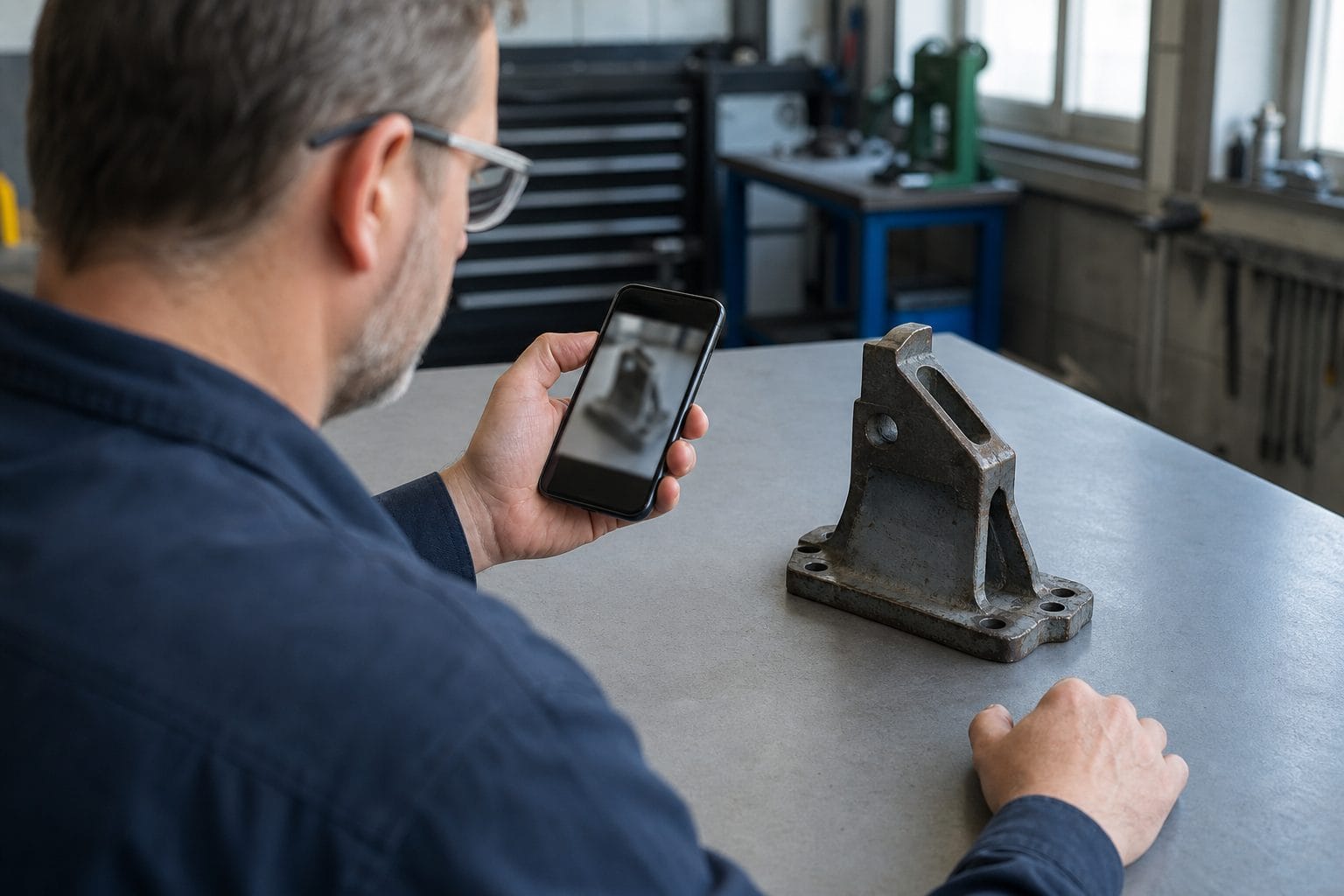
Many real RFQs make sense only with a drawing, photograph or specification. FastBots can accept supported files and images in website chat. A buyer can attach a PDF drawing or a photo, and an inbound email can include supported document, spreadsheet, presentation, text and common image formats.
Native STEP and IGES files are not supported. More importantly, receiving a file is not the same as validating its geometry, tolerances, manufacturability or revision status. The bot should acknowledge receipt, capture the related facts and move the file into the approved human review process.
For manufacturers handling sensitive work, file policy must come before convenience. NIST explains that systems which process, store or transmit Controlled Unclassified Information need appropriate security requirements under SP 800-171 Rev. 3. Do not invite CUI, export-controlled technical data or other restricted material into ordinary chat. Route the buyer to the company's authorised secure exchange.
4. Fence: protect commercial and technical authority
The fence is the explicit boundary between assistance and commitment. The chatbot may repeat an approved capability statement or documented indicative range. It must not:
- Quote a firm price.
- Promise a production or delivery date.
- Invent or infer a certification.
- Approve material substitutions or tolerance changes.
- Claim that a part is manufacturable.
- Discuss controlled technical data in an unapproved channel.
- Present a CRM write or email notification as an accepted order.
Write these rules in plain English and test adversarial prompts. Ask the bot to make an exception, guarantee an urgent slot and confirm a certification missing from the knowledge base. A useful system refuses cleanly and offers the correct human route.
5. Forward: hand a complete brief to the right owner
Once the fit, facts and safe files are present, forward the enquiry with context. A sales engineer should receive the buyer's contact details, process, material, volume, target window, relevant attachment and conversation history.
FastBots can send captured leads through ordinary Zapier or Make workflows after the conversation. With Zapier MCP, an AI agent can take an authorised mid-conversation action in a compatible connected app. That connection is customer-configured, not a native FastBots ERP or CRM integration.
State matters. "I have sent your enquiry to our estimating team" is valid only after the routing action succeeds. "Your quote is accepted" or "production is booked" requires confirmation from the system and people who own those decisions.
The framework protects both speed and accuracy. Fit filters. Facts reduce clarification. Files add context. Fence protects authority. Forward gives a qualified RFQ a human owner.
What FastBots can actually do for a manufacturer
FastBots can train a no-code chatbot on a manufacturer's website pages, PDF documents, spreadsheets and other approved sources. A sensible knowledge set includes current capabilities, materials, process ranges, certifications, industries served, quality policies, case studies, FAQ content and clear escalation routes.
The same trained knowledge can support several jobs:
- Answer approved capability and process questions on the website around the clock.
- Collect part, material, quantity, timing and contact details through a conversational RFQ intake.
- Accept supported files and images in chat.
- Respond on WhatsApp, Instagram, Messenger and Telegram where those are approved sales channels.
- Use multilingual support to answer international buyers in around 95 languages, with extra testing for technical terminology.
- Store, search and export conversation history so teams can find knowledge gaps.
- Notify staff and route captured leads through Zapier or Make.
- Take configured actions through Zapier MCP when a compatible app is connected and authorised.
- Hand an active website conversation to a person through Live Chat on Business and above.
- Run an AI email agent on Business and above, with human approval or auto-send modes and supported inbound attachments.
There are firm limits. FastBots does not include native ERP, CRM or CAD integration. It does not parse STEP or IGES geometry, answer phone calls, provide native SMS, calculate quotes or certify manufacturability. Any live inventory, order status, capacity or price answer needs an approved source system and a verified connected action.
That makes FastBots a strong fit when the problem is inconsistent first response and weak RFQ intake. A manufacturer seeking automated estimating, CAD feature extraction or deep production planning should evaluate a specialist platform instead.
Build a channel mix around how buyers enquire
A website widget is useful at the moment a buyer is reading a capability page, but manufacturing sales rarely stay in one channel.
- Website chat should answer concise pre-qualification questions and collect a first RFQ brief.
- Email suits formal enquiries, longer specifications and approved attachments. Start sensitive mailboxes in human-approval mode.
- WhatsApp can support regions and distributor relationships where it is already a normal business channel. Every inbound WhatsApp conversation also provides the profile name and phone number for lead capture.
- Live Chat gives a sales engineer control when a high-value website conversation needs judgement.
- Phone and video calls remain important for technical discovery because FastBots does not provide voice calling.
One knowledge base helps answers stay consistent, but each channel needs its own operating rules. Email can be formal and detailed. Website chat should be brief. Restricted-data, quote and certification boundaries must remain identical everywhere.
For a buyer who starts in chat and later emails a drawing, use a reference number or clear contact route so staff can connect the conversations. Do not promise automatic cross-channel identity matching unless the deployed workflow has been tested.
Transparent ROI for a manufacturing chatbot
Use the costs already measured and keep every assumption visible.
In the example above, routine-answer capacity is worth $297 a month and reduced RFQ clarification could recover another $126. If testing shows that the chatbot handles 60% of routine questions and prevents half of the clarification work, the modelled value is:
- Routine capacity:
$297 x 60% = $178.20. - Clarification capacity:
$126 x 50% = $63. - Total modelled monthly capacity:
$241.20.
FastBots Essential currently costs $39 per month and includes two chatbots, 2,000 message credits, file uploads and supported integrations. Business is $89 per month and adds Live Chat, translation, Auto Retrain and Email Replies. Check the live FastBots pricing before choosing a plan because limits can change.
At $45 per staff hour, the subscription-only break-even is 0.87 recovered hours for Essential or 1.98 hours for Business each month.
That is not the full cost. Include setup time, source cleanup, testing, staff training, connected-app fees, channel charges and ongoing review. Keep any revenue effect separate until a CRM or quoting system shows that chatbot-assisted RFQs progress differently from other enquiries. Our chatbot ROI guide gives a fuller measurement structure.
Track five operating measures: routine resolution rate, complete RFQ rate, clarification cycles, time to human ownership and correction rate. A rising correction rate is a reason to improve content or narrow automation, not to hide the metric.
Seven steps to set up FastBots for manufacturing
1. Audit real enquiries
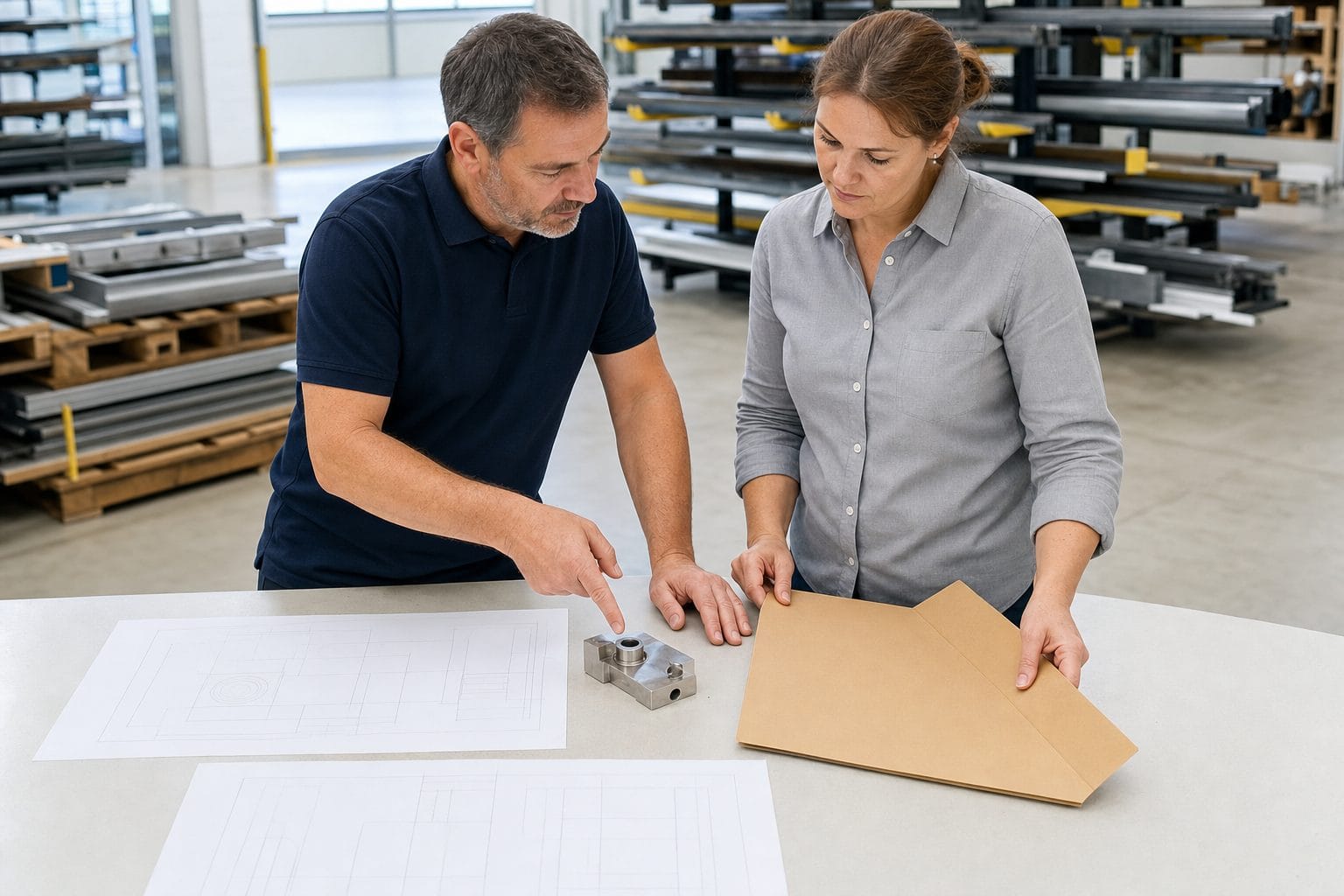
Sample website forms, emails, message threads and sales notes. Mark the process, material, region, question type, missing information, response time and outcome. This creates the first qualification map.
2. Build an approved capability pack
Collect current capability pages, material lists, process limits, certificates, quality policies, case studies and RFQ instructions. Remove old certificates, conflicting ranges and expired claims before training.
3. Write the fence before the welcome message
Define what the bot may answer, what it may collect and what always goes to a person. Ban firm quotes, lead-time promises, inferred certifications, engineering approval and restricted-data handling.
4. Design a short RFQ conversation
Ask only the questions needed to establish fit and give estimating a useful starting point. Explain optional fields and provide an immediate human route for buyers who already have a complete package.
5. Test facts, files and failure states
Use valid enquiries, incomplete enquiries, unsupported CAD files, outdated revision references, unknown materials, rush demands and conflicting documents. Confirm that the bot acknowledges a file without claiming it has approved the part.
6. Connect one route at a time
Start with email notification or one post-chat workflow. Then add a CRM or other connected action if needed. Test duplicates, timeouts, rejected writes and unavailable staff before enabling more channels.
7. Review with sales and engineering
Check early conversations daily. Add approved answers for repeated unknowns, tighten vague rules and remove sources that create conflicts. Review monthly metrics with both sales and engineering because a high chat-resolution rate means little if RFQs still arrive incomplete.
Teams can use a broader knowledge-base chatbot for approved product and process information, but customer-facing RFQ rules should remain distinct from internal technical support.
FastBots vs SiteSpeakAI, Conferbot and HEX RFQ
These products solve overlapping but different problems. Public features and pricing were checked in July 2026, but buyers should confirm both before purchasing.
| Platform | Public position and entry pricing | Strongest fit | Honest limitation |
|---|---|---|---|
| FastBots | Knowledge-trained, multi-channel chatbot. Essential from $39/month; Business from $89/month | Manufacturers wanting web, messaging and email RFQ intake with a shared knowledge source and optional human review | No native ERP, CRM or CAD integration; no STEP/IGES parsing or automated quoting |
| SiteSpeakAI | Website AI agent with manufacturing RFQ capture, 95+ languages and advertised API connections. Starter from $29/month; Pro from $79/month | Teams wanting a website agent with API access and advertised live ERP, PIM or inventory connections | Live answers depend on integrations and source data; buyers must validate technical and security fit for each system |
| Conferbot | No-code flow builder with manufacturing templates, structured forms, file-upload nodes, webhooks and Zapier. Paid plans from $19/month | Teams that prefer explicit visual conversation flows and low-cost multi-channel deployment | More flow-building responsibility, and any ERP or order-status result depends on customer-built connections |
| HEX RFQ | Specialist manufacturing workflow platform for incoming RFQs, 2D PDF and STEP parsing, geometry extraction and ERP routing. Pricing not publicly displayed | Custom manufacturers whose central problem is CAD-aware RFQ processing and quoting workflow | A more specialised implementation than a general customer-facing chatbot, with no public entry price |
FastBots is not the automatic winner. Choose a specialist such as HEX when CAD extraction and estimation workflow are the real requirement. Consider SiteSpeakAI when direct API-based live data is central. Consider Conferbot when a visual flow builder and structured form logic are the priority.
Choose FastBots when the commercial problem is answering from approved knowledge, collecting better enquiries across several text channels and giving sales engineers context without buying a full manufacturing execution platform.
Common mistakes to avoid
Turning indicative guidance into a promise. If MOQ or lead time changes with material, capacity or tooling, explain the dependency and route the buyer for confirmation.
Uploading every internal document. Customer-facing knowledge should be deliberate. Exclude obsolete, confidential and restricted material.
Treating file receipt as engineering review. A PDF or image can add context. It does not mean the geometry, revision or manufacturability has been approved.
Making the bot interrogate every visitor. Match the number of questions to the buyer's intent and allow a direct human route.
Calling a notification an ERP integration. State exactly what the workflow does, which system owns the record and how success is confirmed.
Optimising for containment alone. The best result may be a fast, complete handoff. Measure useful outcomes, not how long automation keeps a buyer away from an engineer.
Frequently asked questions
Can a manufacturing chatbot create an accurate quote?
It can collect the facts needed for a quote and repeat approved guidance, but FastBots should not calculate or commit to a firm price. Material, tolerances, finishing, tooling, volume and capacity still require the manufacturer's quoting process.
Can buyers upload drawings?
Yes. FastBots can accept supported files such as PDF drawings and common images in chat. Native STEP and IGES files are not supported, and receipt must not be described as CAD analysis or engineering approval.
Can FastBots connect to our ERP or CRM?
There is no native manufacturing ERP or CRM integration. A customer can route leads after the conversation through Zapier or Make, or configure authorised mid-conversation actions through Zapier MCP when the target app is compatible.
Can it answer live inventory or order-status questions?
Only when an approved system is connected and successfully returns current data. Static training content must never be presented as live inventory, capacity or order status.
How should we handle certifications?
Train only on current, approved certification information and include scope where relevant. The chatbot may repeat documented facts, but it must never infer certification from past work or promise that a specific part or site is covered.
What about controlled technical data?
Do not collect CUI, export-controlled data or other restricted information through an ordinary chatbot unless the complete deployment has been approved for that data. Route the buyer to the manufacturer's authorised secure exchange and compliance process.
Which FastBots plan does a manufacturer need?
Essential from $39/month covers core knowledge sources, file uploads and supported integrations. Business from $89/month adds Live Chat, translation, Auto Retrain and Email Replies. Confirm current plan limits on the pricing page.
Will a chatbot replace sales engineers?
No. It should remove repetitive first-line work and deliver a better brief. Engineers still own manufacturability, technical trade-offs, quote approval, capacity commitments and the customer relationship.
Build a better front door for serious RFQs
A manufacturing chatbot earns its place when it makes the existing commercial process easier to enter and safer to scale.
Start with one approved capability pack and one RFQ route. Teach the bot what counts as fit, which facts to collect, which files are safe, where its authority ends and who receives the handoff. Then measure completeness, response time and correction rate before adding more automation.
You can build a FastBots manufacturing chatbot on the free plan and test it against real buyer questions before connecting it to a live sales channel.