Best AI Tools for Home Service Businesses in 2026: 10 Compared by Workflow
Compare 10 AI tools for home service businesses by workflow, price, limits and measurable value, from lead capture and calls to quoting and field work.

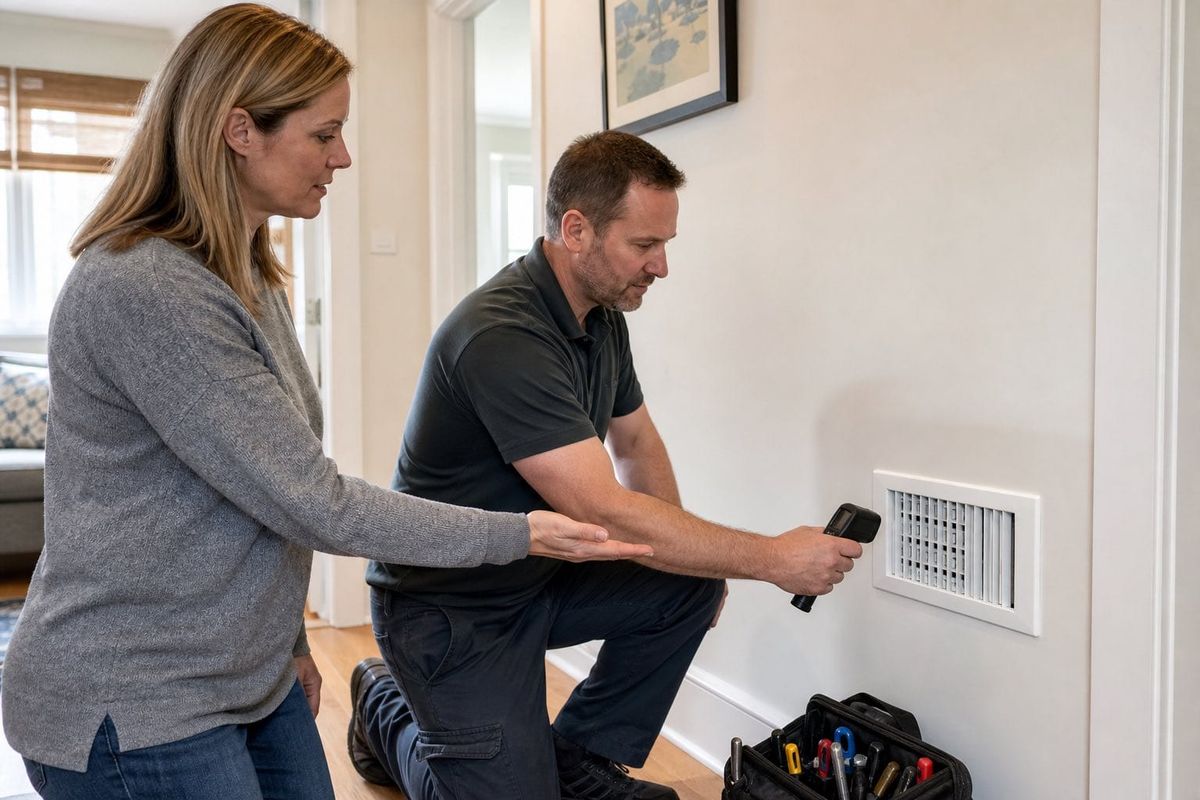
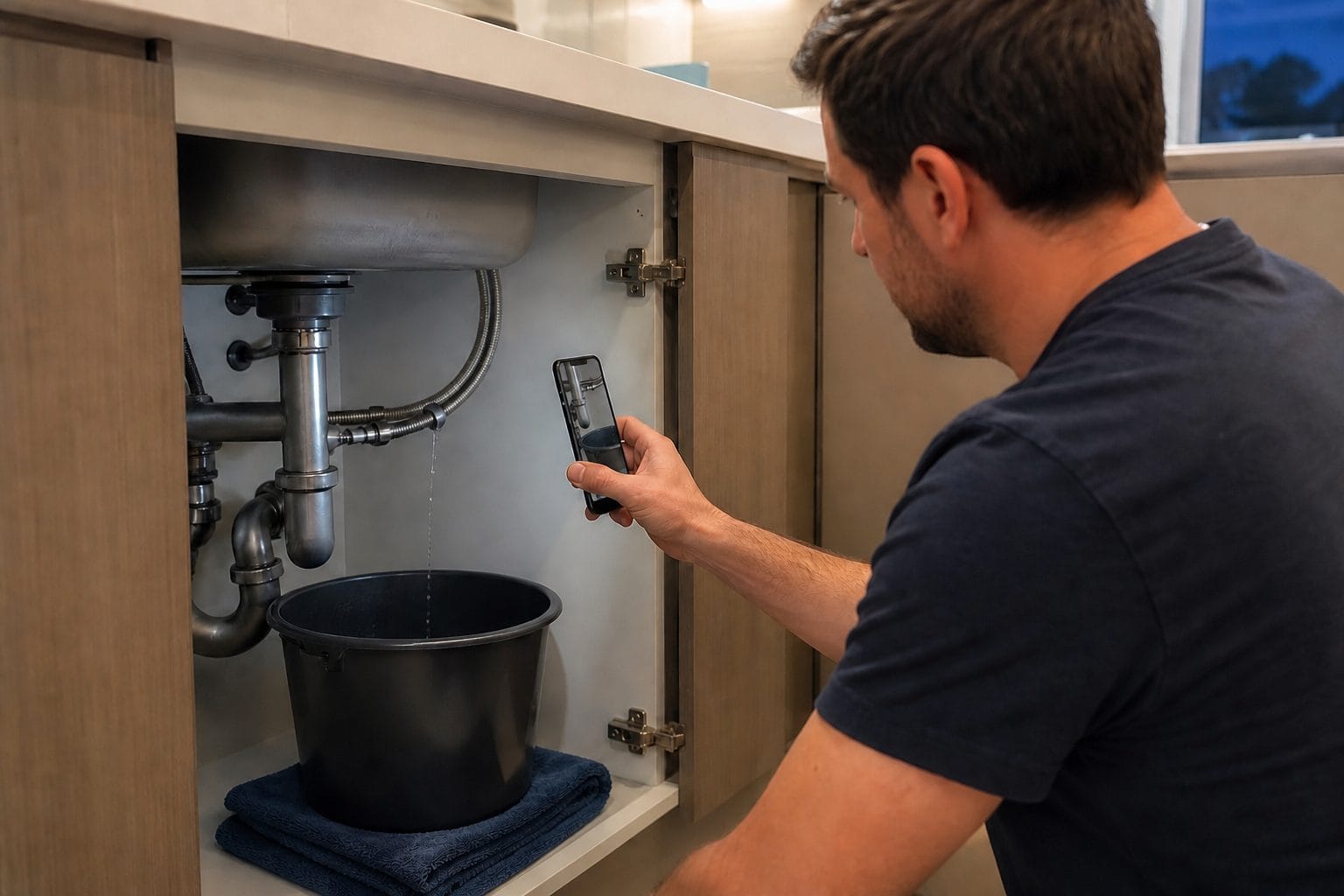
A customer with water coming through the ceiling does not care how many AI features sit in your software stack. They care whether somebody understands the problem, responds quickly and sends the right person.
That is the useful test for AI in a home service business. Can it move a real job from enquiry to qualified request, accurate scope, sensible schedule and confirmed outcome? Or does it create another inbox?
We compared ten tools across the home-service workflow: calls, field operations, estimating, measurement and job records. FastBots is included for trained written enquiries, not as a phone or field-service platform.
Prices and features were checked on primary vendor pages on 21 August 2026. Treat every figure as a buying checkpoint because usage, add-ons, team size and contract terms can change the real cost.
How we ranked the best AI tools for home service businesses
An owner-operator, a five-van plumbing firm and a multi-location HVAC company should not buy the same stack. We therefore ranked workflow fit above raw feature count.
Our six criteria were:
- Workflow ownership, 25%: Does the tool complete a recognisable part of the customer or field journey?
- Source-of-truth fit, 20%: Can it use the schedule, price book, customer record or job data the task requires?
- Measurable value, 20%: Can the buyer track bookings, handling time, quote speed, close rate or rework?
- Control and handoff, 15%: Can people restrict actions, review outputs and take over urgent or unusual cases?
- Implementation burden, 10%: How much setup, integration and process change does useful deployment require?
- Price transparency, 10%: Can a team estimate the subscription, usage and add-on cost before committing?
This is a researched comparison, not a claim that we ran every platform inside one contractor business. Specialist phone and field-service products receive credit where they own the job better.
Best home-services AI tools at a glance
| Tool | Best workflow | Current price shape | Main limitation |
|---|---|---|---|
| Jobber | Small-team field service plus AI reception | Core $49 monthly; Receptionist add-on $29 on eligible plans | Costs rise with users, plan level and AI conversations |
| Housecall Pro | Integrated field operations and AI assistance | From $79 monthly or $59 monthly on annual billing; CSR AI extra | The phone AI is a separate paid feature |
| ServiceTitan | Larger trade businesses with deep operating needs | Custom quote | Higher implementation burden; some Atlas office functions are still coming soon |
| QuoteIQ | AI estimating and measurements for smaller contractors | Plans from $29.99 monthly | Broad feature set still needs careful price-book and output review |
| Podium Home Services | Voice, messaging, booking and membership follow-up | Custom quote | Broad scope and quote-led pricing can be excessive for a simple need |
| FastBots | Trained website, WhatsApp and email enquiries | Paid from $39 monthly; Email Replies from $89 | No native phone, SMS, dispatch, estimating or field-service management |
| CallRail Voice Assist | AI call capture with marketing attribution | Voice Assist from $95 plus a Lead Tracking plan from $55 | Per-call usage and platform cost need modelling together |
| Workiz | Phone-centred field service and AI scheduling | Standard $275 monthly; Pro $325; communication products extra | Genius Answering requires the separate phone plan |
| CompanyCam | Job-site documentation and AI reports | Core $79, Crew $149, Scale $249 monthly | It documents work rather than running the complete job lifecycle |
| HOVER | Photo-based property measurement and visualisation | Three starter projects free, then per project; Pro $999 yearly | Best suited to exterior and measurement-heavy trades |
The table is a routing guide, not a recommended shopping list. Most firms should start with one operational bottleneck and add another product only when the first one proves value.
The 10 best AI tools for home service businesses
1. Jobber: best overall for a small home-service team
Jobber combines customer records, requests, online booking, scheduling, quotes, jobs, invoices and payments in one field-service system. That makes its AI Receptionist useful because it can answer calls or texts, gather job details and book into the same operating environment instead of throwing another lead over the wall.
Core is currently $49 month to month, $39 with a one-year commitment or $29 per month when billed annually. The Receptionist add-on is $29 per month on eligible plans and includes 30 conversations, after which Jobber charges $0.79 per conversation. Receptionist is included with unlimited usage on the Plus plan.
The best fit is a solo operator or small crew moving beyond a diary, spreadsheet and personal phone. The useful total can change sharply with more users, automations, pipeline features or AI usage. Price the planned team rather than today's team.
2. Housecall Pro: best integrated AI team for growing operators
Housecall Pro covers booking, scheduling, dispatch, estimates, invoicing, payments, reviews and reporting. Its AI Team includes analysis, coaching, marketing and help. CSR AI adds 24-hour phone answering and booking, but is sold separately.
Current annual-equivalent prices are $59 per month for Basic, $149 for Essentials and $299 for MAX. The corresponding monthly prices are $79, $189 and $329. Basic includes one user, Essentials five and MAX eight before extra-user rules.
This is strong when the office wants one field-service core with embedded assistance. It may be too much for a one-person firm that only wants after-hours lead capture. Value also depends on clean services, prices, availability and booking rules.
3. ServiceTitan: best for larger trades businesses
ServiceTitan brings dispatch, customer records, proposals, invoicing, reporting and field workflows into one trades platform. Atlas uses information inside ServiceTitan and, with Field Pro, helps technicians retrieve equipment manuals, history and troubleshooting information.
Pricing is quote-led. That is appropriate for a product whose cost and rollout depend on the business, but it means the buyer must request a complete commercial model. Include licences, modules, onboarding, data migration, training and any communication or marketing products.
ServiceTitan is most credible when operational complexity justifies disciplined implementation. Its Atlas page labels several office capabilities, including some marketing, dispatch and accounts-receivable assistance, as coming soon. Buy what is demonstrable now.
4. QuoteIQ: best for AI-assisted estimates and measurements
QuoteIQ is designed around contractor work rather than generic office productivity. Its AI set spans conversational assistance, photo or address-based estimating, satellite measurement for roofs, lawns and driveways, text generation, visual mock-ups and an optional virtual call team.
Plans start at $29.99 per month, with AI Autopilot included and monthly credit allowances that rise by plan. That entry point makes QuoteIQ attractive to a smaller firm whose biggest delay sits between site information and a finished quote.
Speed does not guarantee scope accuracy or margin. Build the service catalogue, labour assumptions and price book carefully. Review measurements, access constraints, exclusions and materials before a quote becomes a customer promise.
5. Podium Home Services: best for AI-led calls and customer follow-up
Podium's AI employee can answer calls, handle chat, texts and emails, gather details, book jobs and follow up with maintenance customers. Its home-services offer also covers dispatch, estimates, invoices, payments and customer history.
Pricing is available by quote. The product is worth considering when a busy HVAC, plumbing or electrical business wants one vendor across calls, messaging, booking and repeat-service workflows. It is less compelling when the requirement is a narrow website FAQ assistant or a simple missed-call service.
The main buying question is control. Gas smells, flooding, electrical hazards, warranties and arrival promises need explicit playbooks and escalation. Ask the vendor to demonstrate difficult calls, not only a clean booking request.
6. FastBots: best for trained written enquiries and controlled handoffs
FastBots is strongest where customers type: the website, WhatsApp and other messaging channels. Train it on approved services, areas, opening times and common questions. A lead-generation flow can collect location, timing and contact details.
For a home-service firm, the distinction between chatbot and AI agent matters. The chatbot is the conversational interface. It behaves more like an agent when it maintains context, routes a request or takes an authorised action through Zapier MCP. If the owner connects a compatible booking or CRM app, the bot can use only the tools and permissions that setup exposes.
FastBots paid plans start at $39 per month. The $89 Business plan adds Email Replies, which works as an AI email agent: it reads inbound messages and supported attachments, drafts or sends replies from approved information and can leave sensitive messages for human review.
FastBots does not answer phone calls and has no native SMS, dispatch board, price book, estimator, invoicing or field-service management. It should not diagnose an emergency, invent a quote, promise an arrival time or confirm a slot without a successful source-system response. Use human-in-the-loop controls for unusual or safety-critical enquiries.
7. CallRail Voice Assist: best for AI call capture plus attribution
CallRail is useful when missed calls and unclear marketing performance are part of the same problem. Voice Assist answers calls and texts, captures and qualifies leads, provides summaries and can transfer or book according to the configured workflow. The wider CallRail platform connects calls and forms to marketing sources and adds transcription, sentiment, keyword analysis and automated tagging.
Voice Assist starts at $95 per month, includes 50 qualifying calls and then costs $1 for each additional call over 15 seconds. It also requires Lead Tracking, which starts at an additional $55 per month. Premium Conversation Intelligence plans start at $150 plus usage.
This fits when the phone is the main lead source and the owner needs to know which campaigns produced worthwhile conversations. Model base plans, numbers, minutes, AI calls and analysis rather than quoting the $95 headline alone.
8. Workiz: best phone-centred field-service workflow
Workiz combines leads, jobs, estimates, invoices, scheduling, service areas and team management with an integrated phone system. Its current Pro plan includes Genius Leads and Genius Scheduling. Genius Answering is an AI dispatcher that can answer after-hours calls, use configured service and pricing information and offer appointment windows.
Standard is $275 monthly or $229 per month on annual billing for the first five users. Pro is $325 monthly or $270 on annual billing. Genius Answering and other Workiz Communication capabilities are sold separately and require the phone plan.
The appeal is one flow from call to schedule for a phone-led team. Ask for the complete cost of the field-service plan, communication package, AI answering, numbers, usage and integrations.
9. CompanyCam: best for job-site evidence and AI reports
CompanyCam owns a different part of the workflow: proving what happened on the job. Crews capture timestamped, location-tagged photos and videos against a project. AI can turn photos, voice notes and descriptions into structured pages, summaries and checklists, reducing the time between field work and a clear customer or internal report.
Current monthly pricing is $79 for Core, $149 for Crew and $249 for Scale. Annual equivalents are shown as $63, $119 and $199 per month. Public pages currently disagree on whether Core's listed AI credits make all AI features usable at that tier, so confirm the exact plan before buying. Crew lists 100 shared AI credits, while Scale lists unlimited usage.
CompanyCam is not a dispatcher, estimator or CRM replacement. It fits when missing photos, vague notes or slow close-out reports create rework. Measure fewer missing records, faster approval and less return work, not documents generated.
10. HOVER: best for property measurements and visual scope
HOVER turns property photos into measured 3D models for roofs, siding, windows and interiors. Contractors can use the resulting measurements and visualisations to scope work, show material choices and prepare estimates without manually measuring every surface.
Starter includes the first three projects free, then charges per project according to structure or room complexity. Pro costs $999 per year and reduces each project price by $20. For example, the listed exterior project prices vary with the number of roof facets and the measurement package selected.
The best fit is roofing, siding, windows or exterior renovation where property geometry affects quoting. It is a specialist, not a general home-service system, and measurements still need review before materials are ordered.
Where FastBots fits alongside field-service software
FastBots should own approved written conversations, not the master schedule or job ledger. Start by training a knowledge base on current service pages, areas covered, preparation steps, guarantees and frequently asked questions. Keep prices out unless the business has an approved, maintained source.
Define intake fields for each service. A blocked drain enquiry might need postcode, property type, symptom, timing and contact details. The bot can summarise those facts without pretending to diagnose the problem.
Then decide the handoff. Send a qualified lead to the office, direct it to a booking workflow, or connect an appropriate app through Zapier MCP. Any live appointment lookup or write should use the connected system as the authority. If that system does not confirm the result, the bot should say the team will follow up.
This layered approach works alongside a field-service platform. FastBots handles web, WhatsApp and email conversations from one approved knowledge base. Jobber, Housecall Pro, ServiceTitan, Workiz or another operational system remains responsible for schedules, jobs, estimates and invoices.

The TRUCK Stack Test for choosing home-services AI
A good service van carries the right tools, not every tool in the catalogue.
T: Task and trigger
Name the exact moment where the workflow begins. Is it an unanswered web enquiry after 6pm, a missed call, a site survey, a slow estimate, an unconfirmed appointment or an incomplete job record? "We need AI" is not a task.
R: Record of truth
Identify the system allowed to provide the fact. Service areas may come from approved business content. Availability comes from the scheduling system. Prices come from the current price book. Job status comes from the field-service platform, not from a crawled web page.
U: User and urgent handoff
Assign a person to the workflow and define when AI must stop. A routine request can enter the normal queue. Flooding, gas, electrical danger, vulnerable customers, complaints and unusual commercial work may need immediate human routing or emergency guidance written by the business.
C: Cost and control
Add base plans, users, phone numbers, calls, messages, AI resolutions, credits, onboarding, integrations, training and review time. Then restrict what the system may answer, book, change or send. Low price without operational control is not a bargain.
K: KPI and kill rule
Choose one outcome metric and one guardrail. Track qualified booked jobs against incorrect bookings, or quote speed against margin leakage. Decide what result would make you remove the tool.
Home-services AI ROI and capacity arithmetic
Start with a calculation that the office can audit.
Assume a company receives 240 after-hours or missed enquiries each month. Forty per cent are genuine fits, and the current manual follow-up converts 20% of those qualified opportunities into booked jobs. A new system raises the qualified-opportunity booking rate to 30%, without increasing cancellations.
The additional bookings are:
240 enquiries x 40% qualified x (30% - 20%) = 9.6 extra jobs
If average contribution after direct labour and materials is $260 per completed job, provisional monthly contribution is:
9.6 x $260 = $2,496
Now subtract the complete software and operating cost. If the platform, usage, phone plan and review time total $850, provisional net value is $1,646. Replace every assumption with observed data, and count completed profitable jobs rather than booked slots that cancel.
For admin capacity, assume 500 routine written enquiries take four minutes each and loaded office time costs $27 per hour. If a system safely handles 35% without reopening, gross released capacity is:
500 x 35% x 4 minutes / 60 x $27 = $315 per month
That may still be worthwhile, but it does not justify a $1,000 stack by itself. An AI ROI dashboard should show the baseline, source, exclusions and review cost.
A 90-day rollout for a smaller, safer stack
Days 1 to 15: map demand. Count enquiries by channel, time and service. Measure missed calls, first response, booking rate, quote delay, cancellations, job-document gaps and rework.
Days 16 to 30: choose one task. Select a frequent problem with reliable source data and a clear owner. Write the baseline metric, handoff and no-go boundary before switching on automation.
Days 31 to 45: build the smallest pilot. Use one channel, one service line or one crew. Test normal, ambiguous, urgent and hostile inputs. Keep a person close to every outcome.
Days 46 to 60: count the whole result. Include corrections, false bookings, cancellations and staff review time. Vendor dashboards rarely include every cost.
Days 61 to 75: connect one source of truth. Add the calendar, CRM or field-service system only when ownership and permissions are clear. Prefer read-only lookups before writes.
Days 76 to 90: expand, tighten or stop. Scale a workflow that meets its KPI and guardrail. Tighten the boundary when errors cluster. Remove a tool that cannot earn a decision.
Common mistakes when buying AI for a service business
- Buying overlapping reception products while nobody owns the booking rules.
- Letting a chatbot quote live availability, price or arrival times from static website copy.
- Treating every booked slot as revenue without subtracting cancellations, materials and direct labour.
- Automating emergency triage without approved safety language and human escalation.
- Choosing a field-service platform for an impressive AI demo while ignoring migration and crew adoption.
- Giving an agent write access before testing read-only lookups and failure behaviour.
- Counting generated reports rather than fewer disputes, faster approvals or less rework.
- Ignoring phone, message, conversation, credit, user and implementation charges.
- Keeping a tool because the team already paid for setup after measured value disappears.
Frequently asked questions
What is the best AI tool for a small home service business?
Jobber is a strong overall starting point when a small crew needs customer records, scheduling, quotes, jobs and an optional AI Receptionist in one system. If the immediate need is only trained website, WhatsApp or email enquiries, FastBots can be the narrower choice. Start with the bottleneck rather than the longest feature list.
Can AI answer calls and book home-service jobs?
Yes. Jobber Receptionist, Housecall Pro CSR AI, Podium, CallRail Voice Assist and Workiz Genius Answering can handle phone enquiries with different booking and routing capabilities. Test emergency language, service areas, duplicate customers, unavailable slots and transfers. FastBots does not answer phone calls.
Can FastBots replace field-service management software?
No. FastBots handles trained conversations, lead capture, written channels and configured actions through connected apps. It does not provide native dispatch, estimates, price books, invoices or job management. Pair it with the system that owns those records.
Can an AI chatbot give customers a firm quote?
Only when the business has deliberately approved the service, inputs, price source and conditions. Many home-service jobs require site inspection, measurements or technical judgement. A safer chatbot can capture details, explain the process and hand the request to an estimator.
Which AI tool is best for roofers and exterior contractors?
HOVER is the specialist choice for photo-based exterior measurements and 3D visualisation. CompanyCam is useful for field evidence and reports, while QuoteIQ adds estimating and measurement features for smaller contractors. The best combination depends on whether measurement, quoting or documentation is the main delay.
How much should a home-service business spend on AI?
Start with the monthly value of the problem and full operating cost. A $150 reception tool can be excellent value if it creates profitable jobs. A $39 tool is wasteful when nobody owns its content and routing.
What information should AI never invent?
It should never invent availability, a confirmed appointment, job status, service area, price, arrival time, diagnosis, warranty decision or safety instruction. Those facts need approved content, an authoritative connected system or a qualified person.
How do we test AI before giving it more control?
Use historical enquiries and scripted edge cases, then pilot one narrow workflow. Review every early outcome, test connection failures and measure corrections. Add live system access gradually, beginning with read-only information and clear customer-support handoffs.
Choose the job before the software
The best AI stack for a home-service business is usually smaller than the shortlist created after a week of demos. A field-service platform may already cover booking, dispatch and follow-up. A specialist may solve measurement or documentation. FastBots can add a trained written-conversation layer across the website, WhatsApp and email without pretending to be the operating system.
Use the TRUCK test, measure one bottleneck and keep the record of truth outside the model. If written enquiries are the gap, build a FastBots lead-capture workflow, train it on approved service information and test the handoff before expanding its role. Review current FastBots pricing when you are ready to choose the right plan.