AI Chatbot for Dentists: How to Recover Missed Calls, Cut No-Shows in Half, and Stop Losing $850 Per Unanswered Ring

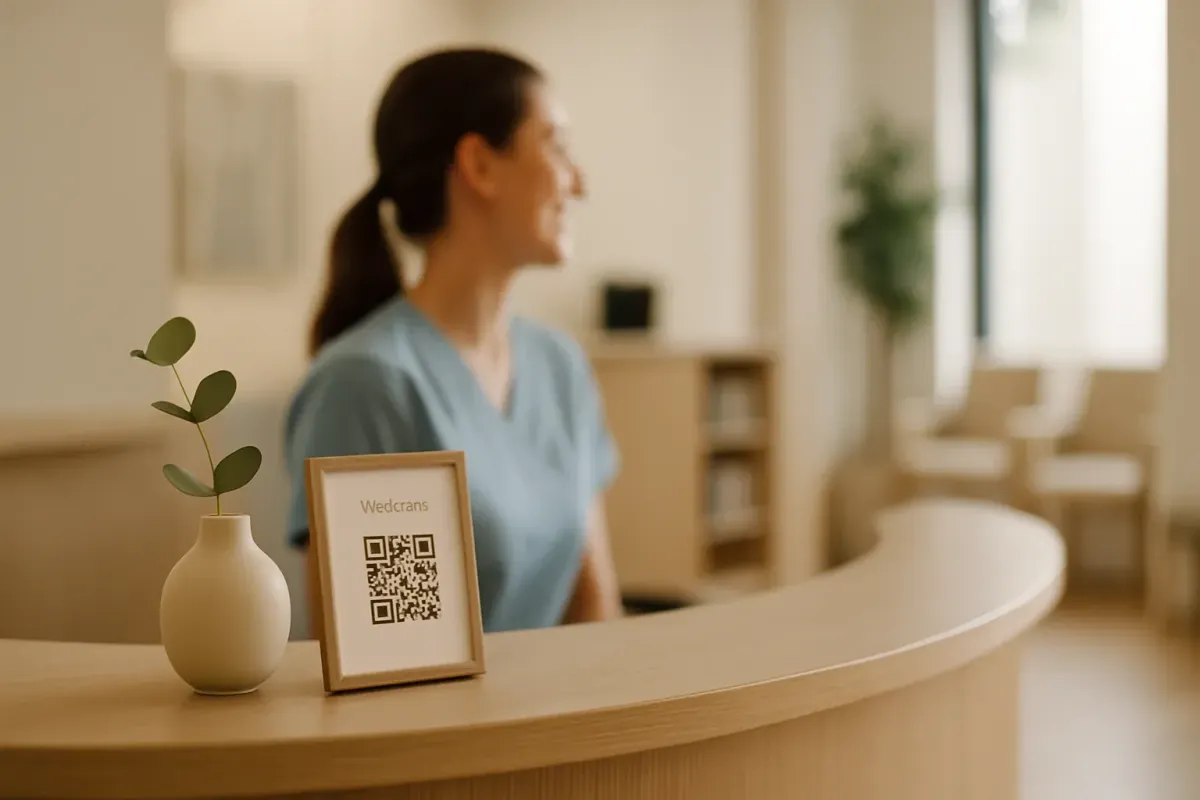
The average dental practice misses roughly one in three phone calls during business hours and almost all of the calls that land outside them. That's not a complaint about hard-working front-desk teams — it's the simple math of one phone, one human, and a waiting room that doesn't pause when the line rings. Industry data is consistent: 32-38% of incoming dental calls go unanswered during opening hours, 28% of appointment requests arrive outside opening hours entirely, and 67% of patients who can't reach you immediately dial the next practice on the list.
Each of those rings is roughly $850 in immediate revenue and somewhere north of $8,000 in lifetime patient value. Multiply that by a practice missing 15-20 calls a week and the number gets uncomfortable.
For most of the last decade, the only fix was "hire another receptionist" — expensive, hard to staff, and still no help on Sunday at 9 p.m. when the toothache patient finally goes looking for a dentist. In 2026 there's a better answer. AI chatbots — the 2026 generation, not the clunky "press 1 for hours" version from 2023 — capture, qualify, and book new patients across your website, WhatsApp, Messenger, and email, in any of 95 languages, 24/7, for less than the cost of a single shift of front-desk cover.
Done well, they recover a meaningful share of missed calls, deflect 30-50% of routine front-desk volume, and quietly cut no-show rates in half through automated reminders. Done badly, they sound robotic, give the wrong insurance answer, and push the patient straight to the practice down the road. This is the playbook for doing it well — including the parts most "dental chatbot" tools quietly skip over.
The real cost of a missed dental call
The numbers, pulled from a decade of call-tracking studies and the larger AI scheduling vendors:
- The average dental practice misses 32-38% of calls during regular business hours.
- 28% of appointment requests arrive outside opening hours, and 60-70% of dental emergencies land after-hours.
- 82% of patients won't leave a voicemail. 67% of unreached patients call the next practice within minutes.
- Each missed new-patient call is worth roughly $850 immediately and $8,000 in lifetime value.
- The average practice loses $30,000 to $80,000 a year to no-shows alone.
- Top-performing practices answer 95% of calls. Average practices sit at 65-70%.
The tempting fix is to throw a person at it: an evening receptionist, an offshore virtual assistant, or an outsourced answering service. Each works in a narrow way and breaks in obvious ones. Evening cover is expensive and still leaves weekends and holidays uncovered. A virtual assistant can take messages but can't access your practice management system in real time. Outsourced services charge per call and read scripts patients can hear instantly.
A well-trained AI chatbot fixes the volume problem and the always-on problem at the same time. It doesn't replace your receptionist — your front desk handles the 5% of high-empathy moments better than any bot can. It replaces the 70% of routine work clogging the line: hours, insurance, "can I book a cleaning for next Tuesday," "is your office accessible." Every routine query answered in 8 seconds by a bot is a phone line freed up for the new-patient call your team would otherwise miss.
The trick is knowing exactly what to automate, what to escalate, and what to never let a bot near.
What an AI chatbot for dentists can actually do in 2026
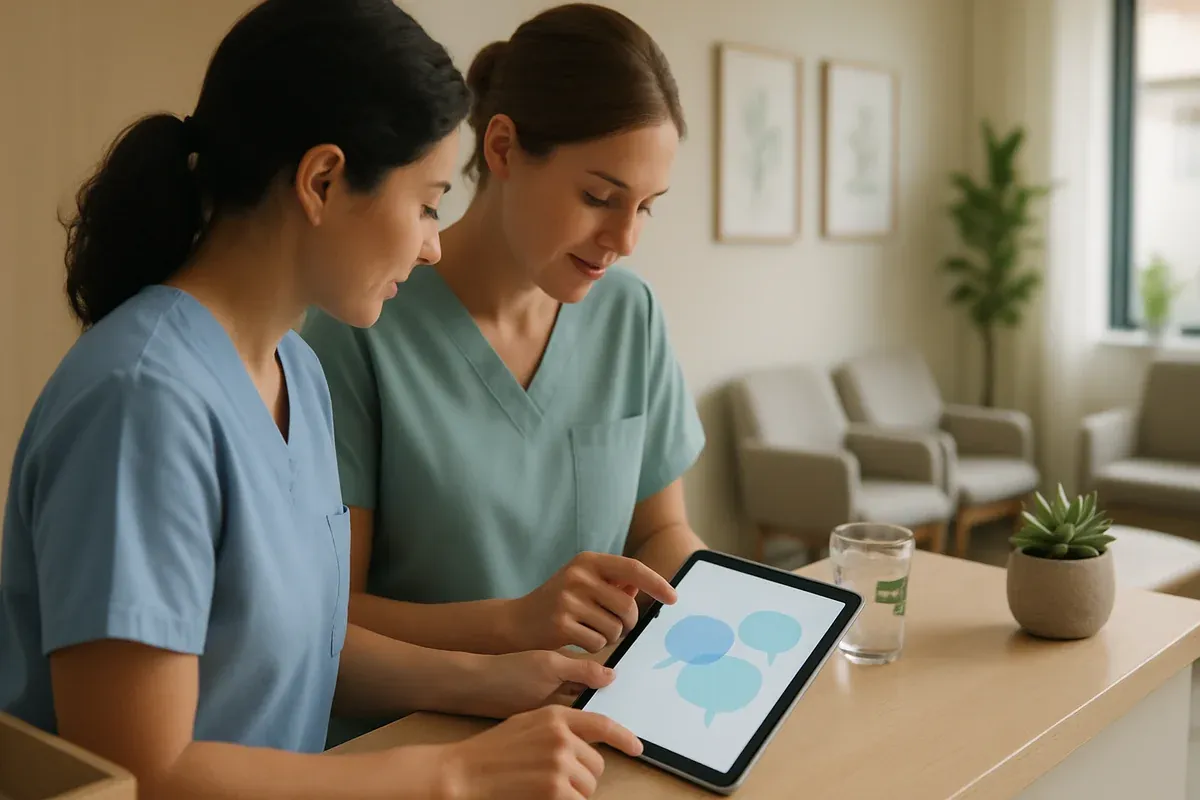
The category has moved on a lot in twelve months. The 2024 version was a rule-based "press 1 for hours" widget patients hated. The 2026 version is a domain-trained assistant fed your practice's actual content — services page, insurance list, new-patient forms, FAQ, team bios — answering from that source rather than guessing.
Trained properly, the modern dental chatbot can:
- Answer routine patient questions in seconds, in any of 95 languages, drawing only from what your practice has actually said.
- Capture new-patient inquiries 24/7 across your website, WhatsApp, Facebook Messenger, Instagram DMs, and email — and route qualified ones straight to your team.
- Pre-qualify patients before booking — insurance carrier, urgency, type of visit, new vs. existing — so your front desk picks up a conversation that's already triaged.
- Book appointments via Zapier handoff to your scheduling system (Dentrix, Open Dental, Eaglesoft, Curve, or any calendar), with a confirmation back to the patient.
- Send automated reminders that consistently cut no-show rates by 30-50%.
- Escalate emergencies cleanly to your on-call dentist with full conversation context attached.
- Keep a searchable record of every patient conversation — useful for refining FAQ, training staff, and improving the bot monthly.
The keyword is trained. A generic chatbot dropped onto a dental site without training on your specific services and insurance list will hallucinate confidently and lose you patients. The setup section below covers exactly how to train a bot that doesn't.
The Always-On Front Desk: a 4-layer patient capture system
This is the framework we use with dental practices onboarding to FastBots. Most practices over-think this and end up automating either nothing (out of caution) or everything (out of enthusiasm). The Always-On Front Desk model gives you four layers, each with a clear job and a clear handoff to the next.
Layer 1 — Capture
Capture is about catching patient intent the moment it appears, on whichever channel the patient happened to use. In 2026, that's at least four channels for most practices: your website (where prospective patients arrive after Googling "dentist near me"), WhatsApp Business (the default in international and immigrant-heavy areas), Facebook Messenger and Instagram DMs (where younger patients and parents prefer to message), and email (where the slow-burn 11 p.m. "do you offer Invisalign and a payment plan" inquiries land).
A multi-channel chatbot answers any of these in real time, in the patient's language, from a single trained source. The patient doesn't notice multi-channel. They notice that your practice replied in 12 seconds when the one down the road took two hours.
Layer 2 — Qualify
Qualification is the layer most niche dental tools skip and most practices undervalue. It's also where the biggest front-desk time saving lives.
Before a booking lands on your calendar, the bot asks — naturally, in conversation — for the four pieces of information that determine whether the patient is a fit, what slot they need, and how urgently: insurance carrier (and whether you accept it), urgency (routine cleaning, broken filling, or "I'm in pain"), type of visit (exam, hygiene, cosmetic, emergency, paediatric, orthodontic), and new patient vs. existing (which sets the slot length and intake path).
If you accept their insurance, the bot keeps moving. If you don't, the bot says so honestly before either side wastes time. If they're in pain, the bot escalates to your emergency line immediately. If it's routine, it moves to Layer 3. Done well, this halves the call-handling time on your front desk — they pick up a patient already triaged, insurance-checked, and routed.
Layer 3 — Book (or hand off)
This is where the bot connects to your scheduling system. FastBots doesn't have a native integration with Dentrix or Open Dental — almost no general-purpose chatbot does — but it does connect to Zapier, which connects to all of them, plus Google Calendar, Calendly, Acuity, and most modern PMS booking layers via webhook.
Two patterns work best. Direct booking via Zapier: the bot offers 2-3 available slots, the patient picks one, and Zapier writes the appointment to your PMS plus sends a confirmation — good for routine cleanings and exams. Warm handoff to your front desk: the bot collects the four qualification answers, preferred day/time, and contact details, then drops a fully-formed task into your team's inbox or Slack — better for complex visits like orthodontics consults, implants, or paediatric multi-procedure visits where slot allocation is a judgment call. Most practices mix the two.
Layer 4 — Retain
Retain is the layer that quietly pays for the rest. Once the patient is in your system, the same bot — same training, same channels — sends 48-hour and 2-hour appointment reminders on the channel the patient first used (practices using AI-driven reminders see no-show rates drop by 30-50%), handles rescheduling automatically, runs six-month hygiene recall flows with the booking link embedded, requests a Google review after the visit, and re-engages lapsed patients with a "we noticed you haven't been in for 14 months" message that doesn't feel like spam because it's coming through their preferred channel.
A booked patient who never comes back is almost as expensive as a missed call. Layer 4 is what prevents that.
Multi-channel — the part most niche dental tools quietly skip
An inconvenient truth for the specialised dental chatbot category: most dedicated tools (Patientdesk.ai, Dentulu, MooseBase, Viva, Arini and similar) are built around one channel — usually the website widget, sometimes a phone-replacement voicebot, occasionally a single SMS flow. They're decent at that one channel. They don't reach across the rest.
That's a problem in 2026 because dental patients no longer all live on one channel. Younger patients prefer Instagram DMs and Messenger. Established patients prefer WhatsApp in most of Europe, the Middle East, large parts of Asia, and increasingly the US among Spanish-speaking patients. Prospective patients comparing four practices use the website or email. Emergencies come by phone — and need a fast handoff path the moment the bot detects urgency keywords.
A multi-channel bot trained once on your practice content answers the same question, with the same answer, on whichever surface the patient happens to use — website, WhatsApp Business, Messenger, Instagram, email, and Telegram. Trained once. Deployed everywhere. That's the structural advantage a flexible platform like FastBots gives you over a single-channel niche tool.
ROI math — what does an AI chatbot actually save a dental practice?
The math we walk practices through.
Inputs: typical single-location practice gets 35-60 daily inbound contacts (calls + form fills + chat starts), misses 32% during business hours and nearly all of them outside, with new-patient value of ~$850 immediate / ~$8,000 lifetime, and an average no-show cost of ~$200 per visit (rising to $600-$1,200 for crown prep or surgical work).
What a properly-tuned bot recovers:
- Missed business-hours calls. At a conservative 50% recovery rate, a practice missing 12 new-patient calls a week recovers 6. At ~$850 each, that's $5,100 a week in immediately billed work that wouldn't have happened.
- After-hours inquiries. With 28% of appointment requests arriving outside hours, the bot is the only thing between you and the next practice on Google. Capturing half of those is real money.
- No-show reduction. AI-driven reminder flows consistently show 30-50% no-show reduction. For an average practice losing $50,000 a year to no-shows, that's $15,000-$25,000 in recovered annual revenue.
- Front-desk time deflection. Chatbot deployments in dental clinics consistently show 70% reduction in routine front-desk calls and 15-20 hours per week saved on admin — half an admin role redirected to higher-value work.
Total picture for a typical single-location practice: $30,000-$60,000 per year of recovered or redirected revenue, against a chatbot cost that starts at $39/month on FastBots' Essential plan.
How to set up FastBots for your dental practice — the 7-step playbook
This is the working setup. Each step takes minutes, not hours, and most practices can have a fully-trained bot live within a single afternoon.
Step 1 — Gather your knowledge sources. In a single folder, put your services page text, insurance acceptance list (this matters), new-patient form, hours and address, FAQ if you have one, team bios, and any patient-facing PDFs. PDF, DOCX, Google Doc, or plain text — FastBots ingests all of them.
Step 2 — Crawl your practice website. Point FastBots' crawler at your site. It will pull every services page, your About, your insurance and finance page, and contact info into the bot's knowledge automatically — up to 2,500 pages on the Essential plan.
Step 3 — Tune the persona. In the Tune AI panel, write a short persona prompt. Something like: "You are a friendly, professional assistant for [Practice Name], a dental practice in [Town]. You answer patient questions about services, insurance, hours, and booking. You always reply in the patient's language. You never give clinical advice. If a patient describes pain, swelling, bleeding, or trauma, you immediately route them to our emergency line at [number]. You always ask for insurance carrier, type of visit, and new/existing patient before booking. You are a patient-care assistant, not a dentist." Spend 15-20 minutes here — it's the highest-leverage step in the whole setup.
Step 4 — Set up emergency escalation rules. Configure the bot to recognise keywords like pain, throb, swollen, broken, knocked out, bleeding, trauma, emergency, urgent, abscess and trigger immediate escalation. FastBots' Live Chat takeover alerts your front desk in real time so a human can step into the conversation.
Step 5 — Connect your channels. Most practices start with two — the website widget and WhatsApp Business. Add Facebook Messenger and Instagram if you have an active social presence; add the email auto-responder for off-hours. WhatsApp Business takes 30-45 minutes the first time; the rest are typically under 10.
Step 6 — Wire Zapier AI Actions for booking and PMS handoff. This is where the bot stops being a Q&A widget and starts being a working part of your front desk. Useful flows: "When a patient confirms a slot, write it to my Google Calendar / PMS and send confirmation"; "When the bot detects an emergency keyword, ping the on-call dentist on Slack and SMS my front desk via Zapier's Twilio step" (FastBots doesn't send SMS natively, but Zapier-mediated SMS works in seconds); "When a new-patient inquiry comes in, write a row to my CRM with insurance, urgency, and contact details, and email the front desk a summary"; "24 hours before each appointment, message the patient on the channel they used to book and ask them to confirm."
Step 7 — Test, ship, refine. Run 30 simulated questions through the bot before going live — insurance you accept, insurance you don't, "I have toothache," "do you see kids," the strange ones too. Use FastBots' Q&A page (Business plan and up) to flag any question the bot couldn't answer well. Most practices reach a 90%+ automation rate within two weeks of going live, and you can read real customer reviews from practices already running this setup.
Comparison — niche dental tools vs. a multi-channel platform
There are several specialised tools in this category, and they do real work. Here's the honest comparison.
| Capability | Specialised dental chatbots (Patientdesk.ai, Dentulu, MooseBase, Viva AI, Arini) | FastBots |
|---|---|---|
| Website widget | Yes | Yes |
| WhatsApp Business | Limited or no | Yes — full integration |
| Facebook Messenger + Instagram DMs | Rare | Yes |
| Email auto-reply | Rare | Yes |
| Train on your own docs (PDF, Google Sheets, YouTube, your site) | Limited | Yes — multi-source |
| 95-language auto-detect | A handful of languages | Yes — 95 |
| Zapier AI Actions for booking + PMS handoff | Native PMS on some, locked-in | Zapier-mediated, works with any PMS |
| All major LLMs (OpenAI, Anthropic, Google) | Usually one fixed model | Choice of all three |
| Live human takeover | Some | Yes |
| Per-practice pricing | Typically $200-$500/month + per-message | Flat — Essential is $39/month for 2 chatbots |
| Lock-in | High | Low — your data, your channels |
Where the niche tools win: if your only requirement is a deep, native integration with one specific dental PMS and you're happy to pay $300+/month for it, a specialised tool with a pre-built Dentrix or Eaglesoft connector may save you the Zapier setup step.
Where FastBots wins: the moment you want more than one channel, more than one language, training on your own documents, or any flexibility on PMS — the economics flip hard. A $400/month specialised tool gives you one channel; the same practice on FastBots' Essential plan pays $39 flat and gets every channel, plus the Zapier agentic layer that handles PMS booking via the same workflows you'd build anyway.
Common mistakes practices make with their first AI chatbot
Training the bot only on the services page. Services pages are 300 words of marketing copy. Real patient questions are about details — which insurance you take, payment plans, paediatric age limits, clear aligners — that don't appear there. Train on the services page, the insurance and finance page, the FAQ, the new-patient forms, and the team bios.
Skipping the persona prompt. Without one, the bot defaults to generic assistant tone and patients hear it instantly. Spend 15 minutes here.
Letting the bot give clinical advice. A chatbot that confidently tells a patient "that sounds like a cavity, you'll probably need a filling" is a liability. Configure FastBots to refuse clinical advice and default to "I'd like to have one of our dentists look at that — let me get you booked in" for any symptom-related question.
Treating emergencies like routine inquiries. A bot that asks "would you like to book a cleaning?" in response to "I've just knocked out my front tooth" is a story your practice doesn't want. Configure the escalation keywords properly.
Setting it up and forgetting it. Look at chat history monthly. Read the unanswered-questions report. A neglected chatbot drifts toward staleness within six months.
FAQ
How long does it take to set up an AI chatbot for a dental practice? Most practices have a fully-trained, multi-channel bot live within a single afternoon — typically 4 to 6 hours including training-data prep, persona writing, channel connections, and Zapier setup for PMS handoff.
Will the bot integrate directly with Dentrix, Open Dental, or Eaglesoft? Not natively — FastBots integrates with all of them via Zapier, which has connectors for every major dental PMS. In practice this is the same approach the niche tools use under the hood, just exposed to you. The benefit is you're not locked to one PMS.
Can the chatbot send SMS reminders? Not natively — FastBots covers WhatsApp, Telegram, Messenger, Instagram, email, and website chat, but not native SMS. The standard pattern is to wire SMS through Zapier (Twilio, ClickSend, or your existing SMS provider), which works in seconds. Most patients increasingly prefer WhatsApp over SMS for healthcare communication anyway.
Will my patients know they're talking to AI? Best practice — and FastBots' default setup — is transparency. The persona should make clear it's a virtual assistant, not a member of staff. Most patients don't mind. They want fast, accurate answers. The small minority who want a human can ask, and the bot will hand off.
Is using an AI chatbot HIPAA / GDPR compliant for dental data? The bot itself doesn't store patient health information unless you train it on PHI — which you shouldn't. Train on public-facing services and policies. Patient-specific information flows via Zapier into your existing PMS, which handles compliance. FastBots offers domain whitelisting, rate limiting, private bots, and encryption on uploaded data; for any practice handling PHI in chat directly, run your own compliance review before going live.
How much does it cost compared with hiring an evening receptionist? A starting-tier FastBots plan is $39/month. A part-time evening receptionist runs $1,800-$3,500/month and still doesn't cover weekends or holidays. Most practices keep their receptionist for high-empathy daytime work and let the bot cover everything else.
What languages can the chatbot reply in? About 95. The bot auto-detects what the patient is writing in and replies in the same language. Train it once in your primary language; Spanish, Mandarin, Arabic, Portuguese, Tagalog, Vietnamese and Polish all work without separate setup.
Can the bot help with Google reviews? Yes — and it's quietly one of the most ROI-positive uses. A common Layer 4 flow: 24 hours after a successful appointment, the bot sends a follow-up via the patient's preferred channel. If feedback is positive, it links to your Google Business profile. If negative, it routes the feedback privately to the practice owner.
Get started
If you've read this far, you're past the "should we use a chatbot" question and into the "which one and how" question. The fastest way to an honest answer is to actually try it — the FastBots free tier lets you build, train, and test a fully-featured dental bot with no credit card, and you can measure exactly how much front-desk volume it offloads in the first week.
Start your free FastBots chatbot for dental practices here →
The practices running ten-plus chairs in 2027 are already building this layer in 2026. The earlier you start, the more your patient-message data trains the bot, and the more quietly profitable your front desk becomes.
If you want to see how the same multi-channel approach works for adjacent verticals, our playbooks for veterinary clinics, therapy practices, and the full industry index cover the same framework adapted to each vertical's intake patterns.