The Top Website Visitor Tracking Tools to Watch in 2026


Ever feel like your website is a black box? Visitors arrive, you see the traffic numbers, but then they vanish. Understanding their journey is often the difference between stagnation and growth.
Fortunately, you don’t need a crystal ball. You just need the right website visitor tracking tools. These platforms show you exactly how people interact with your site, revealing where they get stuck, what they love, and why they leave. By turning anonymous clicks into actionable insights, you can optimize your user experience and make data-driven decisions that fuel your business.
Why Website Visitor Tracking Matters
The market for these tools is crowded. Choosing the right one can feel overwhelming, with options ranging from free, powerful analytics suites to specialized session replay software. How do you know which platform has the features you actually need without a hefty price tag?
That's where we come in. We’ve done the heavy lifting to evaluate the best website visitor tracking tools available today. For each option, you'll find a clear breakdown of its core features, ideal use cases, and pricing considerations to help you choose the perfect solution.
Core Capabilities of Top Tracking Tools
1. Google Analytics (GA4)
Google Analytics 4 (GA4) is typically the foundational layer for any digital measurement strategy. It's one of the most powerful website visitor tracking tools, moving beyond page views to an event-based model. This allows you to track specific user interactions like button clicks or form submissions with incredible detail.
What sets GA4 apart is its deep, native integration with the Google ecosystem. You can seamlessly connect it to Google Ads to measure campaign ROI, link it to BigQuery for advanced data analysis, and visualize your findings in Looker Studio. This provides a holistic view that few other platforms can match, especially for free.
Key Features and Use Cases
- Event-Based Tracking: Instead of focusing on sessions, GA4 tracks interactions as "events." For an ecommerce site, this means you can track
add_to_cartandpurchaseevents to build detailed conversion funnels. - Exploration Reports: This powerful feature allows you to create custom, ad-hoc reports. You could build a funnel exploration to see where users drop off in your checkout process.
- Predictive Audiences: GA4 uses machine learning to identify users likely to purchase or churn, helping you create highly targeted remarketing campaigns in Google Ads.
Pricing
GA4 is completely free for the vast majority of businesses. The enterprise version, GA4 360, is available for large-scale operations but comes with custom, high-ticket pricing.
Learn More: https://analytics.google.com
2. Microsoft Clarity
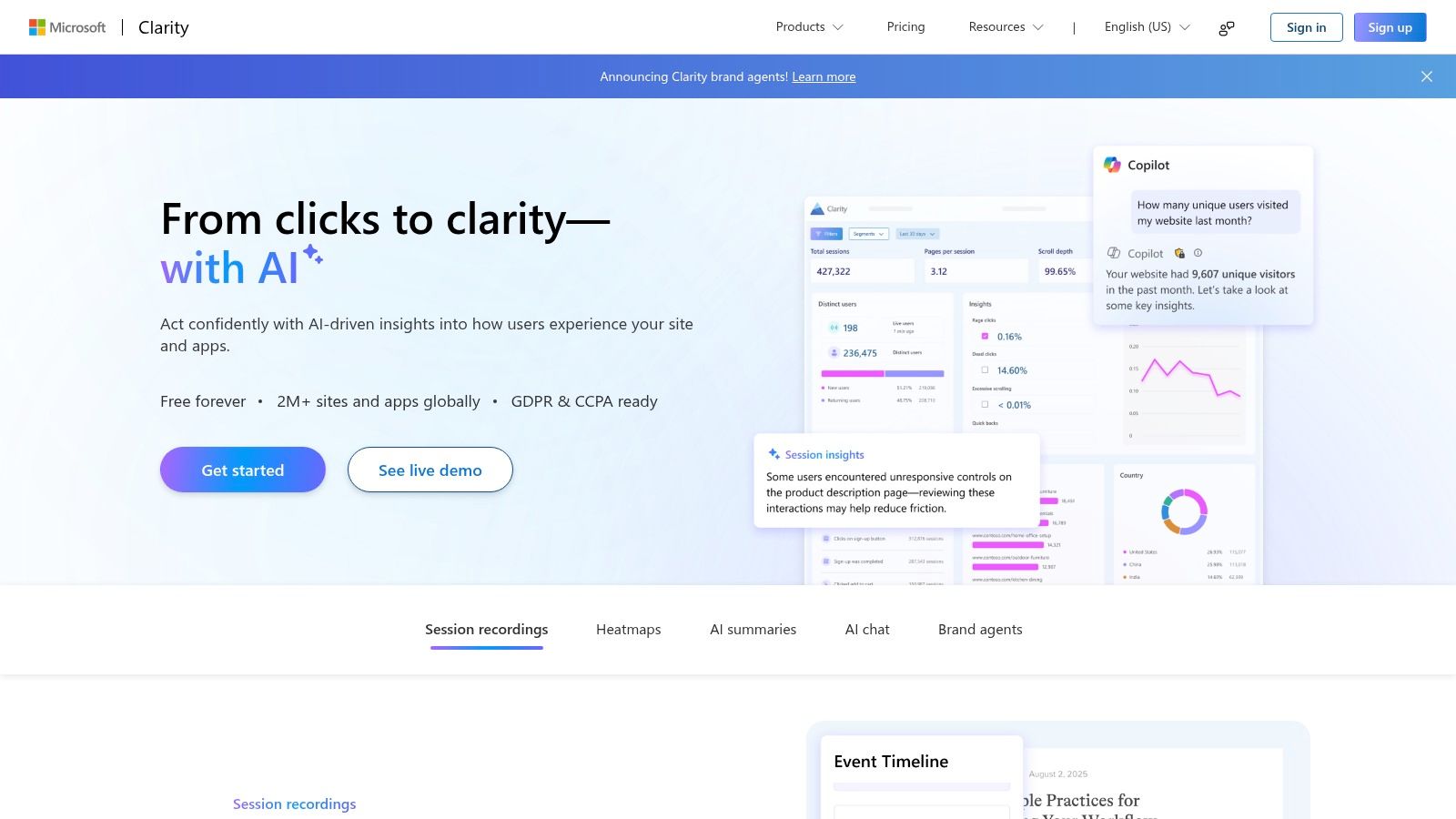
Microsoft Clarity provides a powerful, visual-first approach to understanding user behavior. Instead of burying insights in complex data tables, Clarity focuses on qualitative analytics like session recordings and heatmaps. This lets you watch how real users navigate your site and identify points of frustration.
What truly makes Clarity stand out is that it's completely free, with no traffic limits. For small businesses or any team wanting to diagnose UX issues without a budget, this is a game-changer. It offers the kind of insights typically found in expensive, premium platforms.
Key Features and Use Cases
- Unlimited Session Recordings: Watch full recordings of user sessions to diagnose bugs. You can filter sessions by "rage clicks" or "excessive scrolling" to quickly find frustrated users.
- Dynamic Heatmaps: Generate clickmaps and scrollmaps for any page to see which elements attract attention. This is perfect for optimizing call-to-action button placement.
- AI-Powered Insights: Clarity's "Copilot" feature uses AI to summarize recordings. Instead of watching hours of video, you can ask for a summary of friction points on your pricing page.
Pricing
Clarity is completely free, forever. There are no paid tiers or hidden costs for its core features.
Learn More: https://clarity.microsoft.com
3. Hotjar
Hotjar moves beyond traditional analytics by answering the "why" behind your data. It’s one of the most effective website visitor tracking tools for teams looking to diagnose UX issues and get direct feedback without guesswork. By combining session recordings with on-site surveys, you get a complete picture.
What makes Hotjar so powerful is its all-in-one approach. You don't need separate subscriptions for heatmaps and session replays; it’s all bundled into one intuitive platform. This makes it a great choice for product managers, UX designers, and marketers who need to quickly identify points of friction.
Key Features and Use Cases
- Heatmaps and Session Replays: Anonymised session recordings are invaluable. For example, a travel booking site noticed users repeatedly clicking a non-interactive calendar icon. They made it clickable, reducing booking errors by 15%.
- On-site Surveys and Feedback: Deploy targeted pop-up surveys at the perfect moment. You can ask, "What's stopping you from signing up today?" right before a user leaves the pricing page. It's a great way to enhance the user experience with on-site tools and gather insights.
- Conversion Funnels: Build visual funnels to see at which step of a process, like checkout, you lose the most visitors. You can then watch session replays of only the users who dropped off at that step.
Pricing
Hotjar offers a free "Basic" plan with limited sessions and paid plans that scale with traffic, starting around $80/month for the "Business" plan.
Learn More: https://www.hotjar.com
4. Lucky Orange
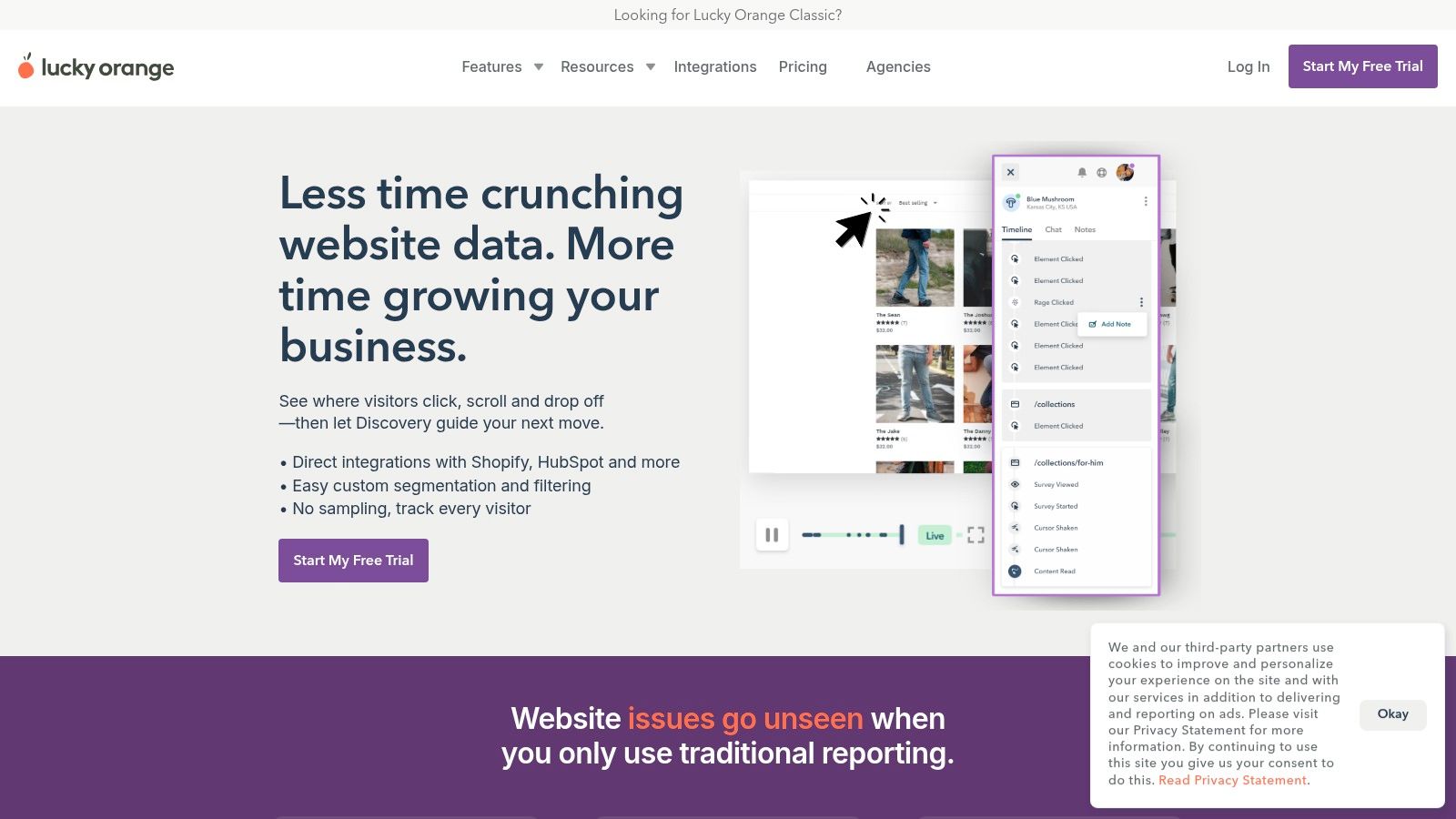
Lucky Orange is an all-in-one conversion optimization suite designed to help you understand the why behind your data. It's one of the most accessible website visitor tracking tools for small and medium-sized businesses that want qualitative insights without a complex setup.
What makes Lucky Orange stand out is its comprehensive feature set, which is included in every plan. You can watch a user’s session recording, see their heatmap activity, and then proactively engage them with live chat, all from a single dashboard.
Key Features and Use Cases
- Session Recordings & Dynamic Heatmaps: Watch pixel-perfect replays of user sessions. An ecommerce site could filter for sessions where users abandoned their cart and watch the recording to see what caused them to leave.
- Form Analytics: Discover which fields on your checkout forms cause the most abandonment. This helps you pinpoint confusing fields and optimize your forms for higher conversion rates.
- Live Chat & Visitor Profiles: Engage with visitors directly. When a chat is initiated, you get a full profile of the visitor’s past activity, giving your support team valuable context.
Pricing
Lucky Orange offers affordable, scalable plans based on session volume. Its free plan is generous, and paid tiers are very competitive for SMBs.
Learn More: https://www.lucky.orange.com
5. FullStory
FullStory positions itself as a "digital experience intelligence" platform. As one of the more advanced website visitor tracking tools, it automatically captures every user interaction, from clicks to rage clicks, eliminating the need for manual event tagging. This "autocapture" gives you a complete, retroactive dataset.
What makes FullStory stand out is its ability to bridge the gap between quantitative data and qualitative context. You can build a funnel to see where users drop off and then immediately watch the corresponding session replays to understand the "why." This makes it invaluable for product and engineering teams.
Key Features and Use Cases
- High-Fidelity Session Replay: Watch pixel-perfect reconstructions of user sessions. A support team can use this to instantly resolve a customer ticket by viewing the exact bug the user encountered.
- Funnels and Segments: Create custom funnels and segments to analyze user flows and identify frustration signals like "rage clicks."
- Data Export and Governance: FullStory offers robust APIs and integrations, allowing you to export data into your own data warehouse for deeper analysis.
Pricing
FullStory offers a free plan with 1,000 monthly sessions. Its Business and Enterprise plans require contacting their sales team for custom pricing.
Learn More: https://www.fullstory.com
6. Matomo (Cloud or On-Premise)
For businesses where data privacy and ownership are non-negotiable, Matomo is a powerful, ethics-focused website visitor tracking tool. You can either host it on your own servers or use their cloud service. This makes it a go-to for organizations in finance or healthcare that must adhere to strict data regulations.
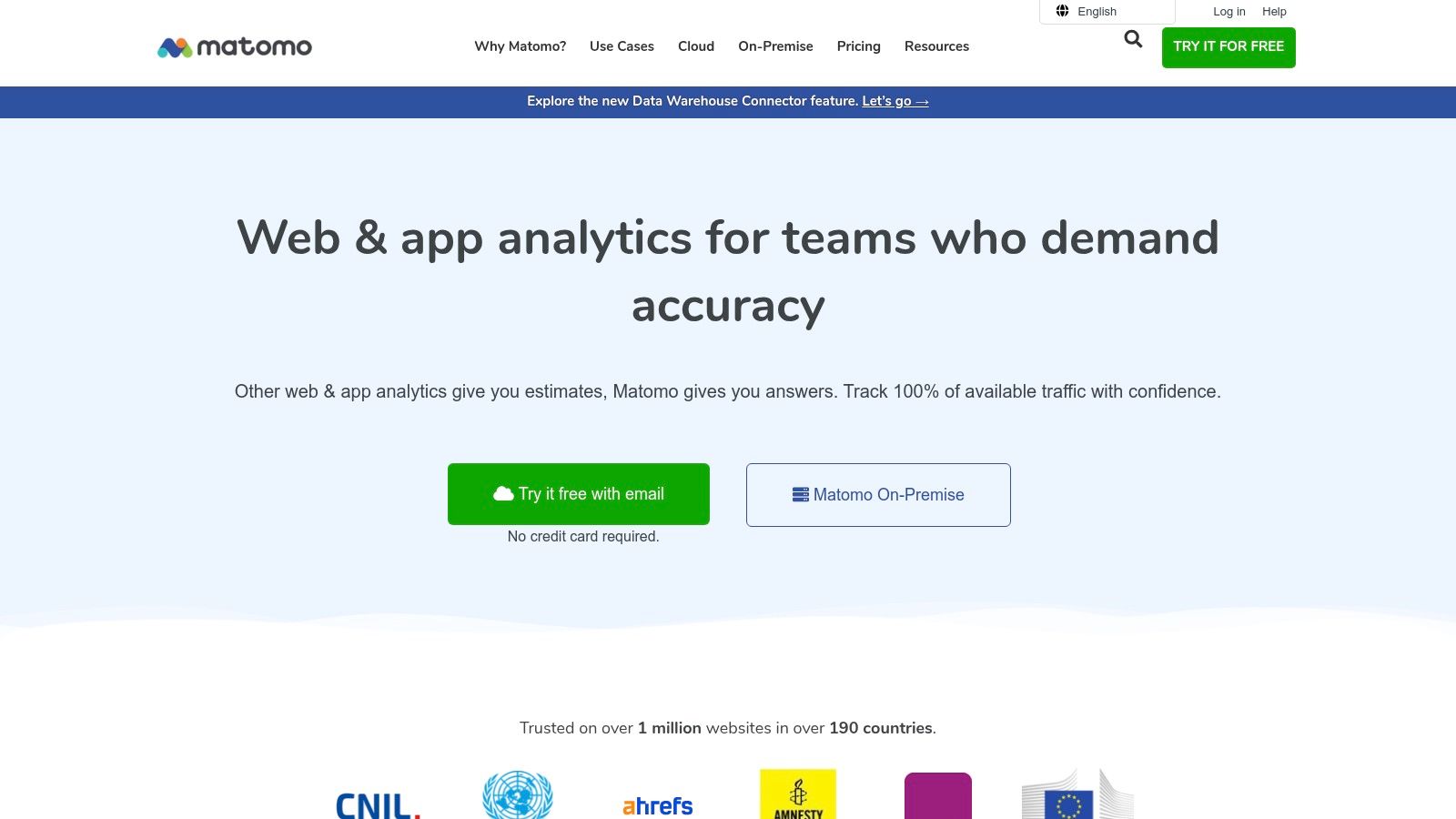
Matomo's unique value is its commitment to 100% data ownership and its policy against data sampling. Unlike many platforms that estimate data, Matomo provides you with accurate, raw data so your decisions are based on unfiltered reality.
Key Features and Use Cases
- 100% Data Ownership & No Sampling: You retain full control over your analytics data. For an ecommerce store analyzing a flash sale, this means every single visit is counted, giving you exact data.
- On-Premise or Cloud Hosting: Choose to self-host for maximum security or opt for the EU-hosted cloud version for a managed, compliant solution.
- Enhanced Privacy Controls: Matomo is designed with privacy at its core, offering features like IP anonymization and cookieless tracking.
Pricing
Matomo’s on-premise version is free to use (you pay for your own servers). The Cloud plan has a 21-day free trial and a pricing model based on monthly "hits."
Learn More: https://matomo.org
7. Plausible Analytics
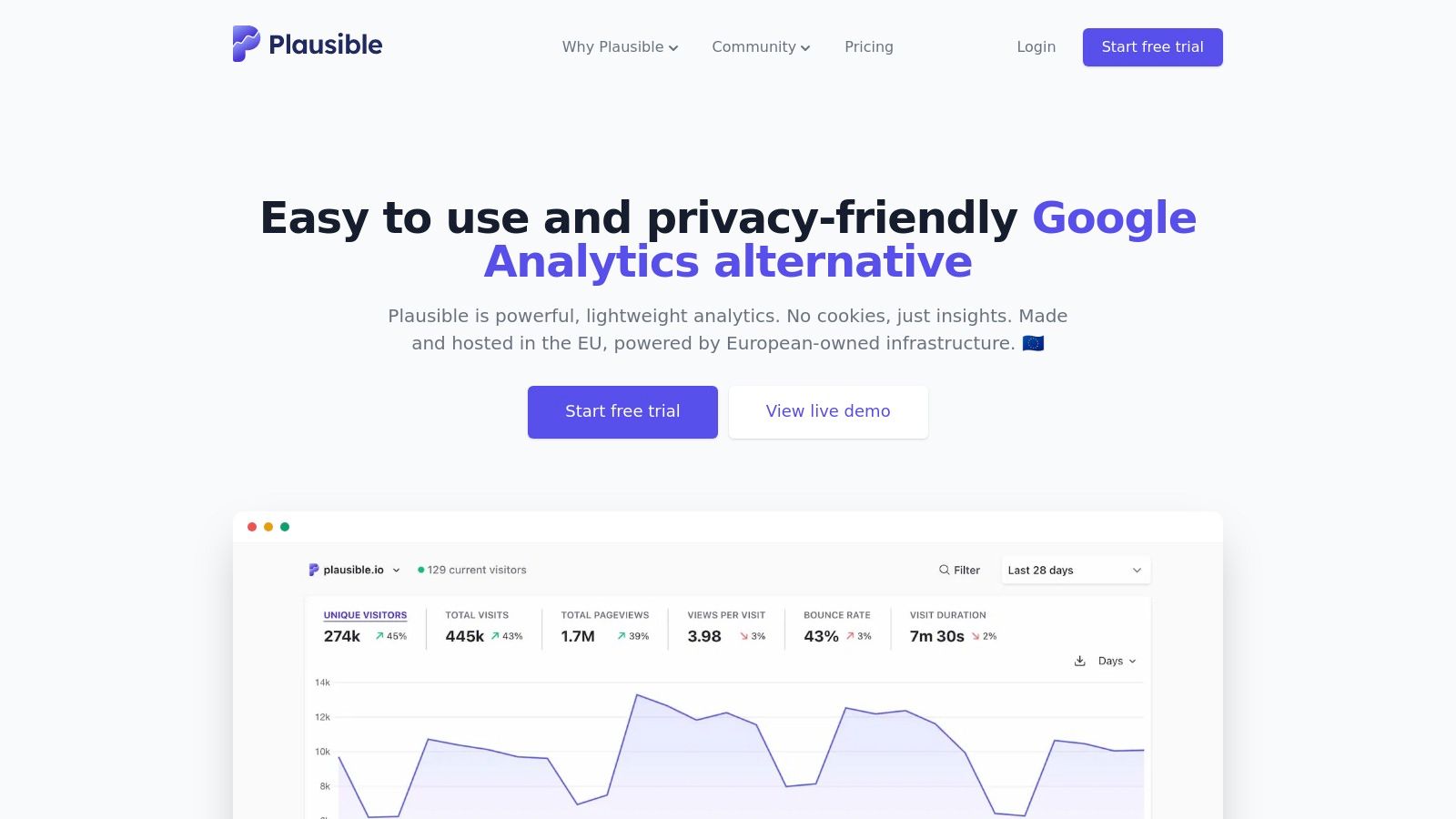
Plausible Analytics offers a refreshing, privacy-first alternative to complex analytics platforms. As a lightweight website visitor tracking tool, it focuses on essential metrics in a clean, one-page dashboard without using cookies or collecting personal data. This makes it excellent for businesses that prioritize user privacy.
What sets Plausible apart is its simplicity and transparency. The entire script is less than 1KB, ensuring it has virtually no impact on your site's loading speed. It’s built for teams who need clear, actionable insights without the steep learning curve.
Key Features and Use Cases
- Cookie-Free Tracking: Plausible is designed to be compliant with privacy laws out of the box. For a local service business, this means you can track visitor counts without forcing users to accept a cookie consent notice.
- Simple Goal and Event Conversion: Easily track key actions like newsletter sign-ups. You can set up a "Contact Form Submitted" goal to quickly see which traffic sources drive the most leads.
- Lightweight Script: The tiny script ensures your website remains fast, which is a significant advantage for ecommerce sites where every millisecond can impact conversion rates.
Pricing
Plausible’s pricing is based on monthly pageviews, starting at a low entry point for small sites. There is no free tier, but a 30-day free trial is available.
Learn More: https://plausible.io
8. Clicky
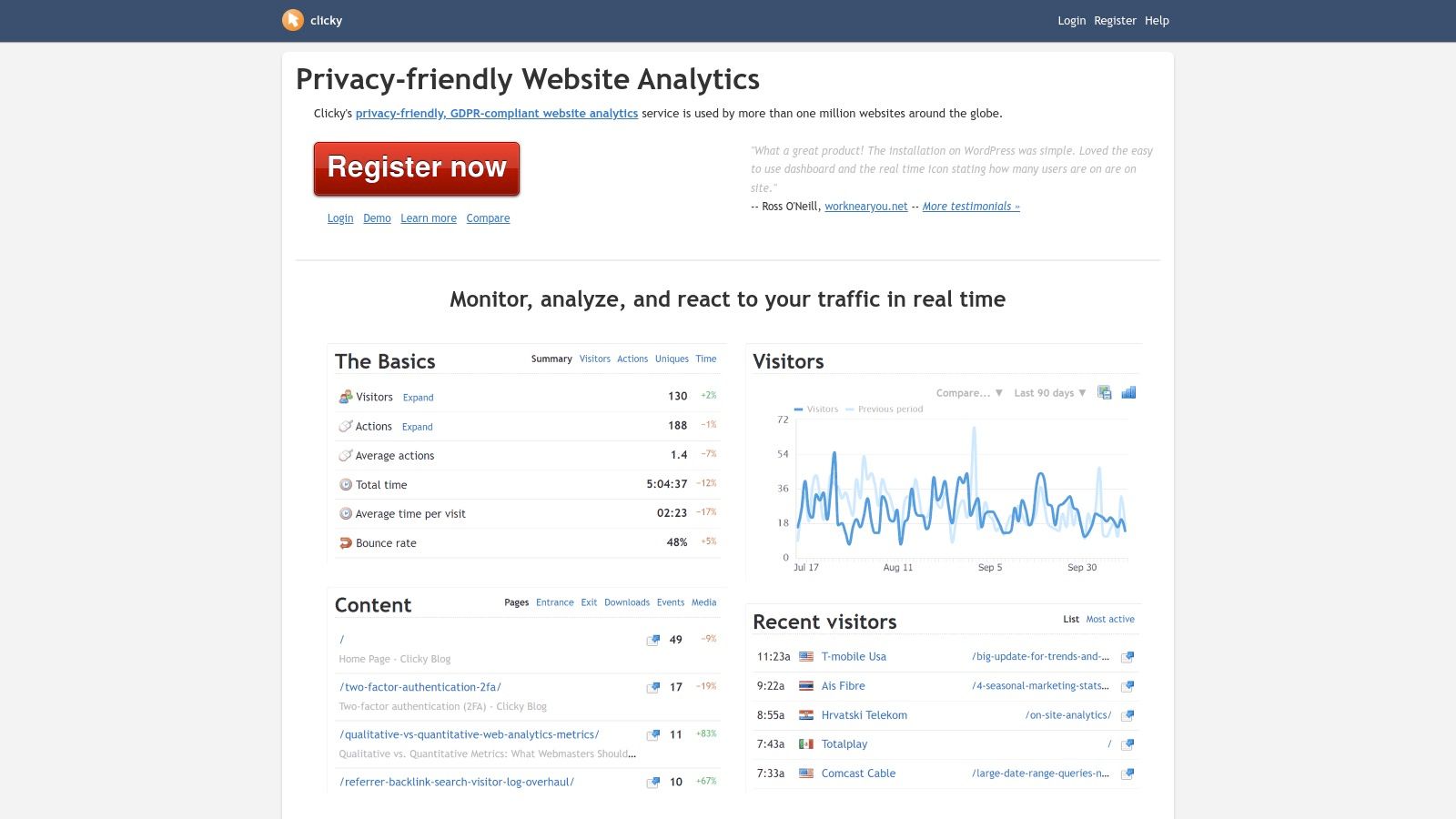
Clicky has long been a favorite for those who crave real-time data without complexity. Positioned as a website visitor tracking tool that prioritizes speed, its standout feature is the "Spy" view, which gives you a live look at individual visitors as they navigate your site.
Unlike platforms that update on a delay, Clicky’s dashboard is designed for instant gratification. This makes it exceptionally useful for monitoring the immediate impact of a new blog post or email campaign.
Key Features and Use Cases
- Live "Spy" View: Watch individual visitors in real-time. This is perfect for a small ecommerce store owner who wants to see how users from a specific ad campaign are interacting with product pages.
- Goals and Campaign Tracking: Easily set up goals to track conversions like sign-ups or downloads without complex UTM parameter setups.
- Heatmaps and Uptime Monitoring: Higher-tier plans include heatmaps and uptime monitoring, which alerts you instantly if your website goes down.
Pricing
Clicky offers a limited free plan. Paid plans are very affordable, starting at just $9.99 per month.
Learn More: https://clicky.com
9. Dealfront (Leadfeeder)
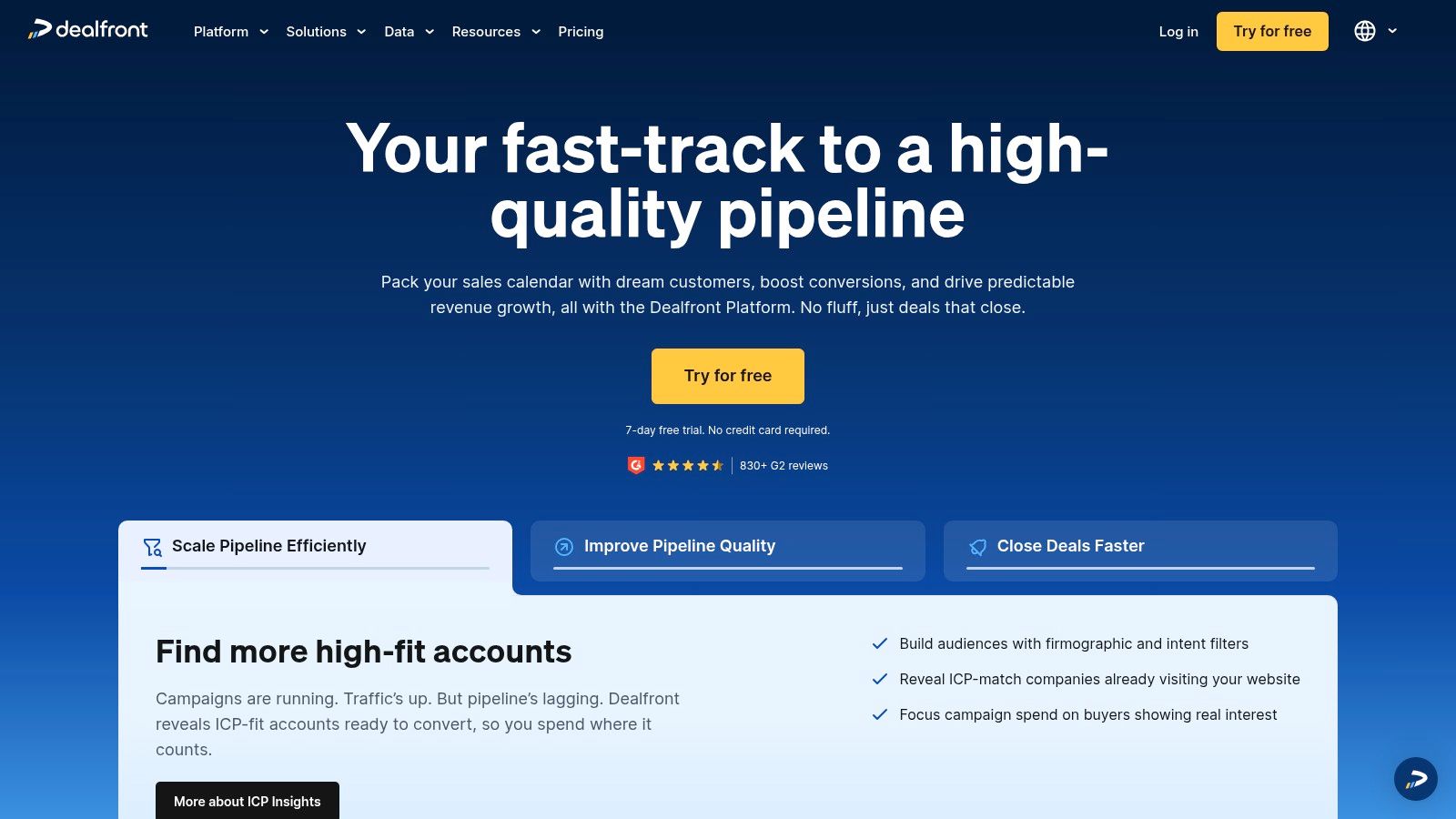
Dealfront shifts the focus from anonymous user behavior to concrete B2B sales opportunities. This platform is purpose-built to identify the companies visiting your website, even if they never fill out a form. It provides your sales team with a list of qualified company leads actively showing interest.
What makes Dealfront so powerful is its direct impact on pipeline generation. Instead of just analyzing traffic, you get actionable data: the company's name, industry, and even potential contacts. This allows your sales team to make timely, informed outreach.
Key Features and Use Cases
- Company Identification: A B2B software company saw that a major bank was repeatedly visiting their enterprise pricing page. This triggered an immediate, tailored outreach from their sales team, resulting in a new high-value client.
- Firmographic and Behavioral Filters: You can create custom feeds to filter visiting companies by industry, employee count, or pages visited to prioritize high-value prospects.
- CRM Integration and Lead Syncing: Dealfront integrates with major CRMs like Salesforce and HubSpot, enriching your sales intelligence and helping you boost customer conversion rates.
Pricing
Dealfront offers a free plan that shows the last seven days of leads. Paid plans are based on the number of unique companies identified per month.
Learn More: https://www.dealfront.com
10. Mixpanel
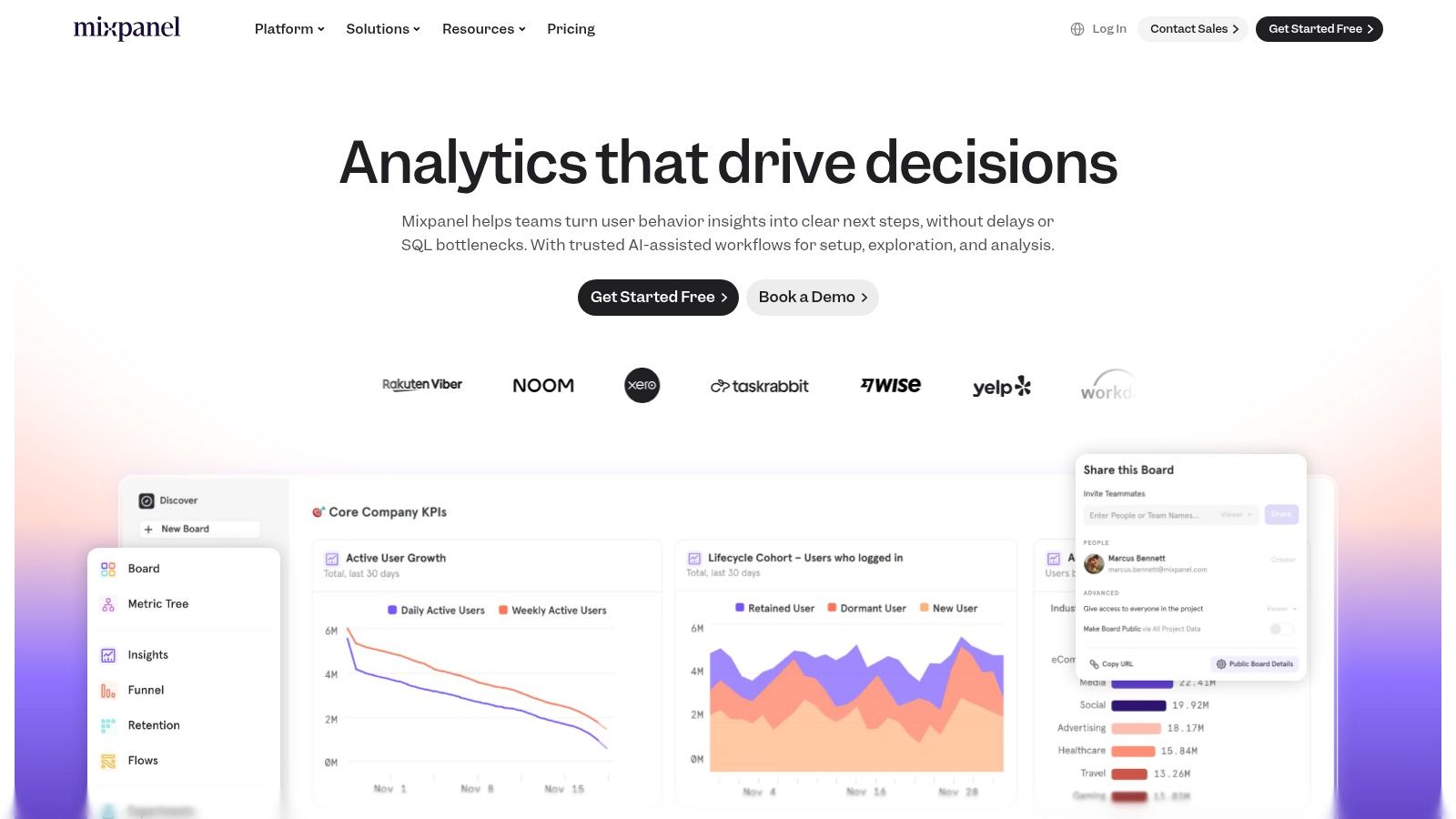
Mixpanel is a product-focused analytics platform that excels at tracking user behavior across websites and mobile apps. While many website visitor tracking tools focus on where traffic comes from, Mixpanel shows you what users do after they arrive.
Its core strength is its powerful reporting on funnels and retention cohorts, making it ideal for SaaS companies. You can see exactly how users move through your product and which features lead to long-term loyalty.
Key Features and Use Cases
- Funnels and Retention Analysis: You can build sophisticated funnels to track how users move through a signup process and use cohort reports to see what percentage of new users return over time.
- Session Replay: Mixpanel includes a session replay feature that allows you to watch recordings of individual user sessions, providing qualitative context.
- Spark AI: This feature lets you ask questions about your data in plain English, and it generates the corresponding report for you.
- Flows and Cohorts: Visualize the most common paths users take within your product to identify popular features or uncover points of friction.
Pricing
Mixpanel offers a generous free plan that includes up to 20 million events per month. Paid plans scale based on event volume.
Learn More: https://mixpanel.com
11. G2 — Session Replay Software Category
Instead of a single tool, G2's Session Replay category is a powerful research hub for comparing many different website visitor tracking tools in one place. It acts as a curated marketplace, aggregating user reviews and feature sets to help you shortlist vendors efficiently.
What makes G2 uniquely valuable is its reliance on verified user reviews. You can filter tools by features, see real-world pros and cons from actual users, and understand market sentiment at a glance.
Key Features and Use Cases
- Vendor Comparison Grids: Use the G2 Grid to visually compare top players based on market presence and user satisfaction scores.
- Verified User Reviews: Read in-depth reviews from peers in your industry. A marketing manager can filter for reviews from similar companies to understand how a tool performs in a relevant context.
- Feature-Based Filtering: Need a tool with robust funnel analysis? Apply specific filters to narrow down the list of hundreds of potential tools to just a handful.
Pricing
G2 is free to use for research. The pricing for the software listed on the platform varies widely, from free plans to enterprise contracts.
Learn More: https://www.g2.com/categories/session-replay
12. Capterra — Web Analytics Software Directory
Capterra serves as a comprehensive directory for the entire software industry. It’s an invaluable research starting point when you need to compare dozens of website visitor tracking tools side-by-side. The platform aggregates over 300 different web analytics solutions.
What makes Capterra so useful is its consolidation of user-generated reviews and detailed buyer guides. This lets you move beyond marketing claims and see how real users feel about a platform's usability and customer support.
Key Features and Use Cases
- Robust Filtering System: You can narrow down the vast list of tools by essential features like A/B testing, conversion tracking, or heatmaps.
- User Reviews and Ratings: Gain insights from peers. For example, an ecommerce manager can filter for reviews from other online retailers to see which tools best handle sales funnels.
- Side-by-Side Comparisons: Select a few top contenders and compare their features and pricing directly on the platform to make an informed decision.
Pricing
Using Capterra for research is completely free. The platform charges software vendors for listings and lead generation.
Learn More: https://www.capterra.com/web-analytics-software/
How to Implement a Visitor Tracking Strategy
Choosing a tool is just the first step. To get real value, you need a plan. Don't just install the script and hope for insights. Start with a specific question you want to answer.
For example: "Why are so many users abandoning our checkout process on the shipping information page?"
Actionable Takeaway: Your 3-Step Implementation Plan
- Choose the Right Tool for the Job: For this specific problem, a tool with session replay and form analytics like Hotjar or Lucky Orange is ideal. Install the tracking code on your checkout pages.
- Gather Data and Analyze: Let the tool run for a week to collect enough data. Then, filter session recordings for users who dropped off on the shipping page. Watch at least 10-15 recordings. Do you see a pattern? Maybe they struggle with the address lookup field or get confused by shipping costs.
- Form a Hypothesis and Test: Based on your observations, form a hypothesis: "We believe users are abandoning the page because the shipping cost calculation is confusing." Make a small change to clarify the cost display and run an A/B test to see if the abandonment rate improves.
What to Watch Out For: Limitations and Considerations
While these tools are powerful, they aren't magic wands. It's important to be aware of the trade-offs to build trust with both your users and your team.
- Privacy Compliance is Your Responsibility: Tools like Matomo and Plausible are built for privacy, but you are still responsible for complying with GDPR, CCPA, and other regulations. Always be transparent with users about what data you collect and why.
- "Analysis Paralysis" is Real: The sheer volume of data can be overwhelming. As we mentioned, it's better to focus on answering one specific business question at a time rather than trying to analyze everything at once.
- Performance Impact: Most modern tools are lightweight, but adding too many tracking scripts can slow down your website. Prioritize the tools that provide the most value and regularly audit your site's performance. Typically, a single, well-optimized script won't cause noticeable slowdowns.
- Qualitative vs. Quantitative: Remember the difference. Tools like Google Analytics give you the "what" (e.g., 50% of users drop off here). Tools like Microsoft Clarity give you the "why" (e.g., they drop off because a button is broken on mobile). You need both for a complete picture.
Conclusion: Turning Clicks into Customers
We've covered a wide range of website visitor tracking tools, from foundational analytics to granular behavioral insights. The goal is always the same: to understand the "why" behind your website traffic and transform raw data into a clear story about your user's journey.
Making the right choice isn't about finding the single "best" tool; it's about building the right stack for your business. Before you commit, return to your core objectives. Are you trying to reduce cart abandonment or increase free trial sign-ups? Your primary goal will dictate which features matter most. Focus on the tools that deliver actionable insights tied directly to your key performance indicators (KPIs).
Now that you have the tools to identify where and why your visitors are struggling, the next step is to help them in the moment. An AI-powered chatbot from FastBots.ai can act on your insights, providing instant answers, guiding users, and capturing qualified leads 24/7. Turn your data into real-time conversations and conversions by exploring what an AI assistant can do for you at FastBots.ai.