Top 12 No-Code AI Platforms to Watch in 2026


Artificial intelligence is no longer confined to data science labs and massive tech companies. Today, a new wave of powerful yet accessible no-code AI platforms empowers anyone, from marketers and founders to operations managers, to build sophisticated applications, automate complex workflows, and deploy intelligent chatbots without writing a single line of code. These tools are designed to solve critical business problems like providing 24/7 customer support, capturing and qualifying leads, or streamlining internal processes.
The challenge is no longer if you can use AI, but which tool is right for you. With dozens of options, each with unique strengths and weaknesses, navigating the choices can be overwhelming. This guide cuts through the noise and gets straight to the point. We provide a comprehensive, hands-on analysis of the 12 best no-code AI platforms available today, helping you make an informed decision for your specific needs.
In this curated resource list, we will dive deep into each platform, exploring:
- Core features and functionalities.
- Practical use cases for businesses, non-profits, and educational institutions.
- Strengths and limitations based on real-world application.
- Clear pricing breakdowns to match your budget.
- Essential integration and security considerations.
Each entry includes screenshots for a better visual understanding and a direct link to the platform so you can start exploring immediately. Whether you need to build a customer-facing AI chatbot, an internal business app, or an automated marketing engine, this in-depth comparison will equip you to select the perfect solution and start building.
1. FastBots.ai
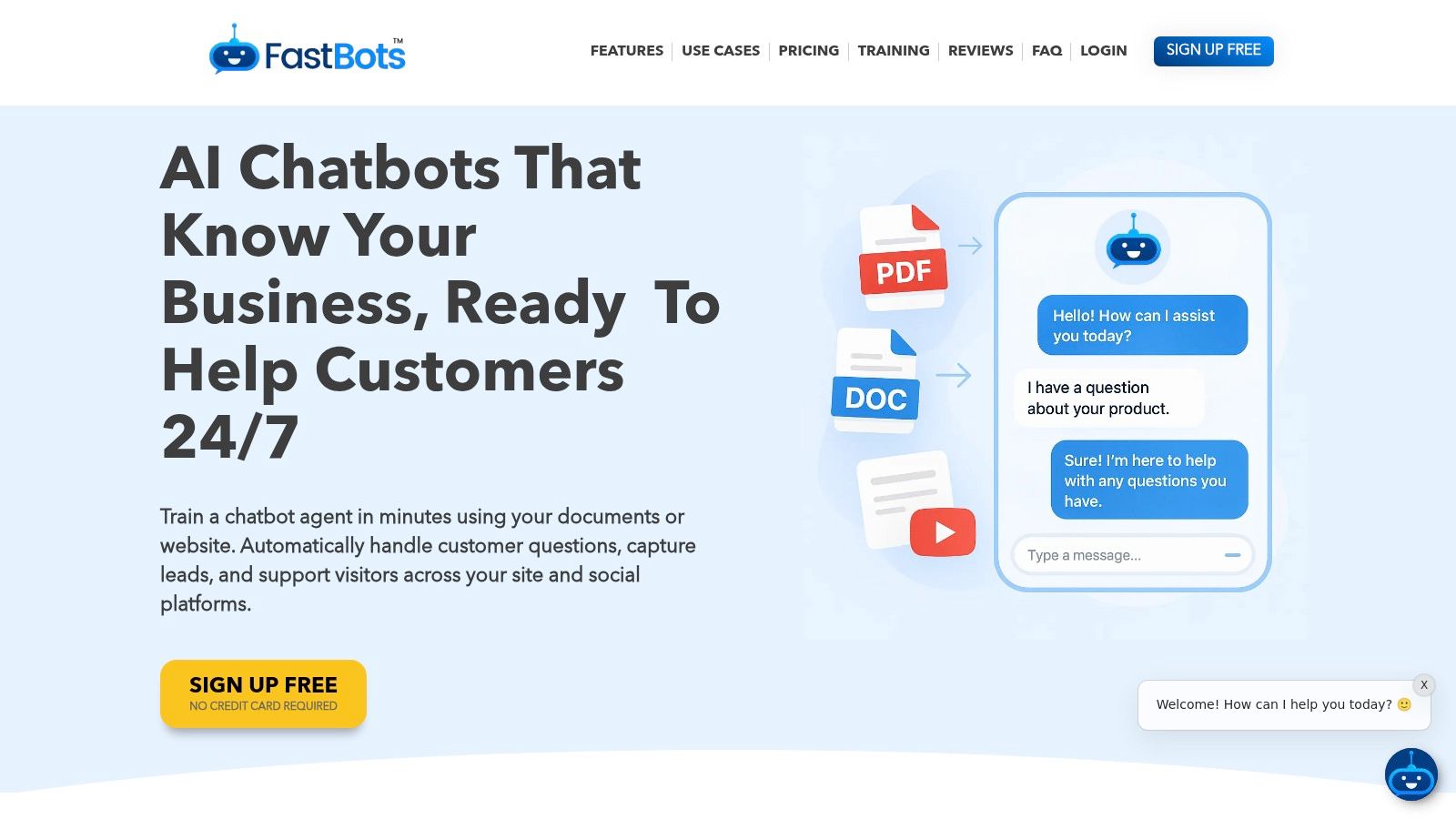
FastBots.ai secures its top position by offering a powerful, yet remarkably accessible, entry point into the world of no-code AI platforms. It excels at a critical business need: creating custom, brand-aligned AI chatbots trained on your specific data in minutes. This platform is an ideal choice for businesses that need to deploy a sophisticated customer support, lead generation, or internal knowledge bot without a dedicated development team.
The setup process is a key differentiator; you can have a functioning bot live on your site in under five minutes by simply providing a website URL or uploading documents like PDFs, DOCX files, and spreadsheets. FastBots.ai then ingests this information, creating a knowledge base that ensures the chatbot provides accurate, context-aware answers derived directly from your content. This blend of speed and precision makes it a standout solution for organizations of all sizes.
Core Strengths and Capabilities
FastBots.ai distinguishes itself with an enterprise-grade feature set delivered through a user-friendly interface. One of its most powerful capabilities is omnichannel deployment. You can embed your bot on any website or natively connect it to major communication channels like WhatsApp, Telegram, Facebook Messenger, Instagram, and Slack, meeting customers where they are.
The platform also provides robust integration and automation. Through native support for Zapier and Make, your chatbot can transcend simple Q&A. It can trigger real-world actions such as booking appointments, syncing leads to a CRM, sending follow-up emails, or logging support tickets, effectively turning conversations into automated workflows.
Who is it for?
- SMBs & Ecommerce Teams: Deploy 24/7 customer service and sales assistants to answer product questions and capture leads.
- Customer Support & Success: Reduce ticket volume by providing instant answers and offer a seamless handover to human agents when needed.
- Sales & Marketing: Engage website visitors, qualify leads, and schedule demos automatically.
- Agencies: Utilize the white-label and reseller options to offer branded AI chatbot services to clients.
Pricing and Plans
FastBots.ai offers a flexible pricing structure suitable for testing and scaling.
- Free: Includes 1 chatbot and 50 messages/month, perfect for initial trials.
- Essential: Starts around $24/month (billed yearly), offering more messages and features.
- Business & Premium: From ~$57 to ~$124/month, unlocking key features like live chat handover, automated retraining, and branding removal.
- Reseller & Enterprise: Custom plans are available for agencies and large-scale deployments.
Note: The platform uses a message-credit model. Higher-performance LLMs (like GPT-4o) consume more credits per response, which can impact costs for high-traffic sites.
Website: https://fastbots.ai
2. Bubble
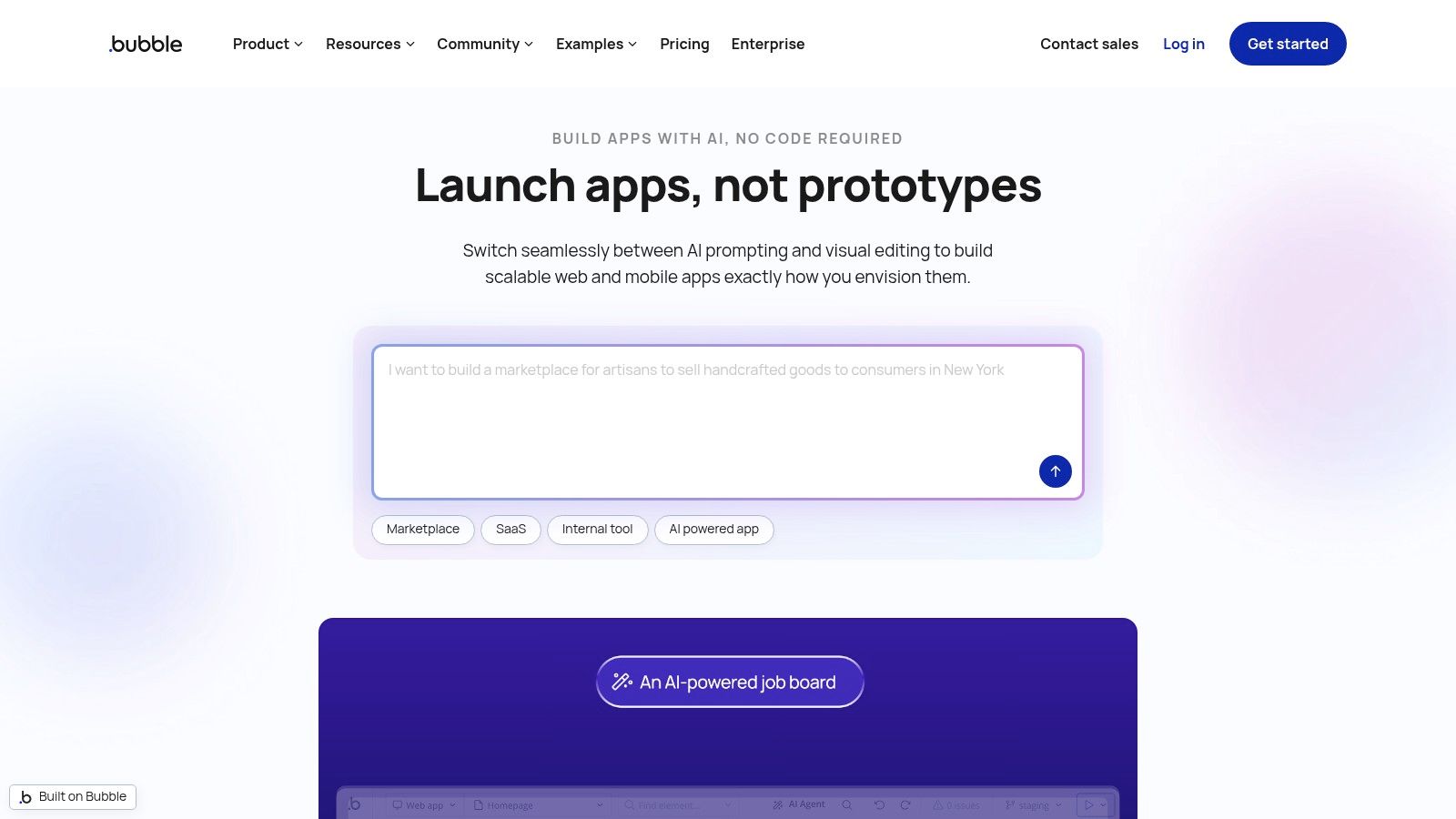
Bubble has long been a dominant force in the no-code development world, allowing users to build complex, full-featured web applications without writing a single line of code. It carves out its place among no-code AI platforms by integrating AI directly into the development process itself. Rather than just connecting to AI services, Bubble uses AI to assist in creating the application's structure, user interface, and logic from simple text prompts.
This is a game-changer for entrepreneurs and businesses looking to build sophisticated SaaS products, internal tools, or online marketplaces. You can describe the app you want to build, and Bubble’s AI assistant will generate a functional starting point, complete with a database structure and user workflows. This dramatically lowers the initial barrier to entry for complex app development.
Core Features & Use Cases
Bubble’s strength lies in its comprehensive, all-in-one approach. It provides a visual editor, a hosted database, and workflow logic in one package.
- Best For: Building custom SaaS applications, internal dashboards, and marketplaces.
- AI Integration: Use the in-editor AI agent to generate page layouts, create database models, or suggest workflows from natural language commands.
- Extensibility: Features a massive plugin marketplace, allowing easy integration with external AI APIs like OpenAI, Anthropic, or specialized services for more advanced AI functionality within your app.
Pricing and Platform Details
Bubble's pricing is based on "workload units," a metric that measures server usage. This model is designed to scale with your app's complexity and traffic.
- Free Plan: Includes core platform features but with Bubble branding and workload limits.
- Paid Tiers: Start at $29/month (billed annually) for more workload units, a custom domain, and access to the API. Higher tiers offer more capacity, additional app editors, and dedicated server options.
- Learning Curve: While powerful, Bubble has a steeper learning curve than simpler tools. New users should expect to invest time in tutorials and community forums to master its capabilities.
Our Take: Bubble is the go-to platform if you need to build a truly custom web application that uses AI, and you also want AI to help you build it. Its combination of a mature, powerful editor and integrated AI building assistants makes it an unparalleled tool for serious no-code developers.
Website: https://bubble.io
3. Glide
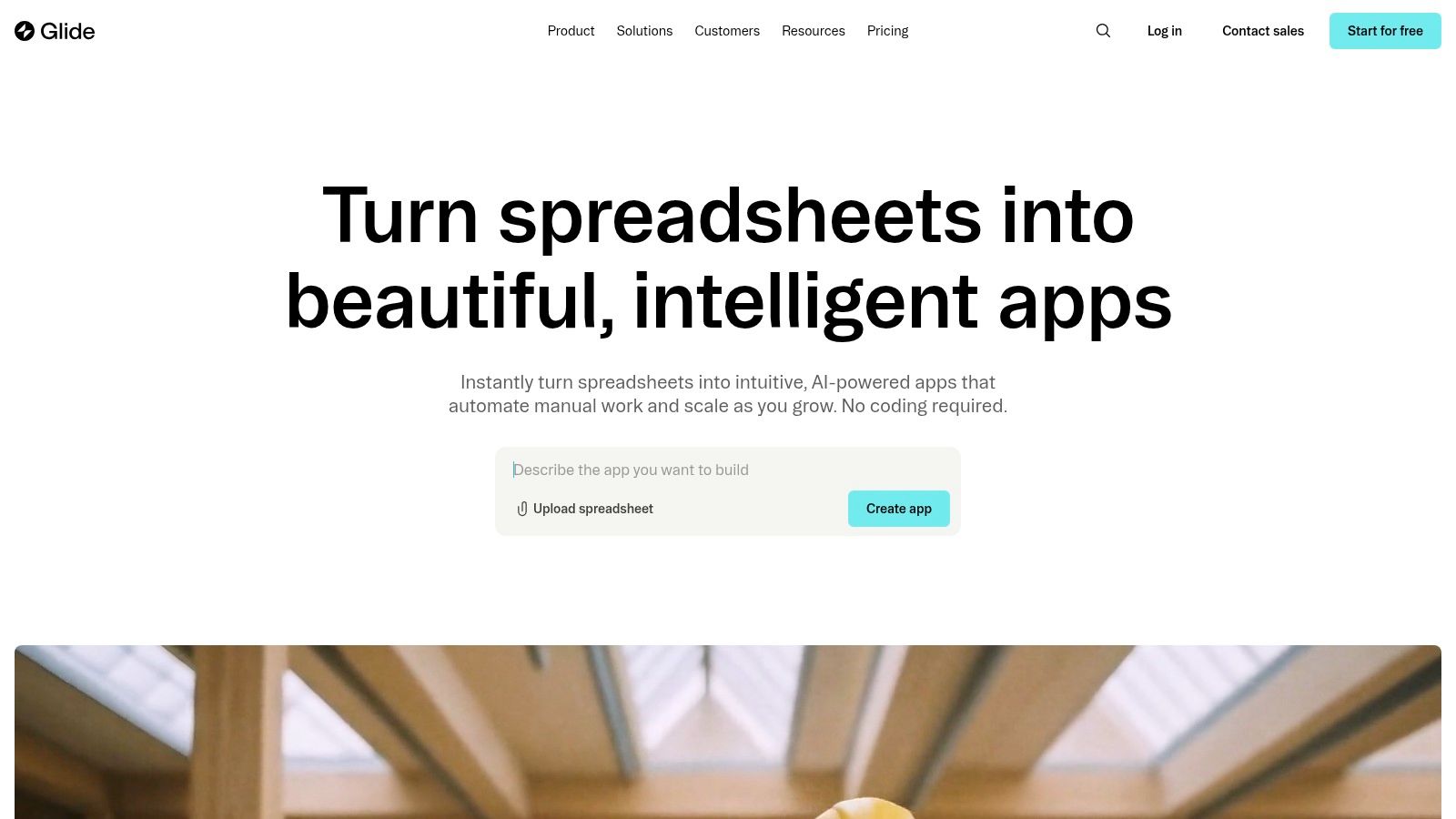
Glide excels at transforming spreadsheets and databases into polished, powerful business applications and client portals with incredible speed. It distinguishes itself in the no-code AI platforms space by seamlessly integrating AI capabilities directly into your data. Instead of just connecting to external services, Glide allows you to add "AI columns" that can summarize text, extract information, or classify data rows automatically.
This approach is perfect for businesses that need to rapidly deploy internal tools, customer-facing portals, or data management apps. You can start with a simple Google Sheet or Airtable base and have a functional, AI-enhanced application live in minutes, not weeks. The focus is on creating beautiful, user-friendly interfaces on top of your existing data sources.
Core Features & Use Cases
Glide's core strength is its speed and ease of use, making it one of the fastest ways to build data-driven apps. Its AI features are designed to be accessible and immediately useful.
- Best For: Building internal tools, client portals, inventory trackers, and lightweight business apps.
- AI Integration: Natively add AI-powered features like text summarization, data extraction, and sentiment analysis directly within your Glide Tables or connected data sources.
- Data Sources: Connects effortlessly with Google Sheets, Airtable, Excel, and its own high-performance Glide Tables.
Pricing and Platform Details
Glide’s pricing is transparent and usage-based, designed to grow with your team’s needs. Higher tiers unlock more advanced features and remove usage limits.
- Free Plan: A generous free tier allows for building and testing apps with limits on users, data rows, and updates.
- Paid Tiers: Plans start at $25 per month (billed annually), offering more capacity, team collaboration features, and custom domains. Business and Enterprise plans add SSO and advanced security.
- Learning Curve: Glide is exceptionally easy to learn. Its intuitive interface means users can build their first functional app in under an hour with no prior experience.
Our Take: Glide is the undisputed champion for speed and simplicity. If your goal is to quickly build a beautiful, functional business app from an existing spreadsheet and sprinkle in powerful AI features without a steep learning curve, Glide is the perfect choice.
Website: https://www.glideapps.com
4. Zapier
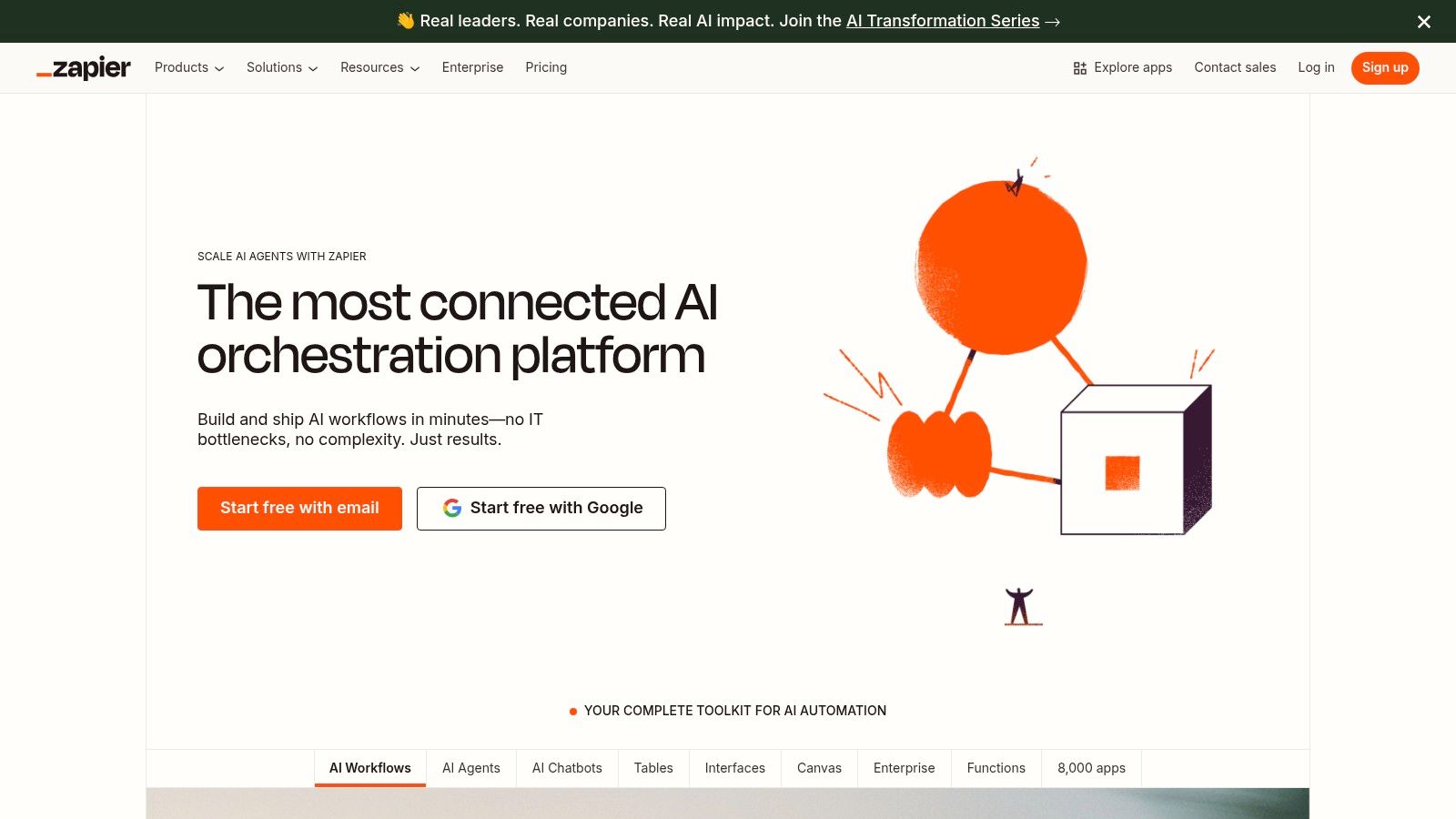
Zapier is the undisputed king of no-code automation, connecting thousands of disparate apps into seamless workflows. It earns a prominent spot on our list of no-code AI platforms by evolving beyond simple triggers and actions into a powerful AI orchestration engine. With new tools like AI Agents and Chatbots, Zapier now lets users build intelligent systems that can automate complex decisions, interact with users, and leverage live data.
This shift transforms Zapier from a simple "if this, then that" tool into a hub for creating end-to-end AI-powered processes. For instance, you can build a chatbot that not only answers customer questions but also automatically creates a support ticket, adds the user to a CRM, and sends a follow-up email, all by connecting to different apps through its vast integration library.
Core Features & Use Cases
Zapier's core strength is its unparalleled ability to connect virtually any web service, now supercharged with native AI capabilities.
- Best For: Automating business processes, building internal AI agents, and orchestrating workflows across multiple applications.
- AI Integration: Build custom AI Chatbots or Agents that can perform tasks, browse the web for live information, and connect to over 7,000 apps. Its AI features can also be used as steps within larger workflows (e.g., summarize an email, classify a lead).
- Extensibility: The platform's massive integration catalog is its key feature. Its ability to connect with specialized platforms is a major advantage, as detailed in our guide on the FastBots.ai and Zapier integration.
Pricing and Platform Details
Zapier’s pricing is based on the number of "Tasks" (actions your Zaps perform) you use per month. The more you automate, the more tasks you need.
- Free Plan: Offers a limited number of tasks and single-step Zaps.
- Paid Tiers: Start at $19.99/month (billed annually) for more tasks, multi-step Zaps, and access to premium apps. AI features and chatbots are available on paid plans, with usage limits scaling with the tier.
- Learning Curve: The basics of Zapier are very easy to learn. Building complex, multi-step AI workflows requires a more strategic approach but remains accessible to non-technical users.
Our Take: Zapier is the ultimate "glue" for the no-code AI ecosystem. If your goal is to infuse AI into your existing business processes and connect multiple tools together intelligently, there is no better or more connected platform on the market.
Website: https://zapier.com
5. Airtable
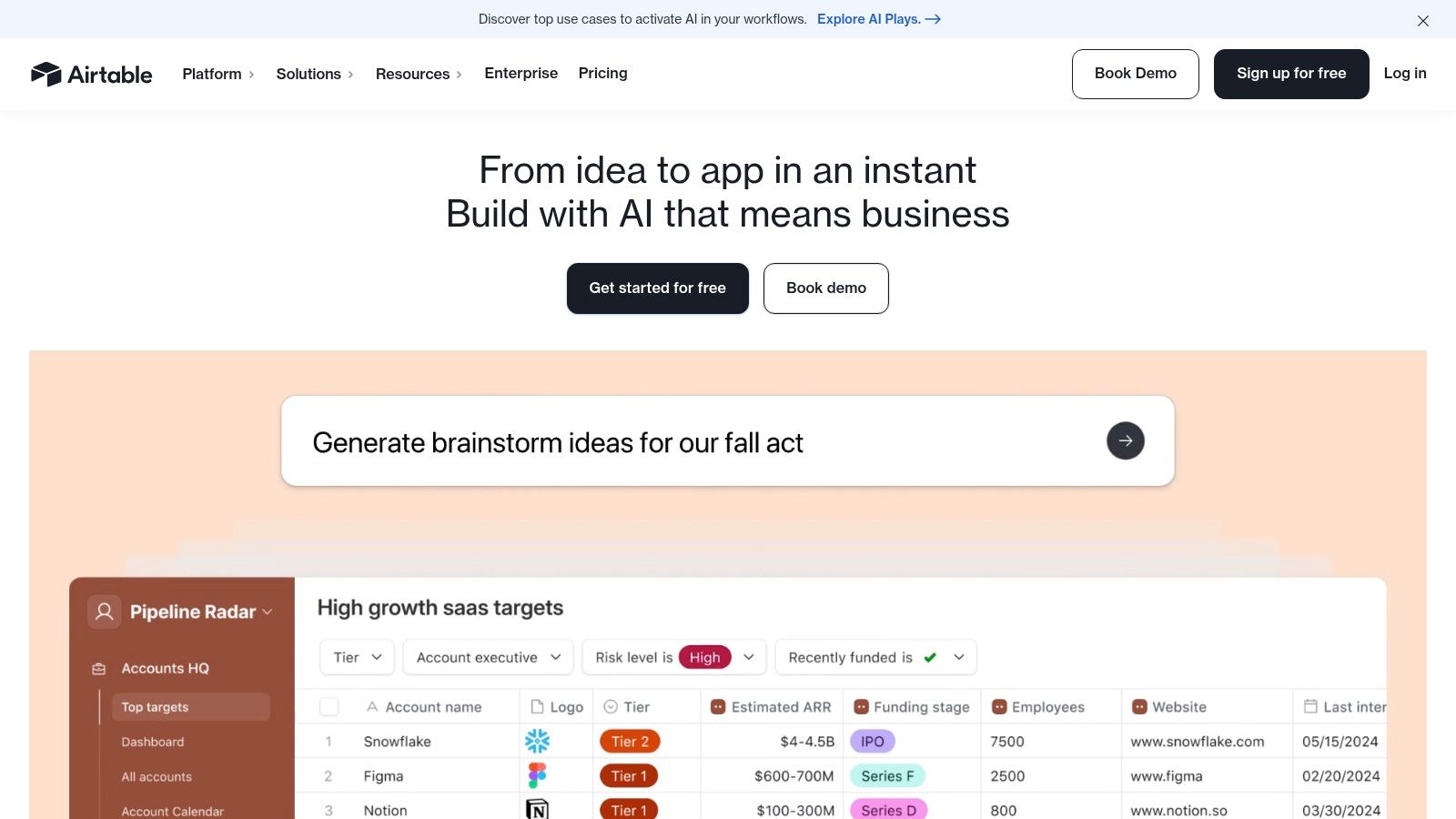
Airtable has established itself as a cornerstone in the no-code world by blending the simplicity of a spreadsheet with the power of a relational database. It earns its spot among the top no-code AI platforms by deeply embedding AI capabilities directly into its data-centric environment. Instead of just connecting to external AI services, Airtable allows users to build intelligent automations and generate insights from their own data using integrated AI features.
This makes it an invaluable tool for teams looking to create smart internal applications and streamline complex data workflows. With Airtable AI, you can summarize meeting notes, categorize customer feedback, draft marketing copy, or analyze project data automatically within your bases. This brings the power of AI directly to where your operational data lives, unlocking new levels of efficiency.
Core Features & Use Cases
Airtable’s core strength is its flexible, database-first approach, now supercharged with AI to manage and interpret information at scale.
- Best For: Building intelligent internal tools, custom CRMs, project management systems, and data-driven workflows.
- AI Integration: Use Airtable AI to summarize text, classify records, translate content, and generate information directly within your tables and automations. Paid plans include monthly AI credits for experimentation.
- Extensibility: Airtable connects seamlessly with thousands of other applications through its API and native integrations, allowing you to use it as a central AI-powered database for your entire tech stack. Connecting via webhooks to Airtable is a common way to expand its functionality.
Pricing and Platform Details
Airtable's pricing is user-based, with AI credits included in paid plans to encourage adoption and experimentation with its new features.
- Free Plan: Offers core features for individuals or small teams just getting started, but with limited records and automation runs.
- Paid Tiers: The Team plan starts at $20/user/month (billed annually) and includes more records, automations, and a starting pool of AI credits. Business and Enterprise tiers offer advanced features, greater capacity, and enhanced security.
- Learning Curve: The interface is intuitive for anyone familiar with spreadsheets, but mastering relational databases and automations can take some time. The AI features are designed to be user-friendly.
Our Take: Airtable is the perfect choice if your goal is to infuse AI directly into your core business data and operational workflows. Its familiar interface lowers the barrier to entry, while its powerful AI features allow you to build surprisingly sophisticated internal applications without needing a developer.
Website: https://www.airtable.com
6. Notion
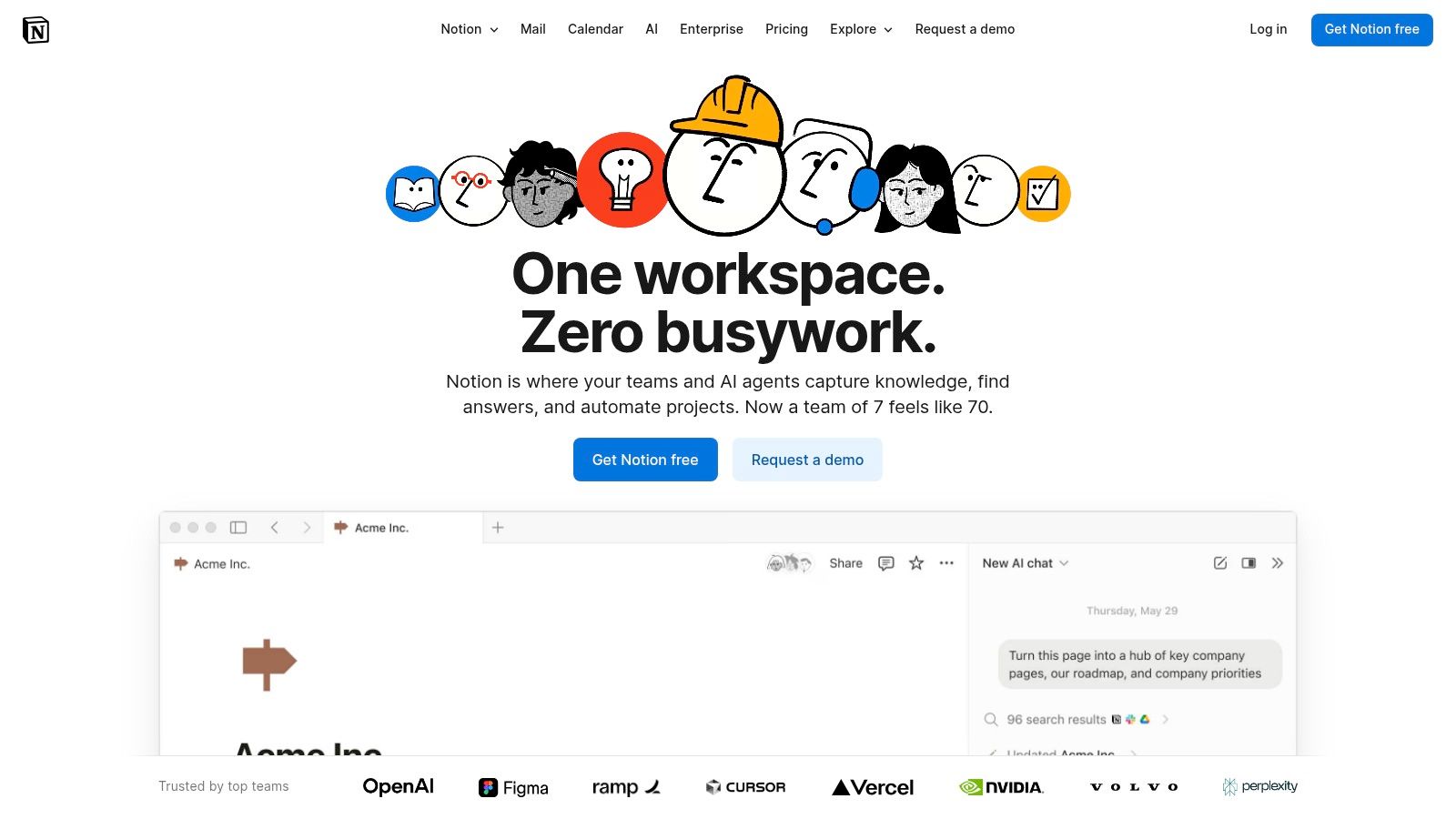
Notion has evolved from a beloved all-in-one workspace into a formidable player among no-code AI platforms by deeply embedding AI into its core fabric. It’s not just a tool for documentation and project management anymore; it’s a platform where AI enhances productivity within the tools you already use daily. Notion AI can draft content, summarize meeting notes, translate text, and even auto-populate database entries, making it an indispensable assistant for knowledge management and lightweight workflows.
This seamless integration makes Notion unique. Instead of building a separate AI tool, you’re augmenting your existing wikis, databases, and project boards with powerful AI capabilities. For teams, this means AI assistance is context-aware and accessible right where the work happens, from generating project briefs to organizing customer feedback automatically.
Core Features & Use Cases
Notion’s strength is its versatility, combining documents, databases, and AI into a single, cohesive environment. It excels at organizing information and automating content-related tasks.
- Best For: Creating intelligent knowledge bases, managing team wikis, automating content creation, and building lightweight internal tools.
- AI Integration: Notion AI assists with writing, summarization, translation, and autofilling database properties. Higher tiers offer Enterprise Search and AI Agent features for more complex automations.
- Extensibility: Connects with tools like Zapier and Make, allowing you to trigger Notion AI actions from other apps or push AI-generated content to external platforms.
Pricing and Platform Details
Notion offers a generous free tier for individuals, with AI features available as an add-on or included in higher-tier plans.
- Free Plan: Provides a robust workspace for individuals with block limits. Notion AI is available as a paid add-on.
- Paid Tiers: Plans like Business and Enterprise bundle Notion AI features, including advanced capabilities like AI Meeting Notes and Enterprise Search, starting at $15 per user/month (billed annually).
- Learning Curve: The basics are intuitive, but mastering database relations and advanced automations can require some effort. The AI features, however, are straightforward to use.
Our Take: Notion is the ideal choice for teams that want to embed AI directly into their daily documentation and knowledge management processes. It's less about building standalone AI apps and more about making your entire operational hub smarter and more efficient.
Website: https://www.notion.so
7. Microsoft Power Apps
Microsoft Power Apps firmly plants itself in the enterprise space, offering a robust low-code platform for building custom business applications. Its distinction among no-code AI platforms comes from its deep integration with the Microsoft 365 and Azure ecosystems, leveraging AI through its Copilot and AI Builder features to streamline development for organizations already invested in Microsoft’s suite.
Rather than just building standalone apps, Power Apps excels at creating solutions that connect to and extend existing business data in services like SharePoint, Dynamics 365, and Dataverse. With its AI Copilot, users can describe an app's function in natural language, and the platform will generate the underlying data tables and initial app screens, significantly accelerating the development process for internal tools and line-of-business applications.
Core Features & Use Cases
Power Apps is designed for governance, security, and scalability within corporate environments, making it a go-to for IT-managed citizen development.
- Best For: Enterprise-level internal tools, business process automation, and mobile field apps within the Microsoft ecosystem.
- AI Integration: Use Copilot to generate apps and data models from text or Excel files. AI Builder provides pre-built models for tasks like form processing, object detection, and text classification.
- Extensibility: Features hundreds of pre-built connectors to both Microsoft and third-party services, with robust support for creating custom connectors and leveraging Azure services.
Pricing and Platform Details
Pricing is user-based and often bundled with larger Microsoft 365 or Dynamics 365 licenses, which can be complex.
- Free Plan: A free developer plan is available for individual use and learning.
- Paid Tiers: Start at $10 per user/app/month. Premium plans with AI Builder credits and full capabilities start at $40 per user/month, with various licensing options available for enterprises.
- Learning Curve: The interface is familiar for Microsoft users, but mastering Dataverse, governance, and advanced formulas requires a dedicated learning effort.
Our Take: For businesses heavily reliant on the Microsoft stack, Power Apps is a powerful and secure choice. Its AI capabilities are tailored for business productivity, and the platform’s governance features provide the control that large organizations need. It’s less suited for startups or those outside the Microsoft world.
Website: https://www.microsoft.com/power-platform/products/power-apps
8. Google AppSheet
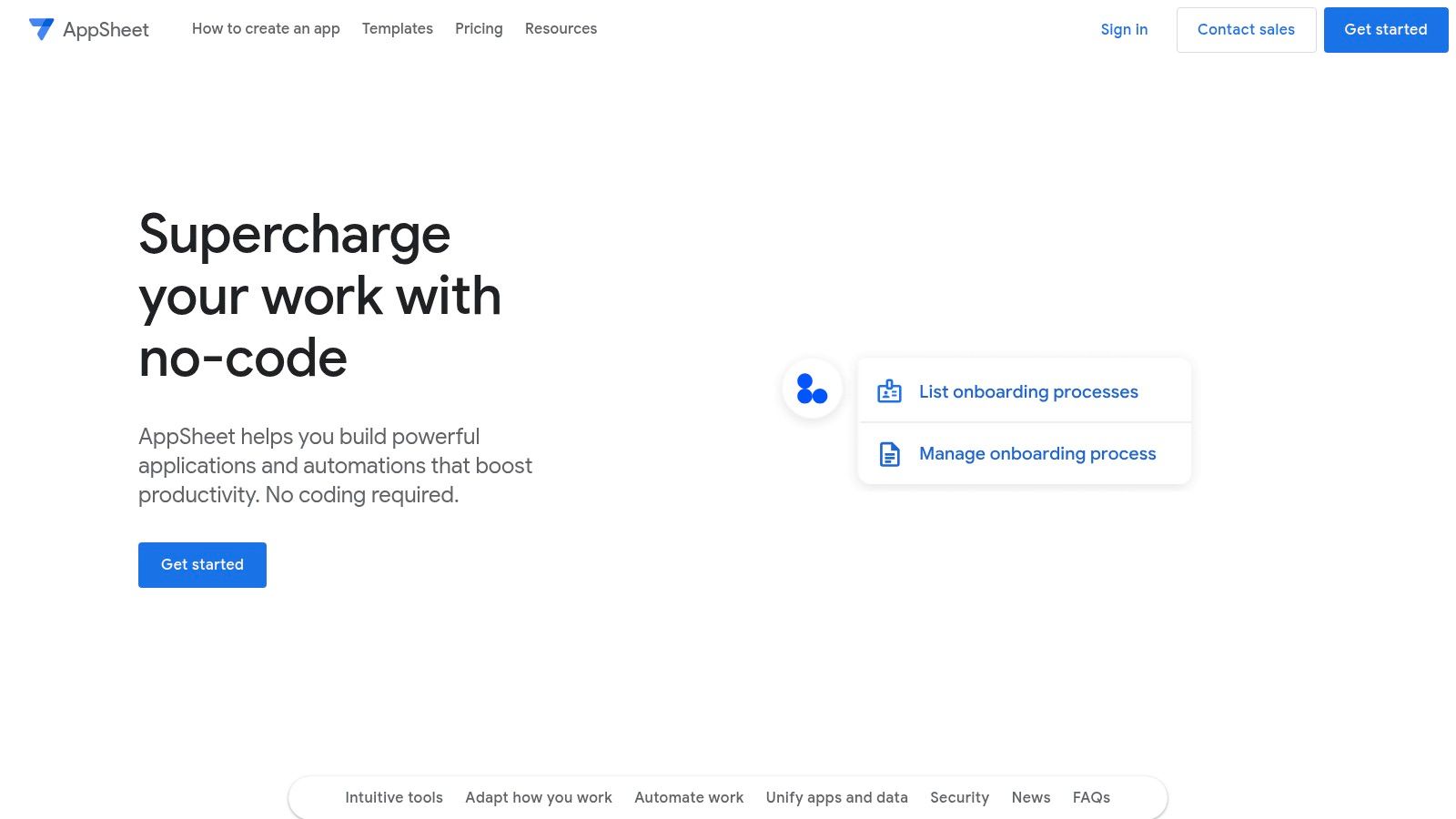
As Google's entry into the no-code space, AppSheet leverages the power of the Google Workspace ecosystem to help users build custom applications from existing data. It shines by turning spreadsheets (from Google Sheets or Excel), databases, or forms into functional mobile and desktop apps. Where it fits among no-code AI platforms is in its AI-assisted creation features, which help automate and simplify the development process, particularly for internal business tools.
AppSheet uses AI to understand your data structure and automatically generate a basic, functional app prototype. This is ideal for businesses deeply embedded in Google Workspace that need to quickly create apps for data collection, inventory management, or field service reports. The platform's ability to sync offline and automate workflows makes it a powerful tool for teams on the go.
Core Features & Use Cases
AppSheet’s main advantage is its seamless integration with Google's suite of tools, making app deployment incredibly fast for existing Workspace users.
- Best For: Creating internal tools, field service apps, and data collection forms for Google Workspace users.
- AI Integration: Utilizes AI to generate app prototypes from your data source (like Google Sheets) and offers intelligent features like OCR for data capture.
- Extensibility: Connects natively to Google products like Drive, Calendar, and Maps, as well as other common data sources like SQL databases and Salesforce.
Pricing and Platform Details
AppSheet's pricing is straightforward, with free options for prototyping and plans that scale based on features and user count, often bundled with Google Workspace editions.
- Free Plan: Allows for app creation and testing with up to 10 users.
- Paid Tiers: Start at $5/user/month for core features. Higher tiers like Enterprise offer advanced security, governance, and more sophisticated AI capabilities.
- Learning Curve: Relatively low, especially for users familiar with spreadsheet logic. Building a basic app from a Google Sheet can be done in minutes.
Our Take: Google AppSheet is the undisputed choice for businesses operating within the Google ecosystem. If your goal is to quickly mobilize data from a spreadsheet into a simple, functional app for internal use, its speed and integration are unmatched.
Website: https://about.appsheet.com
9. Voiceflow
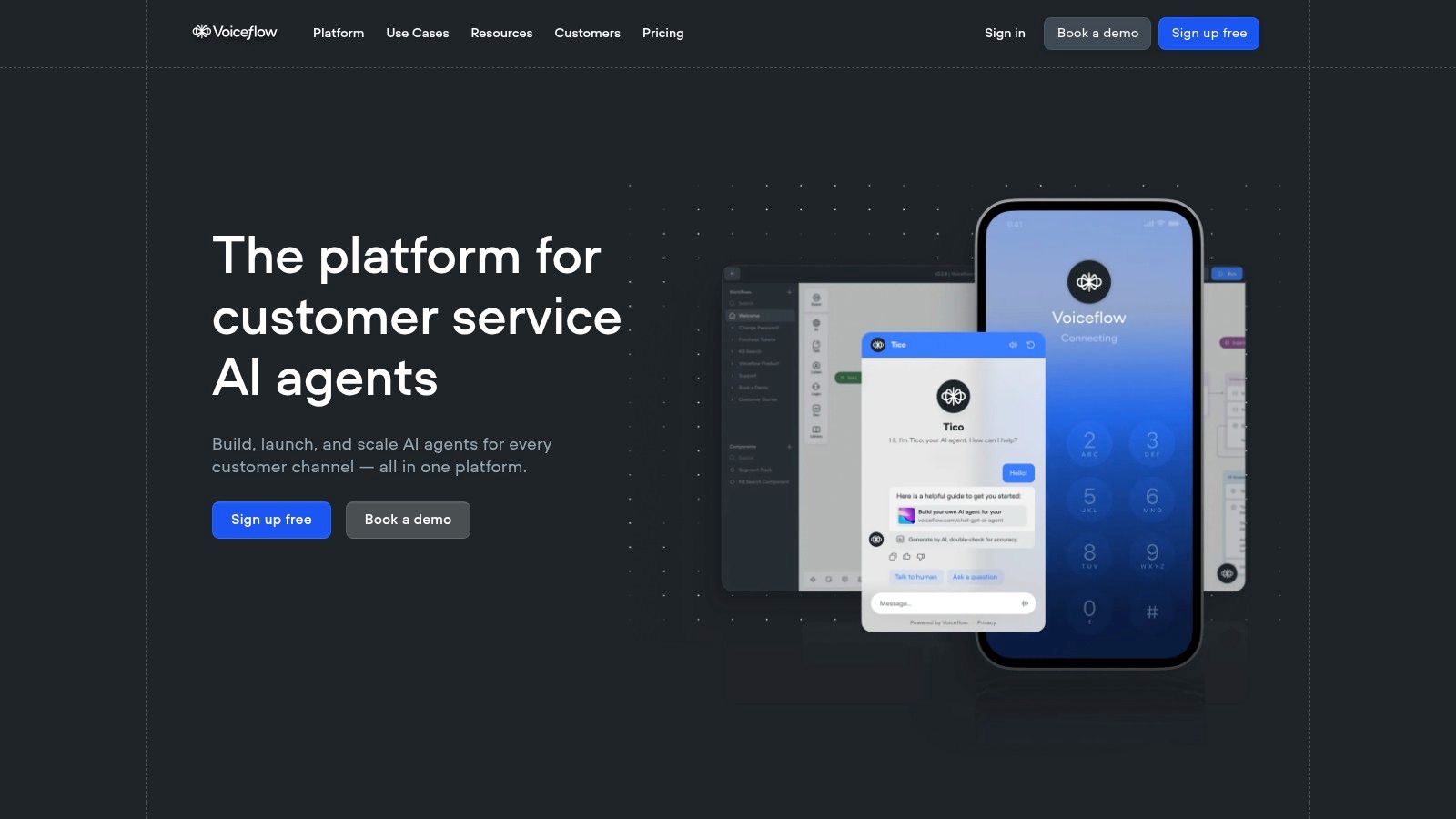
Voiceflow specializes in the creation of sophisticated conversational AI agents for both chat and voice channels. It stands out among no-code AI platforms by offering a collaborative, visual canvas where teams can design, test, and launch complex AI assistants. This platform is built for creating agents that do more than just answer questions; they can guide users through processes, qualify leads, and seamlessly hand off conversations to human agents.
The platform's power lies in its ability to manage entire conversational experiences, from initial design to production deployment. You can build flows that handle customer support inquiries, automate sales qualification, or provide interactive voice responses (IVR) for call centers. Voiceflow's focus on enterprise-grade features makes it a robust solution for businesses looking to scale their automated conversations reliably.
Core Features & Use Cases
Voiceflow's visual builder and agent management system are its core strengths, enabling teams to craft and maintain powerful conversational AI.
- Best For: Building customer support chatbots, voice-based IVR systems, and sales qualification agents.
- AI Integration: Features a powerful knowledge base for accurate RAG-powered responses, multi-LLM support for flexibility, and clear fallback logic to ensure conversations never hit a dead end.
- Extensibility: Offers a rich set of integrations and APIs to connect with CRMs, helpdesks like Zendesk, and other business systems for dynamic, data-driven conversations.
Pricing and Platform Details
Voiceflow uses a credit-based system for AI usage, with tiers designed to accommodate projects from solo creators to large enterprises.
- Free Plan: A generous free tier allows for building and testing one agent with limited monthly usage credits.
- Paid Tiers: The Pro plan starts at $40 per editor/month (billed annually) and includes more usage credits and advanced features. Enterprise plans offer SSO, private cloud hosting, and dedicated support.
- Learning Curve: The interface is intuitive for simple bots, but mastering advanced logic, API calls, and context management requires some dedication.
Our Take: Voiceflow is the definitive choice for teams serious about building and managing high-quality, customer-facing conversational AI agents. Its collaborative design canvas, robust knowledge base, and enterprise-ready features make it a top-tier platform for scaling customer interactions.
Website: https://www.voiceflow.com
10. Landbot
Landbot specializes in creating conversational AI experiences across multiple channels, including websites, WhatsApp, and Facebook Messenger. It stands out by combining a highly intuitive visual flow builder with powerful AI capabilities, allowing businesses to design everything from simple lead capture forms to complex, AI-driven customer service agents without code.
The platform excels at making chatbot creation accessible and visually engaging. You can drag and drop different conversational blocks, set conditional logic, and seamlessly integrate human agents when a query becomes too complex for the AI. This multi-channel approach, especially its strong official WhatsApp integration, makes it a top choice for businesses aiming to meet customers where they are most active.
Core Features & Use Cases
Landbot’s visual interface and channel-specific tools make it ideal for marketing, sales, and support automation. Its focus is squarely on creating interactive, automated conversations.
- Best For: Deploying AI chatbots for lead generation, customer support, and user onboarding on websites and WhatsApp.
- AI Integration: Build AI-powered chatbots that understand natural language, answer questions based on your knowledge base, and perform actions. You can easily train the AI on your own data.
- Extensibility: Offers native integrations with tools like HubSpot, Stripe, Airtable, and Slack, allowing you to trigger actions in other systems directly from a chat conversation.
Pricing and Platform Details
Landbot's pricing is user-friendly, with tiers based on the number of chats per month and feature access. Note that WhatsApp usage often incurs separate fees.
- Free Plan: A Sandbox plan allows you to build and test bots with up to 100 chats/month.
- Paid Tiers: Starter plans begin at €30/month, unlocking more chats, conditional logic, and basic integrations. Professional and Business tiers add more advanced features like A/B testing, team inboxes, and official WhatsApp API access.
- Learning Curve: The visual builder is very intuitive, making it one of the easier platforms to get started with. Mastering advanced logic and integrations requires some practice but is well-documented.
Our Take: Landbot is the perfect no-code AI platform for businesses prioritizing conversational engagement, particularly on WhatsApp. Its visual builder removes technical barriers, making it easy to launch sophisticated AI agents that capture leads and support customers 24/7.
Website: https://landbot.io
11. Make
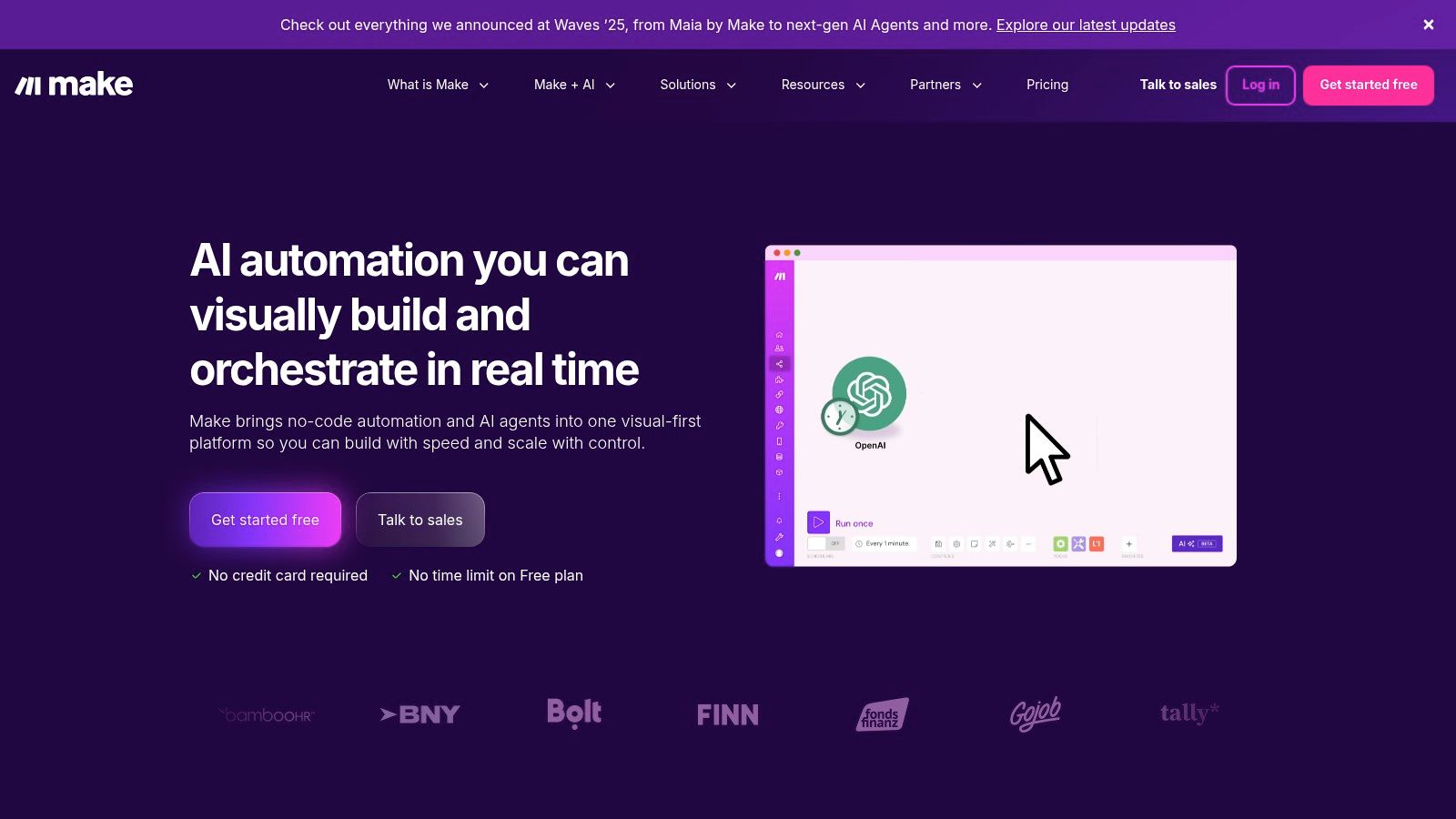
Make (formerly Integromat) is a powerhouse in the visual automation space, earning its spot on our list of no-code AI platforms by making AI an accessible component within any business workflow. It excels at connecting disparate apps and services, allowing you to route data to and from AI models like OpenAI or Gemini. You can build intricate, multi-step scenarios that trigger based on events, process data, and execute actions across your entire tech stack.
What sets Make apart is its highly visual and granular drag-and-drop interface. It gives users immense control over data flow with built-in routers, filters, and error handlers. This makes it ideal for creating sophisticated AI-powered automations, such as automatically analyzing customer feedback from a survey, sending it to an AI for sentiment analysis, and then creating a task in your project management tool based on the result.
Core Features & Use Cases
Make’s strength is its ability to serve as the connective tissue for complex, AI-enhanced business processes. It's less about building a standalone app and more about orchestrating actions between the tools you already use.
- Best For: Automating business processes that involve AI, such as content generation, data analysis, and lead qualification.
- AI Integration: Features dedicated modules for major AI providers (OpenAI, Anthropic, Google AI) and a versatile HTTP module to connect to any AI API. Its "AI Content Extractor" can parse unstructured text.
- Extensibility: Offers thousands of pre-built app connectors, from CRMs and email marketing tools to databases and communication platforms.
Pricing and Platform Details
Make's pricing is based on the number of "operations" (actions) your scenarios perform each month. This model provides flexibility as your automation needs grow.
- Free Plan: A generous free tier is available, offering 1,000 operations per month, which is great for testing and simple automations.
- Paid Tiers: Start at just $9/month (billed annually) for 10,000 operations, with higher tiers providing more operations, faster execution, and advanced features.
- Learning Curve: While the visual builder is intuitive, designing complex scenarios with multiple branches and error handling can present a moderate learning curve.
Our Take: Make is the definitive choice for anyone who needs to chain AI actions together with other business applications in a robust, visual, and highly customizable way. If you want to build powerful internal automations that leverage AI without writing code, Make provides the control and reliability you need. For more ideas, explore how workflow automation can benefit your business.
Website: https://www.make.com
12. Softr
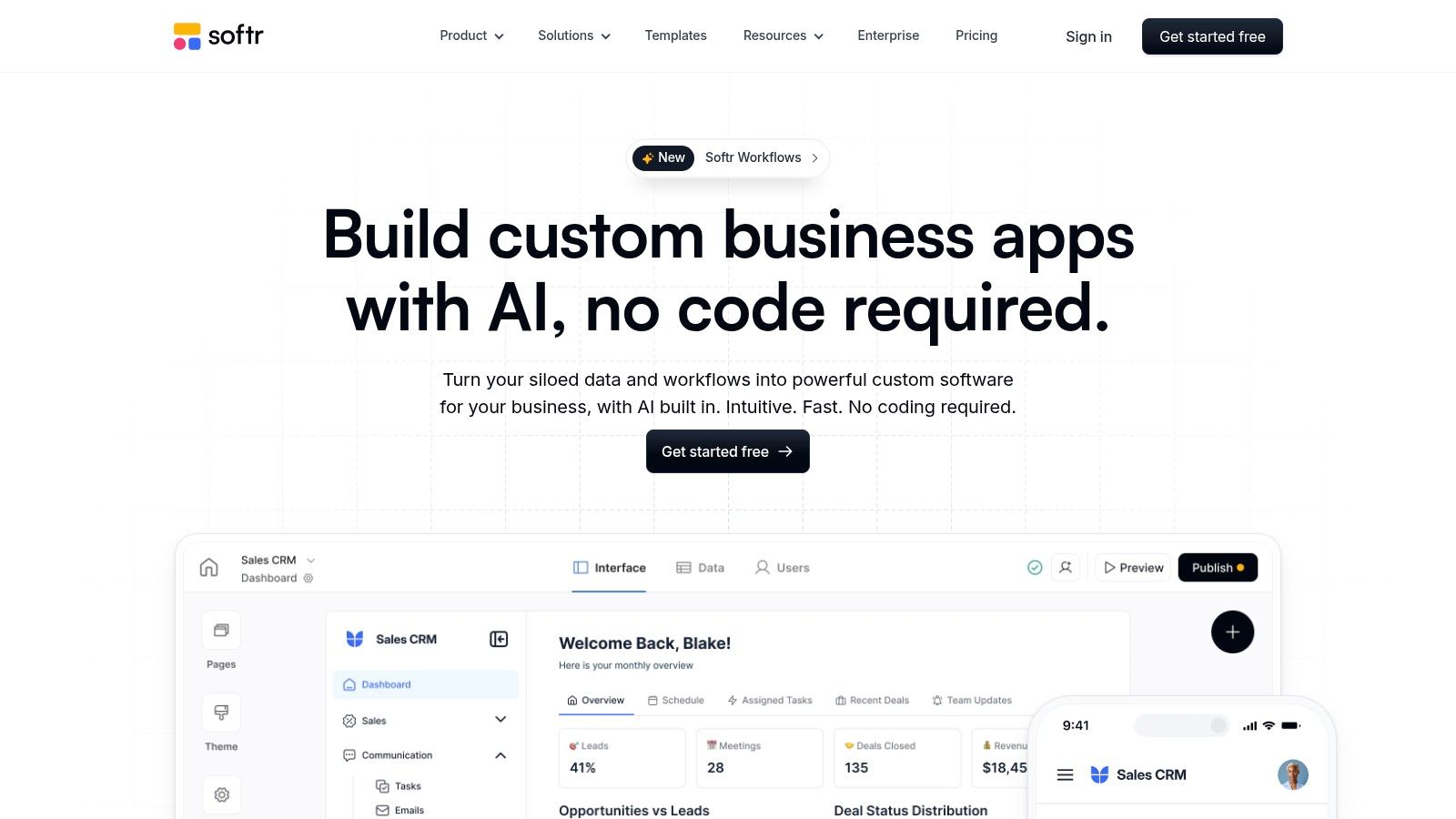
Softr excels at transforming existing spreadsheets and databases into powerful, secure web applications like client portals, internal tools, and CRMs. It stands out by making data from sources like Airtable and Google Sheets interactive and functional. Where it enters the no-code AI platforms space is by providing built-in AI credits, allowing you to easily embed AI-powered features directly into the apps you build.
This approach is ideal for businesses that already have their data organized but need a user-friendly front-end to manage and interact with it. Instead of just displaying data, you can build applications with AI-driven summaries, semantic search, or text generation, all drawing from your connected data source. This makes complex information more accessible and actionable for your users without them ever leaving your portal.
Core Features & Use Cases
Softr’s strength is its speed and simplicity, especially for data-driven applications that require user-specific permissions and views.
- Best For: Building client portals, partner directories, and internal dashboards on top of existing data.
- AI Integration: Use monthly AI credits to add features like content summarization, data analysis, or AI-powered search directly into your application's front-end.
- Data Sources: Natively connects to Airtable, Google Sheets, and its own Softr DB, making it incredibly flexible for businesses already using these tools.
Pricing and Platform Details
Softr's pricing is structured around features, the number of app users (internal and external), and the amount of AI credits included.
- Free Plan: Allows for up to 5 internal and 100 external users with limited features.
- Paid Tiers: Start at $49/month (billed annually), offering custom domains, more users, and a starter pack of AI credits. Higher-tier plans unlock more advanced functionality and significantly more AI credits.
- Learning Curve: Very beginner-friendly. Its template-driven, block-based editor allows users to launch a functional app in a matter of hours.
Our Take: Softr is the fastest way to build a functional front-end for your Airtable or Google Sheets data. Its inclusion of AI credits makes it a fantastic choice for creating "smart" portals and internal tools where AI can enhance data comprehension and usability without complex API integrations.
Website: https://www.softr.io
No-Code AI Platforms — 12-Tool Comparison
| Product | Best for | Key features | Integrations & deployment | Pricing | Standout / USP |
|---|---|---|---|---|---|
| FastBots.ai — Recommended | SMBs, ecommerce, support, agencies, enterprise | Train on own content (web/PDF/DOCX/Sheets/YouTube); automated retrain; 95+ languages | Embed/web + WhatsApp, Telegram, Messenger, Instagram, Slack; Zapier/Make; live chat handover | Free (50 msgs/mo); Essential→Business→Premium→Reseller→Enterprise (approx $24–$349+/mo) | Fast setup (~5 min); SOC2/GDPR; white‑label; multi‑LLM choice |
| Bubble | SaaS, marketplaces, internal apps | Visual editor, DB & workflows; AI-assisted page/app builder | Web/mobile; extensive plugin ecosystem; external AI APIs | Free → paid plans; workload limits apply | Mature ecosystem; deep customization without code |
| Glide | Lightweight business & mobile apps from sheets | Connect Sheets/Airtable/Excel; Glide AI columns; workflows | Web/mobile; SSO & enterprise on higher tiers | Usage-based pricing; free tier | Very fast to ship; strong out‑of‑the‑box UX |
| Zapier | Cross‑app automations & AI workflows | AI Agents/chatbots; Interfaces & Tables; web browsing (beta) | 7,000+ app integrations; embed agents into workflows | Free trial → paid; activity/usage costs | Extremely broad integration catalog |
| Airtable | Internal tools, relational workflows | Relational DB + spreadsheet UX; AI agents & automations; Interfaces | Two-way sync, embeds, APIs | Free → paid; monthly AI credits on plans | Familiar spreadsheet UI with DB power |
| Notion | Knowledge bases, docs, lightweight workflows | Notion AI (chat, generate, summarize); Enterprise Search; agents | Docs/databases/sites with AI; embeds | Free → Business/Enterprise; AI on Business+ | Seamless AI inside everyday docs & collaboration |
| Microsoft Power Apps | Enterprises in Microsoft ecosystem | Copilot-assisted apps; Dataverse; AI Builder credits | Deep Microsoft 365 / Azure connectors; governance | Per app / per user pricing; premium tiers | Enterprise governance, compliance, and scale |
| Google AppSheet | Google Workspace users; field/internal apps | AI-assisted creation; offline sync; automations | Build from Sheets/Drive/databases; mobile & web | Workspace-linked pricing; Publisher Pro for public apps | Tight Google Workspace integration |
| Voiceflow | Conversational voice & chat agents | Visual flow builder; knowledge ingestion; multi‑LLM fallback | Chat & voice channels; SSO/private cloud options | Free → paid; credit/usage model | Strong voice + chat support; concurrent calls & CMS |
| Landbot | Lead capture, service, transactional bots | Visual flows, templates, conditional logic | Web, WhatsApp, Messenger; Stripe, HubSpot, Airtable | Paid plans (often EUR); per‑chat/overage fees | Robust WhatsApp tooling; clear templates & limits |
| Make | Automation & AI orchestration | Drag‑and‑drop scenarios; AI modules; routers & filters | Wide connectors; MCP server; strong debugging/logs | Generous free tier → paid; credits model | Granular visual logic with strong debugging |
| Softr | Portals, CRMs on Airtable/Sheets | Prebuilt blocks & templates; roles/permissions; AI credits | Airtable/Google Sheets/Softr DB; embeds | Free → paid; AI credits vary by plan | Rapid portal/CRM builds with granular access control |
How to Choose the Right No-Code AI Platform for Your Business
The journey through the landscape of no-code AI platforms reveals a powerful truth: the ability to harness artificial intelligence is no longer confined to developers or data scientists. For small businesses, ecommerce stores, and customer-facing teams, this revolution unlocks unprecedented opportunities for efficiency, engagement, and growth. As we've explored, the market offers a diverse toolkit, from comprehensive app builders like Bubble and Glide to automation powerhouses such as Zapier and Make. The key to success lies not in finding a single "best" platform, but in selecting the one that aligns perfectly with your specific business objectives.
Start with Your Core Problem
Before getting swayed by feature lists or sleek interfaces, the first and most critical step is to define the problem you need to solve. Resist the temptation to adopt a tool for technology's sake. Instead, pinpoint a specific pain point or a clear opportunity within your operations.
- Are you overwhelmed with repetitive customer inquiries? Your focus should be on specialized chatbot builders like FastBots.ai or Landbot that excel at instant, accurate support.
- Do you need a custom internal tool for inventory management? Platforms like Airtable, Softr, or Microsoft Power Apps offer the database and interface capabilities required for such applications.
- Is your goal to automate complex, multi-step workflows between different software? Look no further than integration specialists like Zapier or Make, which act as the digital glue for your tech stack.
- Do you need to build a fully functional, data-driven web application from scratch without code? A platform with a steeper learning curve but immense power, like Bubble, would be the most appropriate choice.
By starting with a clear "why," you can immediately narrow the field from a dozen options to just two or three relevant contenders. This problem-first approach ensures you invest time and resources into a solution that delivers tangible ROI.
Evaluating Key Decision Factors
Once you have a shortlist, the evaluation process begins. Your decision should be a balanced assessment of several key factors, weighed against your team's capabilities and your company's long-term vision.
Use Case Specificity: A general-purpose tool can do many things adequately, but a specialized tool will do one thing exceptionally well. For critical functions like customer support, a platform built specifically for that purpose, like FastBots.ai, offers a distinct advantage. It comes pre-packaged with essential features like live chat handover, omnichannel deployment (WhatsApp, Instagram), and detailed analytics on user interactions, which a general app builder would require extensive customization to replicate.
Scalability and Growth Path: Consider where your business will be in one, three, or five years. Does the platform’s pricing model accommodate growth without becoming prohibitively expensive? Does it offer enterprise-grade security, GDPR compliance, and options for white-labeling if you plan to offer services to clients? A tool that meets your needs today but limits your growth tomorrow is a poor investment.
Integration Ecosystem: No tool exists in a vacuum. Your chosen platform must seamlessly connect with your existing systems, whether it's your CRM, helpdesk software, or ecommerce platform. Review the native integrations offered and assess the platform's compatibility with middleware like Zapier for custom connections. Poor integration capabilities can create data silos and undermine the very efficiency you seek to create.
Total Cost of Ownership: Look beyond the monthly subscription fee. Factor in the time it will take for your team to learn and master the platform (the learning curve). Consider any additional costs for premium features, higher usage tiers, or third-party plugins. A cheaper tool with a steep learning curve might ultimately cost more in lost productivity than a slightly more expensive but intuitive alternative.
The rise of no-code AI platforms has leveled the playing field, empowering businesses of all sizes to innovate and compete. The strategic selection and implementation of these tools are no longer just an IT decision; they are a fundamental business strategy. By carefully defining your goals, evaluating your options against key criteria, and starting with a focused pilot project, you can successfully integrate AI into your operations, transforming customer experiences and unlocking new levels of operational excellence. The power is now in your hands.
Ready to see how a specialized no-code AI platform can transform your customer support and engagement? FastBots.ai allows you to build a custom AI chatbot trained on your own data in minutes, not months. Experience the power of instant, 24/7 support by starting your free trial at FastBots.ai today.