
12 Best Chatbot Development Frameworks & Platforms to Use in 2026

Choosing a chatbot development framework that genuinely helps your customers can feel overwhelming. The landscape is vast, ranging from complex, code-intensive toolkits to simple, no-code platforms. How do you know which one is right for your business, especially when you need a solution that enhances customer support without a massive technical investment?
We've been in the trenches and have seen how the right framework can make or break a project. Choosing well means faster deployment, better user experiences, and a clear return on investment. For organizations looking to leverage intelligent automation, understanding an AI Powered Development platform is a crucial step in selecting the right tools for sustainable growth.
This guide cuts through the noise. We provide a practical, side-by-side comparison of the top 12 chatbot development frameworks available today, from heavyweights like Microsoft Bot Framework to modern platforms like FastBots.ai. Our goal is to help you make an informed decision and find the best fit for your specific business needs.
1. FastBots.ai
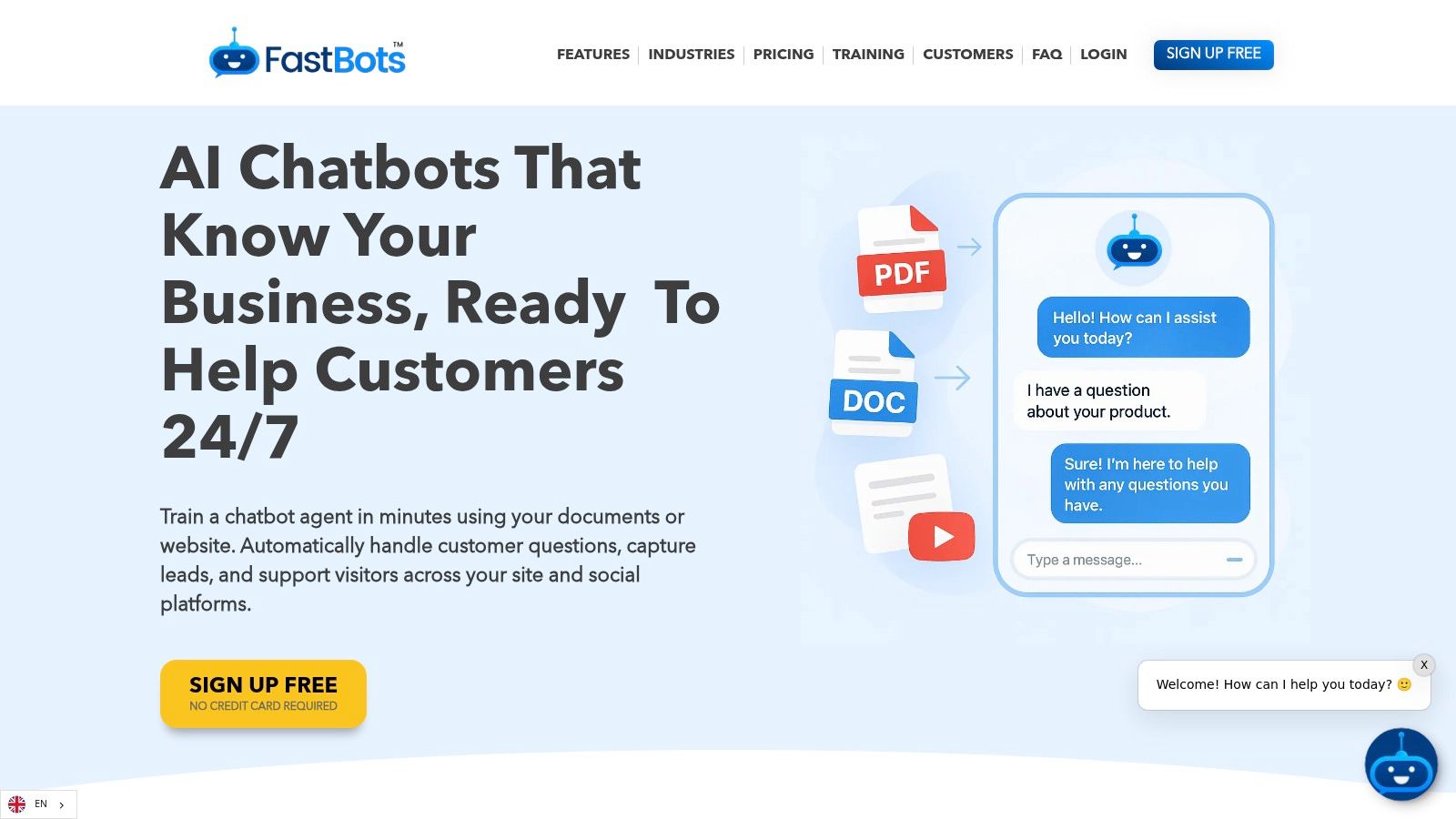
If you need a powerful, business-ready AI chatbot without touching a single line of code, FastBots.ai is a premier choice. While it's not a traditional developer framework, its no-code platform offers the speed and control many businesses seek, bypassing the complexities of low-level development. You can go from sign-up to a fully trained, deployable chatbot in under five minutes.
The platform's core strength is its meticulous control over knowledge sources. You can train your bot on specific data, including websites, PDFs, and even YouTube videos. This ensures the chatbot provides answers that are consistently accurate and on-brand, which is critical for customer support and sales teams.
You can precisely define whether the bot should only use your data, supplement it with general knowledge (like ChatGPT), or perform live web searches for the most current information.
Key Capabilities and Use Cases
FastBots.ai is engineered for real-world business applications, moving beyond simple Q&A to drive tangible outcomes.
- Multi-Channel Deployment: You can embed your bot on any website or natively connect it to major messaging platforms like WhatsApp, Telegram, Facebook Messenger, Instagram, and Slack.
- Deep Automation: Through Zapier and Make integrations, the chatbot can perform actions. For instance, a sales bot can capture a lead, add them to a CRM, and book a meeting from a single conversation.
- Multilingual Support: With support for over 95 languages, you can offer instant, 24/7 support to a global customer base.
- Security and Compliance: The platform offers military-grade encryption, SOC 2 and GDPR compliance, and private chat history storage.
Actionable Takeaway: Your First Bot
Here’s how you can apply this in your business today:
- Sign up for the Free plan to test the core features.
- Train your first bot by simply pasting your website's homepage URL.
- Test its knowledge by asking questions specific to your services or products.
- Embed it on a test page of your site to see it in action. This entire process takes just a few minutes and immediately showcases the value of an AI-powered assistant.
Pricing and Model Considerations
FastBots.ai offers a flexible pricing structure, starting with a permanent Free plan. Paid tiers scale up message credits, chatbot counts, and feature access.
It's important to note that your choice of Large Language Model (LLM) affects message credit consumption. While standard models are cost-effective, more advanced models like GPT-4o will use more credits per response. This allows you to balance performance with operational cost, a key consideration when selecting chatbot development frameworks. If you're new to the space, you can explore this guide unravelling the tech behind AI chatbots to better understand these models.
- Pros:
- Extremely fast, no-code setup gets you live in minutes.
- Full control over knowledge sources for brand-safe, accurate answers.
- Powerful integrations (Zapier, WhatsApp, Messenger) and multilingual support.
- Strong security features (SOC 2, GDPR) and white-label options for agencies.
- Cons:
- Advanced features like human takeover and auto-retraining are gated behind higher-tier plans.
- Using premium LLMs can increase message credit usage and overall cost.
Website: https://fastbots.ai
2. Microsoft Azure AI Bot Service (Microsoft Bot Framework)
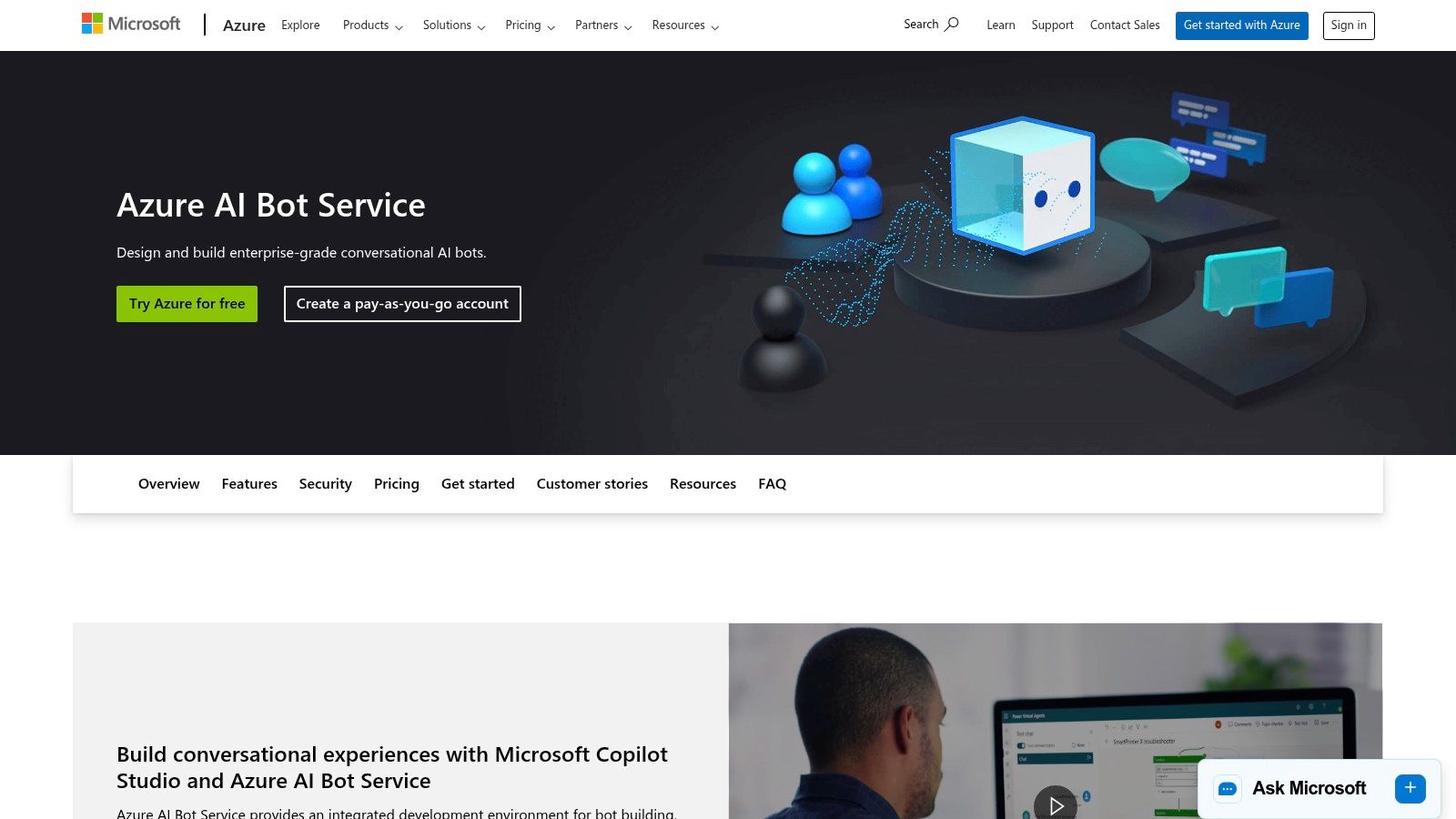
Microsoft's Azure AI Bot Service, built on the open-source Bot Framework, is an enterprise-grade solution for creating sophisticated, multi-channel conversational AI. It’s designed for developers who need deep integration with the Microsoft ecosystem, offering powerful SDKs for C#, JavaScript, and Python.
This makes it one of the most robust chatbot development frameworks for businesses already invested in Azure and Microsoft 365. The platform excels at creating bots that can be deployed anywhere, from your website to internal tools like Microsoft Teams.
Core Capabilities and Ideal Use Cases
This framework is ideal for automating internal processes or providing customer service across multiple channels. For example, you could build an IT helpdesk bot for Microsoft Teams that creates tickets in Azure DevOps.
- Deep Integrations: Seamlessly connect with Azure Cognitive Services, Speech, OpenAI models, and Application Insights for detailed analytics.
- Omnichannel Deployment: Use one-click connectors to deploy your bot to channels like Teams, Slack, Facebook Messenger, and more.
- Developer-Centric Tooling: Provides comprehensive SDKs and the Bot Framework Composer for a flexible, code-first or low-code development experience.
What to Watch Out For
While powerful, the Azure AI Bot Service presents a steep learning curve if you're unfamiliar with the Azure ecosystem. Its pricing model, based on Azure consumption, can be complex to predict. Advanced features often require significant Azure expertise, making it less suitable for teams without dedicated developer resources.
Website: https://azure.microsoft.com/en-us/services/bot-services/
3. Google Cloud Dialogflow (Dialogflow CX and ES)
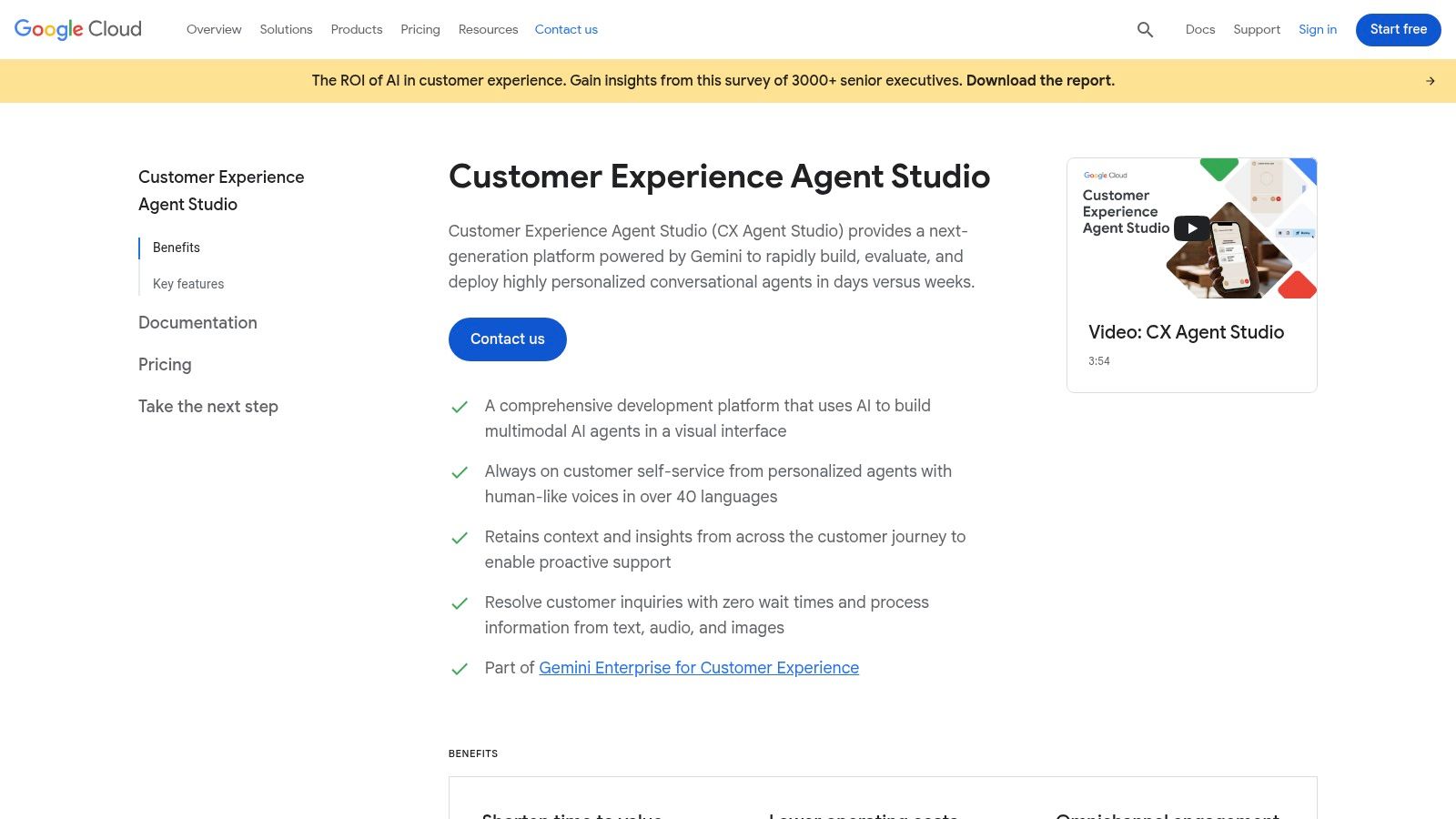
Google's Dialogflow is a natural language understanding (NLU) platform designed to build rich, conversational experiences. It comes in two editions: Dialogflow ES (Essentials) for simpler bots and Dialogflow CX (Customer Experience) for large, complex agents.
CX, in particular, stands out with its visual, state-machine-based approach. This makes it one of the most powerful chatbot development frameworks for managing intricate, multi-turn conversations. For example, a retail company could build a bot that guides a user through the returns process, handling various exceptions and escalations within a single, visually mapped flow.
Core Capabilities and Ideal Use Cases
Dialogflow is an excellent choice for support and sales teams aiming to build advanced conversational IVR (Interactive Voice Response) systems.
- State Machine Approach (CX): The visual flow builder allows you to explicitly define states and conversation paths, which is ideal for complex, goal-oriented dialogues.
- Built-in Telephony and Speech: Natively integrates with Google Cloud's speech-to-text and text-to-speech for seamless deployment to voice channels.
- Google Cloud Integration: Leverages Google Cloud's global infrastructure for scalability, reliability, and security.
What to Watch Out For
While Dialogflow ES is accessible, the advanced CX version has a steep learning curve. Its usage-based pricing model requires careful cost planning. Migrating a bot from the simpler ES edition to the more robust CX framework often requires a complete rebuild, which can be a significant undertaking.
Website: https://cloud.google.com/dialogflow
4. Amazon Lex
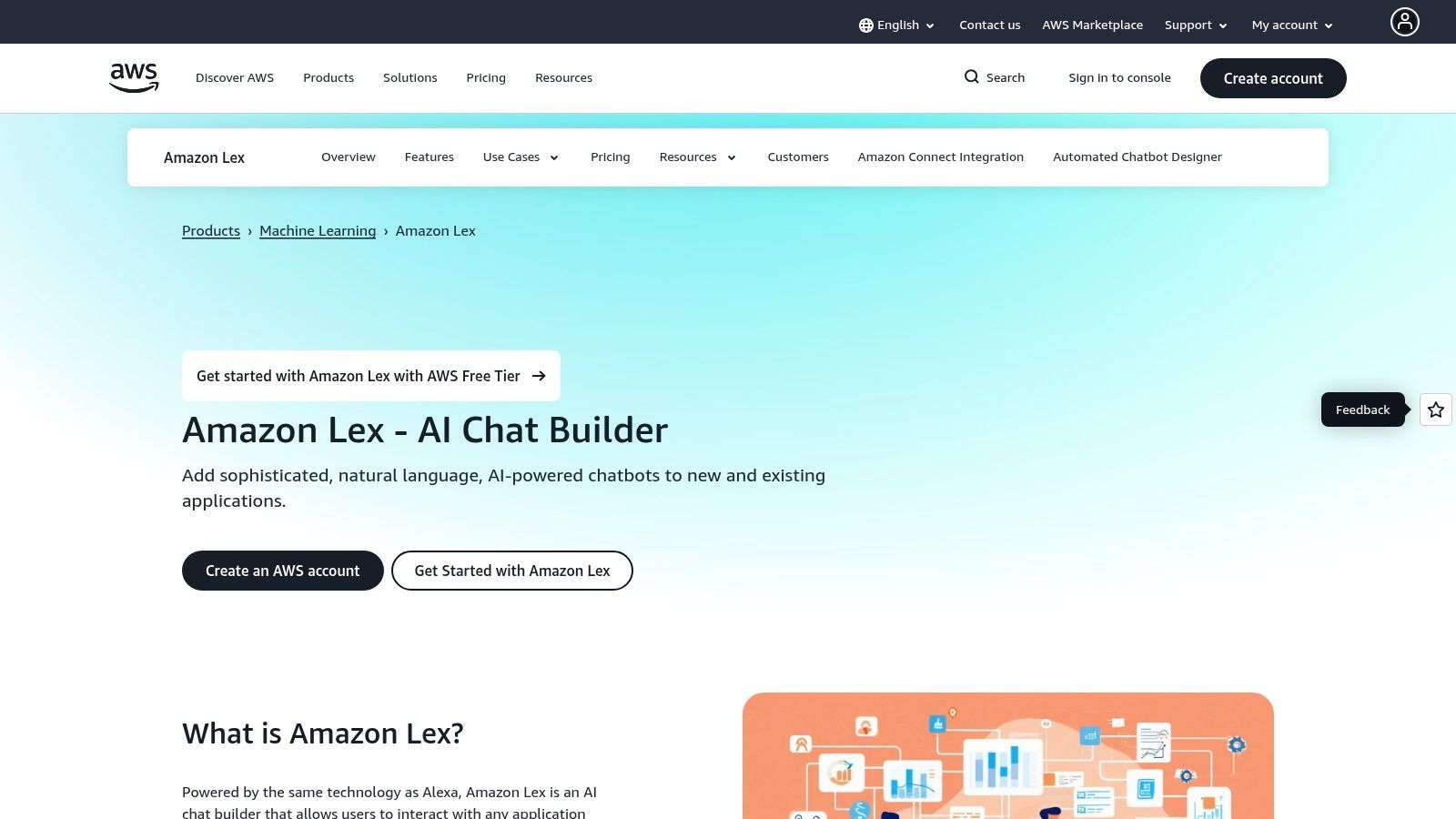
Amazon Lex is a fully managed AWS service for building conversational interfaces using voice and text. It leverages the same deep learning technologies as Amazon Alexa, providing high-quality automatic speech recognition (ASR) and natural language understanding (NLU). This makes it a powerful choice for developers creating voice bots within the AWS ecosystem.
As one of the most voice-centric chatbot development frameworks, Lex shines in contact center automation. Its one-click integration with Amazon Connect allows you to deploy intelligent agents that can handle customer queries over the phone, reducing wait times.
Core Capabilities and Ideal Use Cases
This framework is ideal for teams focused on telephony. For example, you can build an IVR system for a retail business that lets customers check order status by voice. All business logic can be flexibly handled through AWS Lambda functions.
- Voice and IVR Focus: Best-in-class for creating voice-activated bots and automating call center interactions with Amazon Connect.
- Built-in NLU and ASR: High-quality speech recognition and language understanding powered by the same technology as Alexa.
- Flexible Fulfillment: Easily connect your bot to business logic and data sources using AWS Lambda for full control.
What to Watch Out For
Amazon Lex presents a steep learning curve if you're not already familiar with the AWS ecosystem. Its fine-grained, usage-based pricing model can be difficult to predict. The primary focus is on voice, which may be overly complex if your only goal is a simple web-based text chatbot.
Website: https://aws.amazon.com/lex/
5. IBM watsonx Assistant
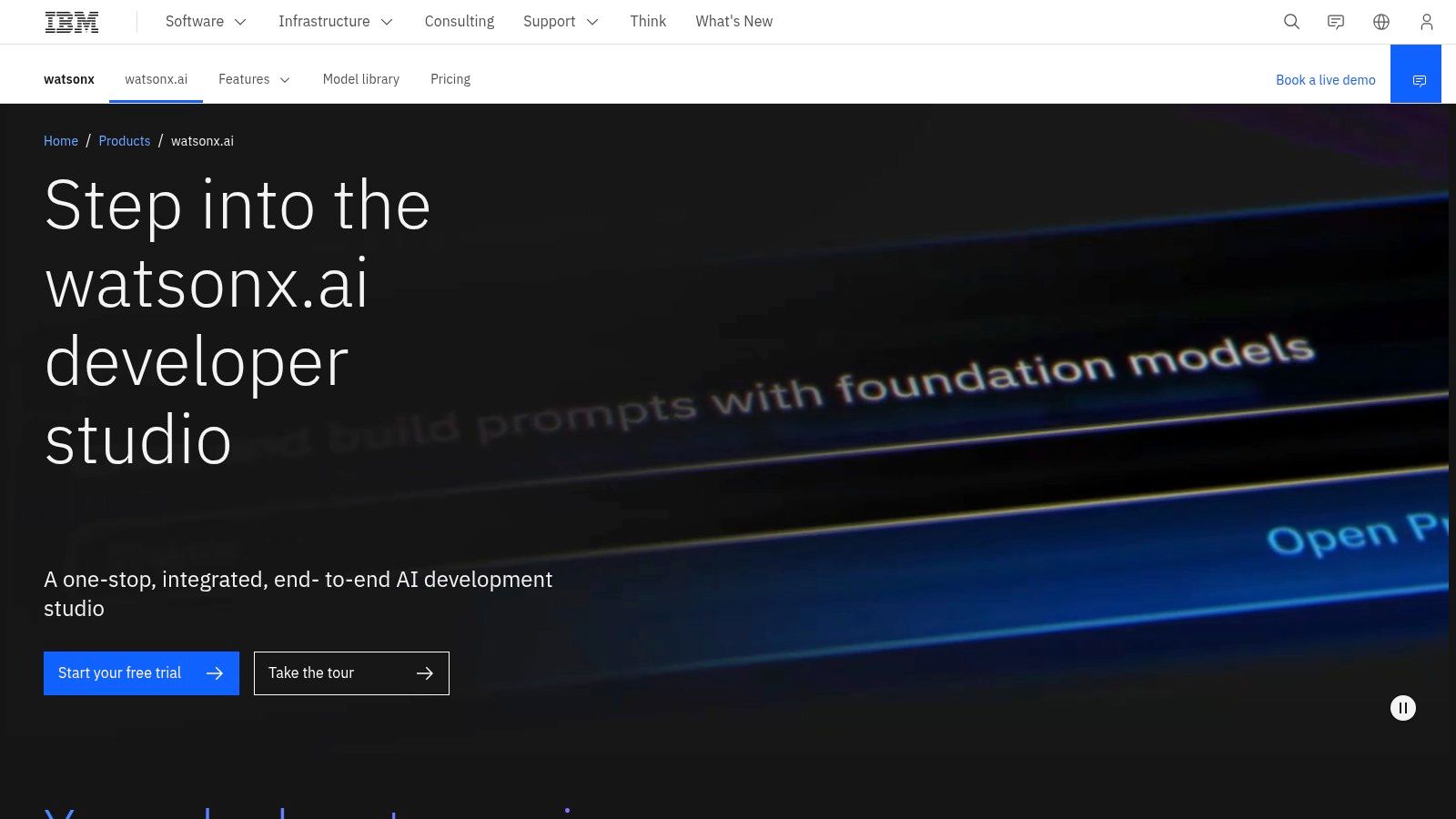
IBM's watsonx Assistant is an enterprise-focused platform designed for creating advanced conversational agents with a strong emphasis on governance and security. For organizations in regulated industries, it stands out among chatbot development frameworks for its robust data privacy controls.
The platform's strength lies in its integration with the broader watsonx suite. This allows you to build assistants that provide accurate, auditable answers directly from your internal knowledge bases, ensuring conversations remain on-brand and factually correct.
Core Capabilities and Ideal Use Cases
This platform is best suited for large enterprises in finance, healthcare, and telecommunications. A typical use case would be a bank creating a customer service bot that handles account inquiries by securely accessing backend systems.
- Enterprise Governance and Security: Offers advanced controls, industry-specific templates, and data privacy features.
- Flexible Model Integration: Connect with IBM Granite models or bring your own LLM via watsonx.ai.
- Generative Conversational Search: Uses retrieval-augmented generation (RAG) to ground AI responses in your verified content.
- Low-Code Builder: Features an intuitive visual interface for designing and deploying conversation flows.
What to Watch Out For
The primary challenge with watsonx Assistant is its complexity and pricing structure, which is best suited for large-scale deployments. Pricing is often sales-assisted and can be intricate. For SMBs, the platform can present a significant learning curve and higher total cost of ownership.
Website: https://www.ibm.com/products/watsonx-assistant/artificial-intelligence
6. Rasa (Rasa Pro / Rasa Platform)
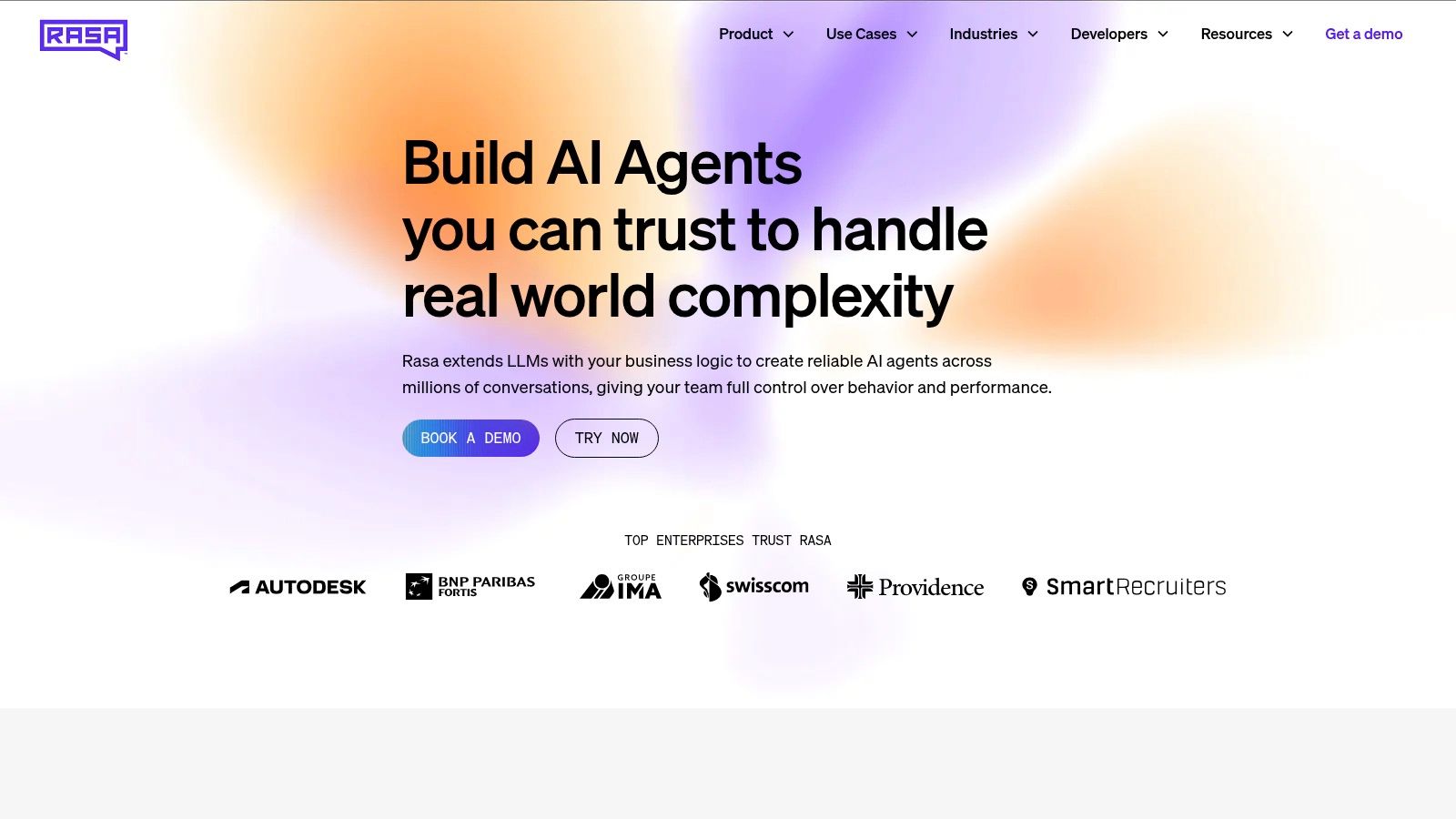
Rasa is an open-source powerhouse in the world of chatbot development frameworks, designed for teams that require full control over their data and infrastructure. It’s a pro-code first solution that empowers developers to build, train, and deploy sophisticated AI assistants on-premise or in a private cloud.
The commercial offering, Rasa Pro, enhances the open-source foundation with an intuitive UI and enterprise-grade security. This makes it an excellent choice for businesses with complex, non-linear customer journeys or stringent data privacy requirements.
Core Capabilities and Ideal Use Cases
Rasa is ideal for organizations in highly regulated industries like finance or healthcare, where data cannot leave their own servers. For instance, a bank could use Rasa to build a secure internal bot that helps employees navigate complex compliance procedures.
- Self-Hosting and Privacy-First: You maintain complete ownership of your data and models by deploying the bot within your own infrastructure.
- Advanced Dialogue Management: Utilize custom actions and policies to create truly dynamic conversation flows that can integrate with any API.
- Developer-Focused Extensibility: A strong open-source community provides extensive documentation and a flexible framework.
What to Watch Out For
The primary challenge with Rasa is its complexity. Unlike fully managed platforms, it requires a significant initial investment in setup, infrastructure management, and developer training. You are responsible for everything from server provisioning to model maintenance, which may not be a fit for smaller teams.
Website: https://rasa.com
7. Botpress (Cloud)
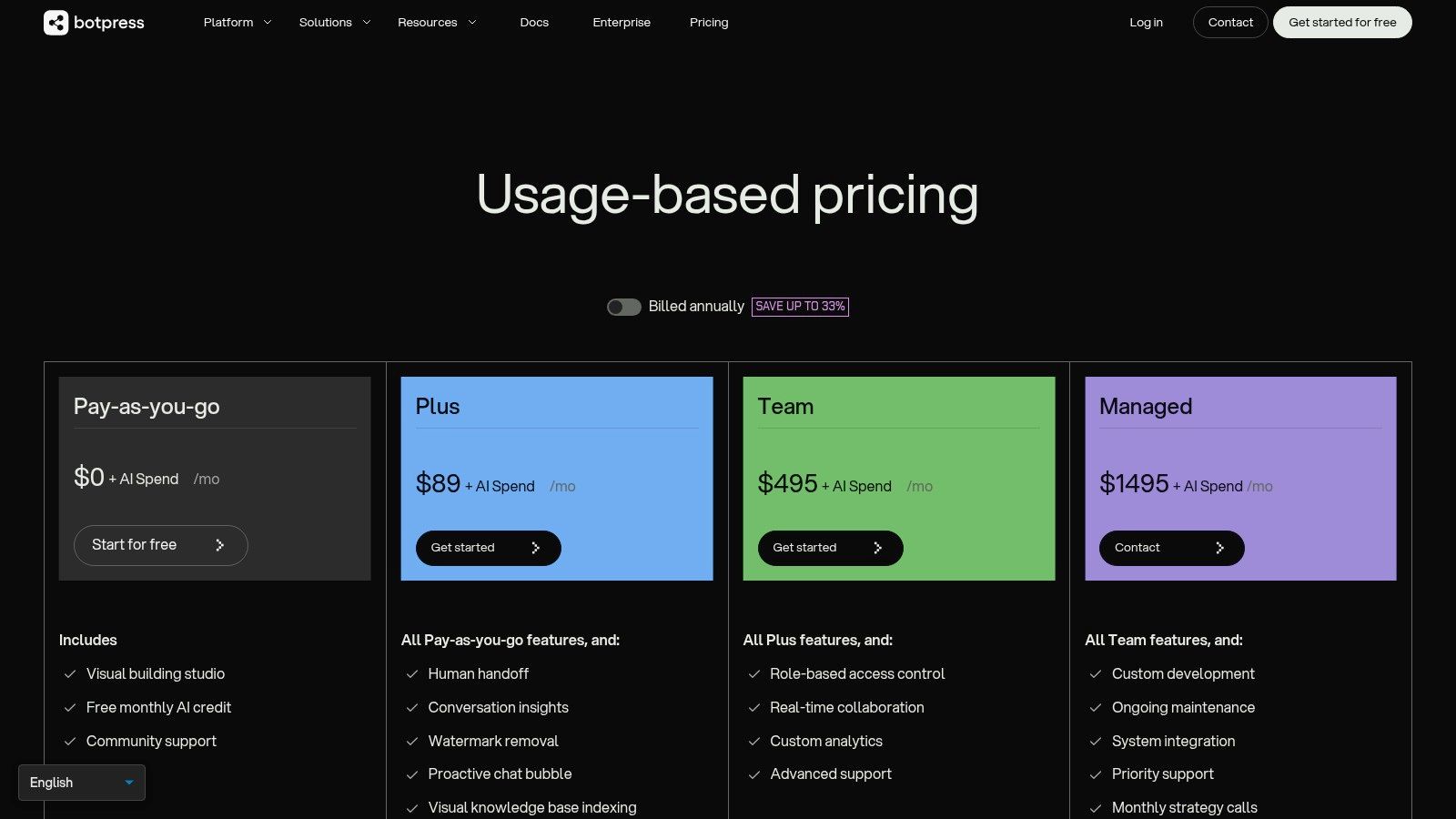
Botpress Cloud offers a modern, hosted bot-building experience that combines a powerful visual studio with advanced AI capabilities. It is designed for teams that want the flexibility of a developer framework without the overhead of managing infrastructure.
The platform's unique approach lets you connect your own Large Language Model (LLM) provider (like OpenAI or Anthropic). This means you only pay the direct cost for AI processing without any markup, making it an attractive solution for scaling conversational AI efficiently.
Core Capabilities and Ideal Use Cases
Botpress is ideal for SMBs and marketing teams aiming to build sophisticated, AI-driven chatbots quickly. For example, you can create a lead-generation bot that answers complex product questions by drawing from your website's content.
- Bring-Your-Own-LLM: Connect your preferred LLM provider and pay for token usage at cost, providing transparency and control.
- Visual Flow Builder & Knowledge Bases: Design conversations with a drag-and-drop interface and enhance bot intelligence by ingesting documents and URLs.
- Built-in Human Handoff: Includes a conversation inbox for agents to take over from the bot, ensuring a smooth customer experience.
What to Watch Out For
While Botpress Cloud has a generous free tier, scaling up requires moving to paid plans with specific limits. As a fully vendor-managed environment, you have less control over the underlying infrastructure compared to self-hosting. This trade-off between convenience and control is a key consideration.
Website: https://botpress.com/pricing
8. OpenAI API (Assistants / Responses APIs)
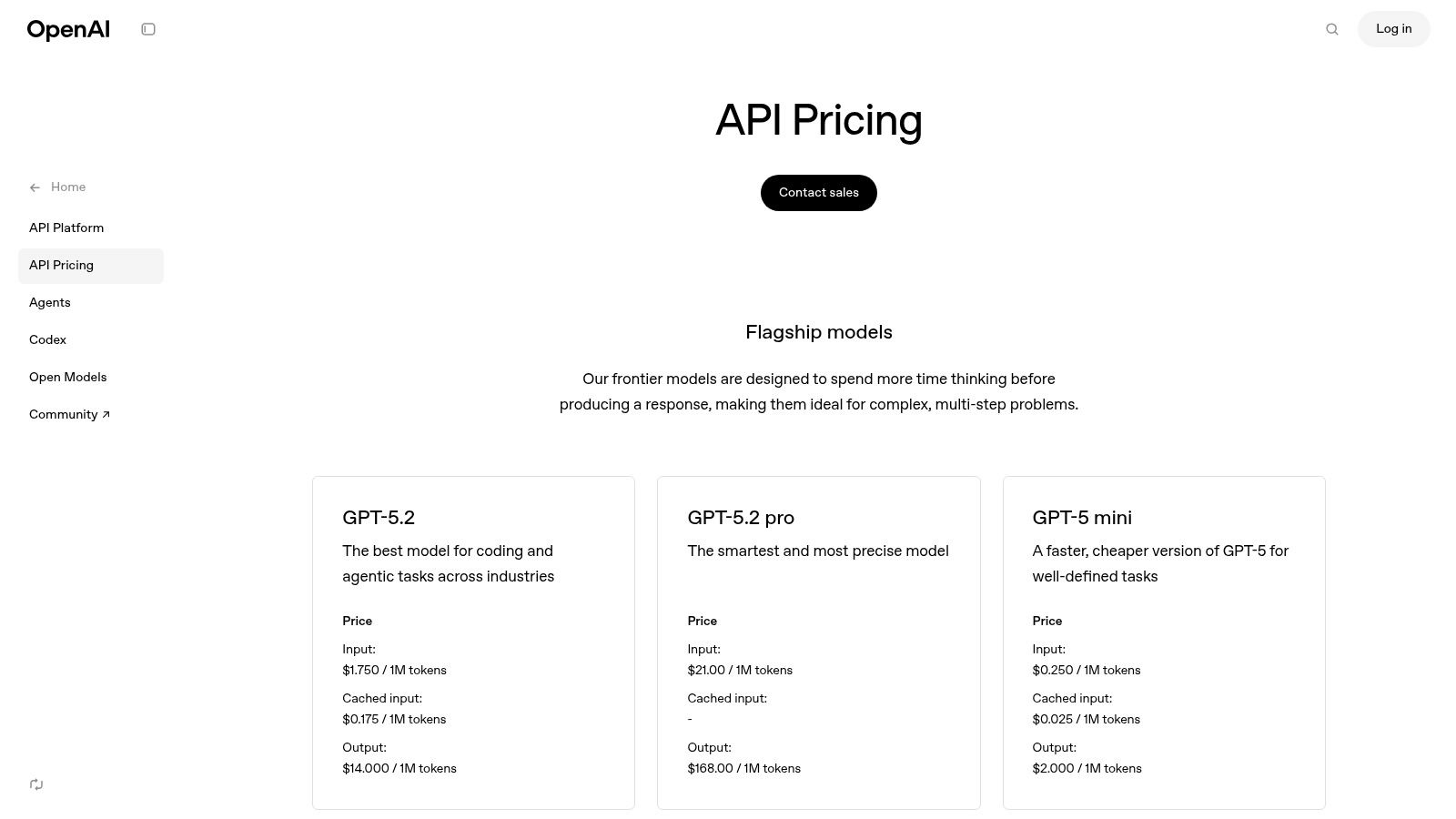
Leveraging the OpenAI API directly gives you access to powerful models like GPT-4. This approach is less of a pre-built framework and more of a foundational toolkit for developers who want maximum control. By using APIs, you can build highly customized conversational experiences from the ground up.
This developer-centric path is perfect for creating agents with sophisticated reasoning and tool use. The Assistants API, for example, simplifies building complex bots by managing conversation history and integrating built-in tools like Code Interpreter and File Search.
Core Capabilities and Ideal Use Cases
The OpenAI API is ideal for startups and tech-forward teams needing to embed unique AI reasoning into their products. For example, a support agent could use File Search to find precise answers within a vast technical documentation library.
- State-of-the-Art Models: Direct access to leading language models like GPT-4 for superior natural language understanding.
- Assistants API: Simplifies building stateful, multi-tool agents by handling conversation threads and tool integration automatically.
- Maximum Flexibility: Provides the core building blocks to design the exact logic and user interface you need.
What to Watch Out For
The biggest challenge is that the API provides only the AI "brain"; you are responsible for building everything else. This includes the UI, hosting, and orchestration logic. The pay-per-token pricing model can become expensive with high traffic, making it a poor fit for teams without dedicated engineering resources.
Website: https://openai.com/api/pricing
9. LangChain + LangSmith
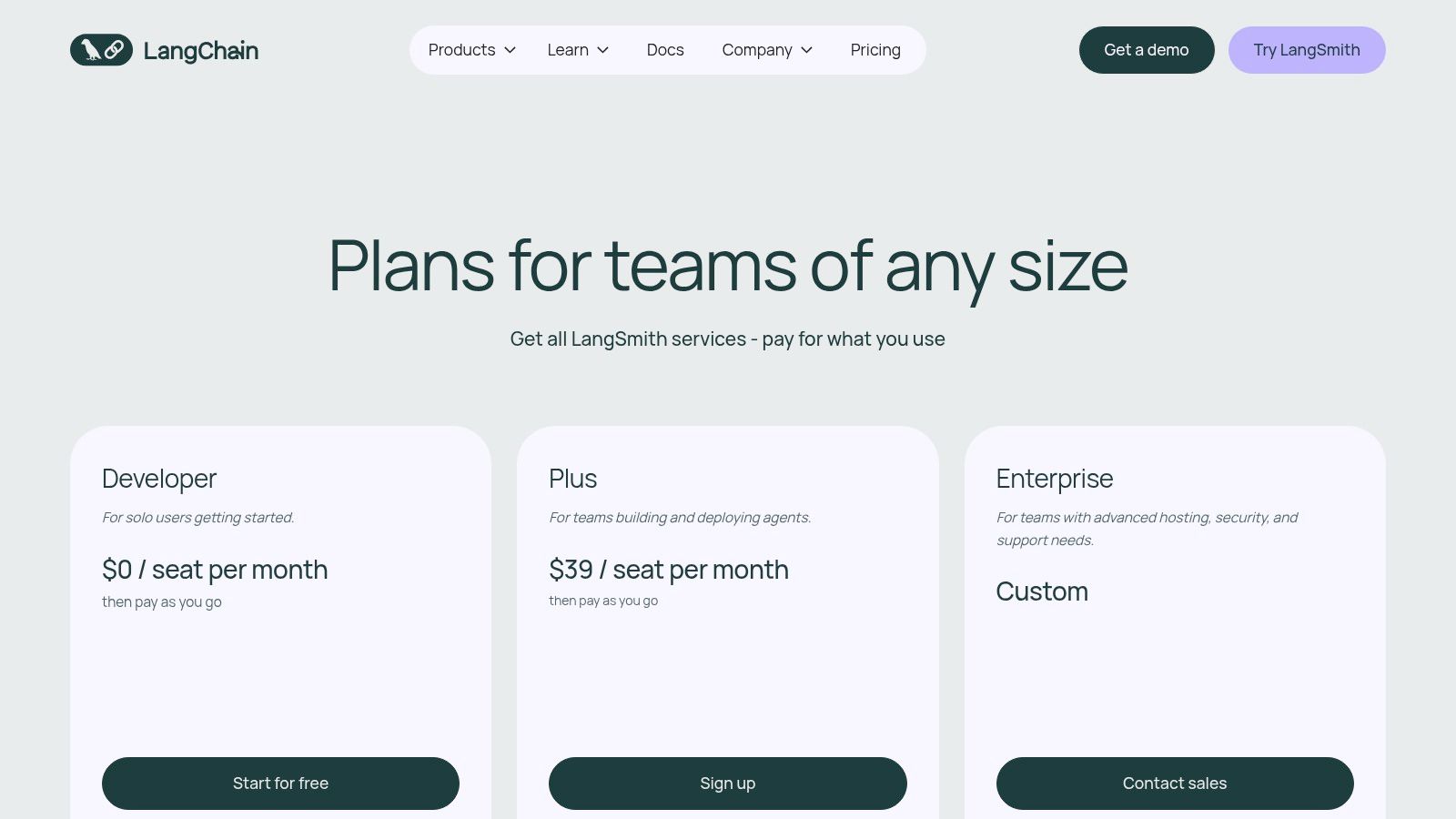
LangChain is a popular open-source framework for building applications powered by Large Language Models (LLMs). Paired with its LangSmith platform, it provides a comprehensive suite of tools for orchestrating complex agent workflows, a crucial layer for many modern chatbot development frameworks.
This combination is designed for developers who want to build, debug, and reliably deploy LLM-powered applications. LangChain provides the components for creating agents with memory and tools, while LangSmith offers the observability needed to refine their behavior in production.
Core Capabilities and Ideal Use Cases
LangChain is ideal for teams building custom chatbots that need to perform multi-step reasoning. For example, a sales bot could look up product availability in a database and calculate shipping costs via an API, then summarize the information for the customer.
- Model Agnostic: Works with any major LLM provider, including OpenAI, Anthropic, and Google Gemini.
- Observability and Testing: LangSmith provides deep insights into agent behavior, making it easier to debug complex chains.
- Structured Components: Offers pre-built patterns for common tasks like creating agents and managing memory.
What to Watch Out For
While LangChain is an orchestration framework, it is not an end-to-end platform. You are still responsible for choosing, managing, and paying for the underlying LLM separately. This introduces cost complexity and requires a more hands-on, code-first approach compared to fully managed chatbot builders.
Website: https://www.langchain.com/pricing
10. Microsoft Copilot Studio (formerly Power Virtual Agents)
Microsoft Copilot Studio is a low-code conversational AI platform designed for business users and developers. It extends Microsoft Copilot for Microsoft 365 and allows you to create standalone bots that integrate deeply with your business data and processes.
The platform's strength lies in its intuitive, graphical interface. You can connect to hundreds of pre-built data sources, from Salesforce to SharePoint, using Power Platform connectors. This makes it one of the most accessible chatbot development frameworks for creating data-driven bots for platforms like Microsoft Teams.
Core Capabilities and Ideal Use Cases
Copilot Studio is perfectly suited for businesses deeply embedded in the Microsoft 365 ecosystem. You could create an HR copilot that answers employee questions by pulling information directly from a SharePoint site. Its low-code nature empowers subject matter experts to build their own bots, a key benefit of no-code and low-code chatbot development.
- Extensive Connectivity: Utilize hundreds of Power Platform connectors to integrate with business applications out-of-the-box.
- Unified Authoring Canvas: A single visual interface for designing conversation flows and publishing to multiple channels.
- Centralized Governance: Provides robust administration and governance controls, allowing IT to manage usage and security centrally.
What to Watch Out For
Copilot Studio's reliance on the Microsoft ecosystem can be a limitation. The credit-based pricing model requires careful management and an Azure subscription. While it is low-code, building highly complex agents will still require developer expertise.
Website: https://www.microsoft.com/en-us/microsoft-365/copilot/pricing/copilot-studio
11. Salesforce Digital Engagement (Einstein Bots/Agentforce)
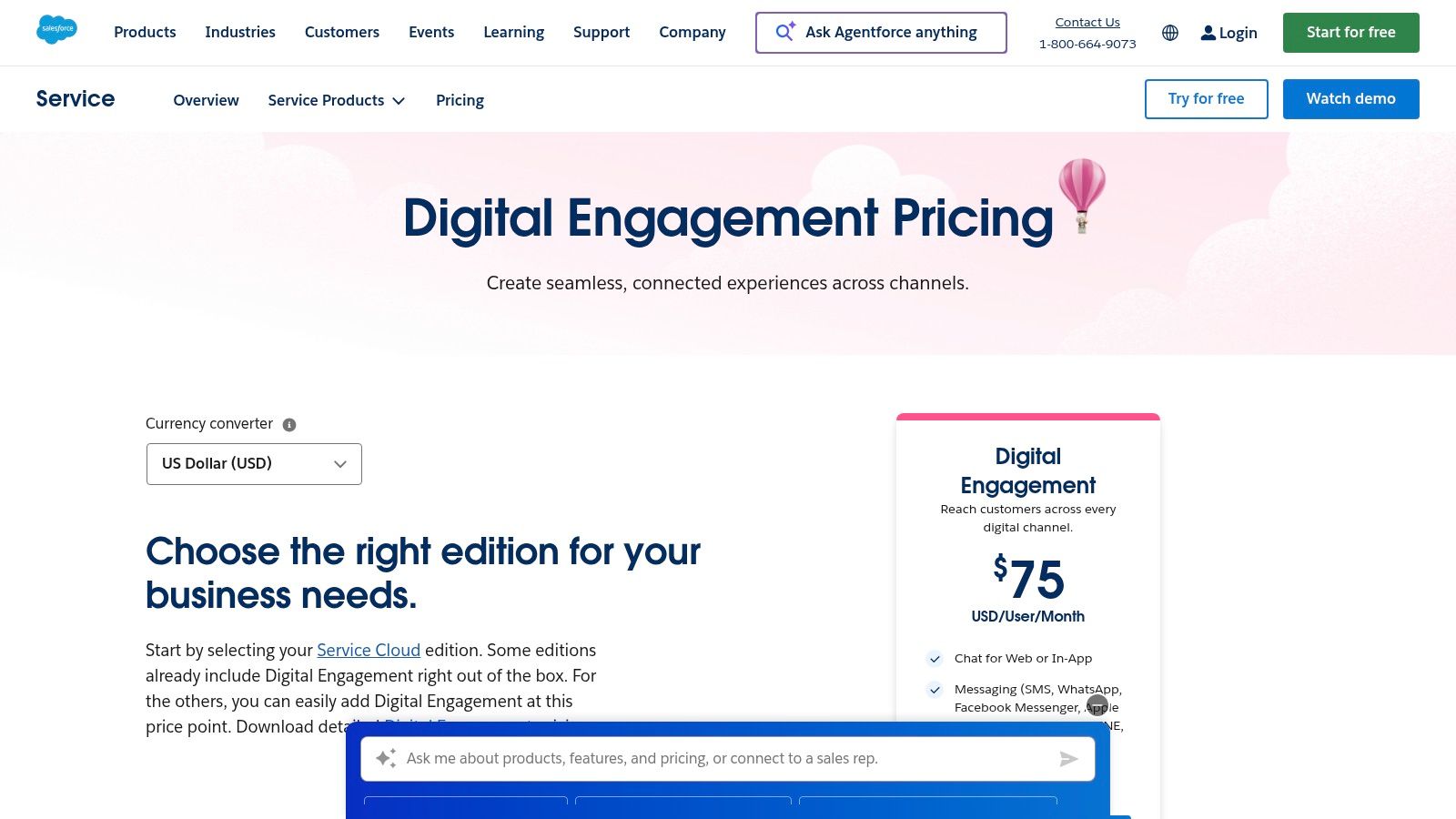
For businesses deeply embedded in the Salesforce ecosystem, Salesforce Digital Engagement offers a native solution that tightly integrates with your CRM data. This platform is an add-on to Service Cloud, featuring Einstein Bots designed for self-service and seamless agent handoffs.
Its primary strength lies in using your existing Salesforce data to personalize conversations and manage cases without leaving the platform. This makes it a powerful, albeit niche, option among chatbot development frameworks.
Core Capabilities and Ideal Use Cases
This is the ideal solution for support and sales teams already operating within Salesforce. You can create a bot that qualifies leads and creates new contact records directly in Salesforce, or a support bot that checks case statuses and pulls answers from Salesforce Knowledge.
- CRM-Native Experience: Directly access and manipulate Salesforce objects like cases, contacts, and knowledge articles.
- Centralized Administration: Manage all digital channels and bot analytics from a single interface within Salesforce.
- Omnichannel Support: Deploy bots across web, in-app messaging, SMS, WhatsApp, and other major messaging platforms.
What to Watch Out For
The biggest limitation is its dependence on the Salesforce ecosystem. To use it, you must have the appropriate Salesforce licenses (typically Service Cloud). The per-user pricing model can become costly and is less flexible if you are not fully committed to the Salesforce stack.
Website: https://www.salesforce.com/service/digital-customer-engagement-platform/pricing/
12. Kore.ai XO Platform
Kore.ai's XO Platform is a comprehensive, enterprise-focused solution for building sophisticated conversational AI agents. It offers a powerful combination of pro-code and low-code tools, enabling teams to create and deploy bots across a vast array of channels.
The platform distinguishes itself with its extensive library of pre-built templates, which can significantly accelerate development time. This flexibility, combined with its strong focus on enterprise-grade features, makes it a go-to for regulated industries like finance and healthcare.
Core Capabilities and Ideal Use Cases
The XO Platform is best suited for large enterprises aiming to deploy complex conversational AI across their entire business. For instance, many banks use Kore.ai to build a voice-enabled IVR system that authenticates users and handles complex transactions, integrating directly with core banking systems.
- Enterprise-Grade Tooling: Offers robust governance features, including role-based access control (RBAC), versioning, and detailed audit logs.
- Omnichannel Reach: Natively supports deployment across web, mobile, voice assistants, IVR, and major contact center platforms.
- Extensive Integration Library: Provides pre-built connectors for enterprise systems like Salesforce, SAP, ServiceNow, and Epic.
What to Watch Out For
While incredibly powerful, the Kore.ai XO Platform is more complex than many SMB-oriented tools and comes with a steeper learning curve. Its pricing is primarily available through a sales-assisted model, which can make initial budget planning difficult. The extensive feature set may be overkill for smaller businesses.
Website: https://kore.ai/pricing/
Side-by-Side Comparison of the Top Chatbot Development Frameworks
| Product | Core features | Channels & integrations | UX / Quality & languages | Target audience / use cases | Security & pricing |
|---|---|---|---|---|---|
| FastBots.ai (Recommended) | No-code builder, train from websites/docs/videos, multi-model support, automated retrain, analytics | Embed anywhere; WhatsApp, Telegram, Messenger, Instagram, Slack; Zapier/Make automations | 95+ languages, automatic translation, searchable chat logs, human handover | SMBs, e‑commerce, support, agencies, enterprises; white‑label/reseller options | SOC 2 & GDPR, encryption, private chat storage; Free tier + tiers (from $39→custom); model credits may add cost |
| Microsoft Azure AI Bot Service | SDKs (C#/JS/Python), Composer visual tool, Direct Line/Web Chat | Web, Teams, Slack, Facebook, custom apps; deep Azure AI/OpenAI integration | Mature tooling, Application Insights monitoring, enterprise scaling | Enterprise dev teams, Microsoft 365 / Teams environments | Azure security/compliance; pay‑as‑you‑go Azure billing (can be complex) |
| Google Cloud Dialogflow (CX/ES) | NLU-driven flows, visual CX builder, speech & telephony, webhook fulfillment | Web, mobile, IVR/telephony, major messaging channels | Strong NLU for multi‑turn multilingual bots; Google observability | Complex conversational agents, contact centers, large enterprises | Google Cloud IAM/compliance; usage‑metered pricing (CX planning required) |
| Amazon Lex | ASR & NLU, streaming & request modes, auto‑bot designer, Lambda fulfillment | Amazon Connect, web, voice/IVR, apps; native AWS stack integrations | Optimized for voice/IVR and real‑time streaming; scales on AWS | Contact centers, voice‑first applications, AWS customers | AWS security/compliance; usage‑based pricing (requests/minutes) |
| IBM watsonx Assistant | No/low‑code builder, generative conversational search, BYO LLM support | Multi‑channel; Watson Discovery and enterprise connectors | Enterprise templates, governance features, RAG integrations | Regulated industries, enterprises on IBM stack | Strong governance & security; sales‑assisted pricing; model usage may bill separately |
| Rasa (Pro / Platform) | Open‑source framework, Rasa Studio, custom actions/policies, self‑hosting | Flexible connectors; on‑prem / VPC deployments | Developer‑first, advanced dialogue control, monitoring tools | Teams needing full data control, privacy‑first deployments, advanced devs | Self‑hosting = full data control; enterprise features require licensing |
| Botpress (Cloud) | Visual studio, knowledge ingestion + vector DB, human handoff, extensibility | Webchat widget, multi‑channel deployment; relies on customer LLM choice | Fast onboarding, generous free tier, no LLM markup (billed at provider rates) | SMBs and teams wanting hosted no‑code + code extensibility | Vendor‑managed; transparent plans but monthly limits unless upgraded |
| OpenAI API (Assistants / Responses) | Assistants API (tools/state), Responses/Chat APIs, Code Interpreter, streaming | API‑first (build your own UI); integrates with retrieval/tooling | Best‑in‑class models and reasoning; rapid iteration but you build UI/ops | Developers and startups building custom assistants and tools | Pay‑per‑token pricing; you handle hosting, orchestration, and security |
| LangChain + LangSmith | Orchestration (tools/memory/agents), LangSmith tracing/evals, managed deploy | Works with OpenAI, Anthropic, Gemini, etc.; integrates into agent stacks | Strong testing, observability, and production reliability tooling | Developers orchestrating complex agent workflows | Model costs separate; LangSmith subscription for traces/deployment features |
| Microsoft Copilot Studio | Low/no‑code authoring, Power Platform connectors, IVR and multi‑agent support | Web, social, apps, Teams; Power Platform data connectors | Integrated with M365 data/apps; credit‑based metering (Copilot Credits) | Microsoft‑centric orgs, Power Platform users | Azure‑linked billing and governance; requires Azure subscription; credit accounting |
| Salesforce Digital Engagement | Web chat, in‑app messaging, Einstein Bots, CRM routing | SMS, WhatsApp, Facebook, Apple Messages, LINE, web | Centralized analytics inside Salesforce, CRM‑native flows | Service Cloud customers, support teams, enterprises using Salesforce | Requires Salesforce licensing; billed per user/month; CRM security/compliance |
| Kore.ai XO Platform | Pro‑code & low‑code tooling, templates, SDKs, governance | Chat, voice, IVR, contact center channels; 100+ integrations (SAP, Epic, Salesforce) | Enterprise templates and governance, deployment flexibility (SaaS/private) | Large enterprises, regulated industries, complex integrations | Enterprise security & governance; pricing is sales‑assisted |
What to Watch Out For: Limitations and Considerations
Choosing a framework is just the first step; successful implementation is where many projects falter. One of the most common mistakes is underestimating the effort required to curate and maintain the chatbot's knowledge base. A bot is only as good as the data it's trained on.
Another significant pitfall is a lack of focus on the user experience. A chatbot that is difficult to interact with, provides inaccurate answers, or fails to escalate to a human agent effectively will only frustrate customers and damage your brand.
This is where you must weigh the trade-offs between control and convenience. Open-source solutions like Rasa offer unparalleled control but demand significant investment in developer time, infrastructure, and ongoing maintenance. For many businesses, this hidden cost can delay a project indefinitely. Managed platforms abstract away this complexity, allowing you to focus purely on the quality of the conversation and the value delivered to your users.
How to Choose the Right Chatbot Development Framework
We've explored a wide landscape, from the immense power of enterprise tools like Microsoft Azure AI Bot Service to the open-source flexibility of Rasa. Each platform presents a unique set of trade-offs, balancing control, cost, and speed of implementation. The key is to match the tool to your team, budget, and business problem.
Quick Checklist for Your Decision
Before you commit, run through this final checklist. It will help you cut through the noise and align your choice with your practical business needs.
- Assess Your Team's Skills: Do you have dedicated developers, or do you need an intuitive, no-code interface? Be realistic about your internal resources.
- Define Your Timeline: Do you need a chatbot live this week or is this a six-month strategic project? Your required speed-to-market is a massive factor.
- Calculate Total Cost of Ownership (TCO): Look beyond the sticker price. Factor in developer salaries, hosting costs, and maintenance hours. A managed platform might have a higher subscription fee but a much lower TCO.
- Evaluate Your Data Sources: Where does your knowledge live? Ensure your chosen framework can easily and securely connect to your specific data.
- Measure Success: How will you know if your chatbot is working? A key performance indicator is its ability to resolve user queries, which you can track by measuring its chatbot engagement rate.
Choosing the right chatbot development framework is a strategic decision that can transform your customer support and supercharge your sales funnel. By carefully considering your resources, timeline, and TCO, you can select a solution that delivers a tangible return on investment.
Ready to skip the steep learning curve and launch a powerful, AI-driven chatbot in minutes? FastBots.ai is designed for businesses that need results now, not next quarter. Build your custom chatbot for free and see just how easy it is to turn your business knowledge into an automated 24/7 assistant.



