
Can You Schedule a Text on WhatsApp and Automate Your Messaging?

Let's cut right to the chase: can you schedule a text on WhatsApp using the standard app? The short answer is no. As of 2024, WhatsApp hasn't rolled out a native, built-in feature for scheduling messages.
But that's far from the end of the story. A whole ecosystem of clever tools and workarounds has popped up. These solutions make scheduling a reality for just about anyone, from personal users to large businesses.
Why Scheduling WhatsApp Messages Matters

Timing your communication can make all the difference. Imagine sending a perfectly timed birthday message to a friend across the globe, right at midnight their time, while you're fast asleep. Scheduling makes that effortless.
For businesses, the stakes are even higher. WhatsApp is an absolute powerhouse for customer engagement, with a jaw-dropping 98% open rate that completely dwarfs email's typical performance. You can dig into more insights about WhatsApp's incredible scale and engagement metrics to see the full picture.
When you're dealing with numbers like that, ensuring your message arrives at the optimal moment isn't just a nice-to-have; it's a massive strategic advantage. Scheduling transforms WhatsApp from a purely reactive tool into a proactive communication channel, putting you back in control of your time.
Quick Checklist: When to Schedule a WhatsApp Message
- Personal Use: Birthday wishes, anniversary notes, reminders for family events.
- Business Use: Appointment reminders, promotional announcements, follow-up messages after a purchase, and internal team updates.
In this guide, we'll walk you through all the methods available, from simple workarounds to robust automation solutions. We’ll explore what works, what to watch out for, and how you can start scheduling messages today.
Core Capabilities: Using WhatsApp Business for Automated Replies

Before you start digging into third-party apps, it’s smart to look at the powerful, time-based responders built right into the official WhatsApp Business app. While these aren't "scheduling" tools in the traditional sense, they are your first line of defense for managing customer expectations.
These features offer instant acknowledgements that build trust and keep the conversation moving, even when you’re busy.
Set Up Away Messages for After Hours
Away Messages are your digital "out of office" assistant. You can set them up to automatically reply to anyone who messages you outside of your designated business hours. This is crucial for managing expectations and stopping customers from feeling ignored.
For instance, a small e-commerce shop could set an away message like: "Thanks for reaching out! Our team is available from 9 AM to 5 PM. We'll get back to you first thing tomorrow." It’s a simple move that provides immediate value.
Instantly Engage with Greeting Messages
Greeting Messages have a different, but equally important, job. They automatically fire off when a customer messages you for the very first time, or after 14 days of inactivity. This is your golden opportunity to make a great first impression.
A local plumber's greeting message could be: "Welcome to ABC Services! Thanks for your message. To help us out, could you please provide your name, address, and a brief description of the issue?" This collects key details upfront, speeding up the entire service process. You can explore more advanced uses of WhatsApp Business to tailor it to your industry's needs.
How to Implement: Scheduling on Android and iOS
If you need to schedule a specific message for a future date and time, you'll have to look beyond the official app. The methods for doing this differ significantly between Android and iOS.
Scheduling Messages on Android with Third-Party Apps
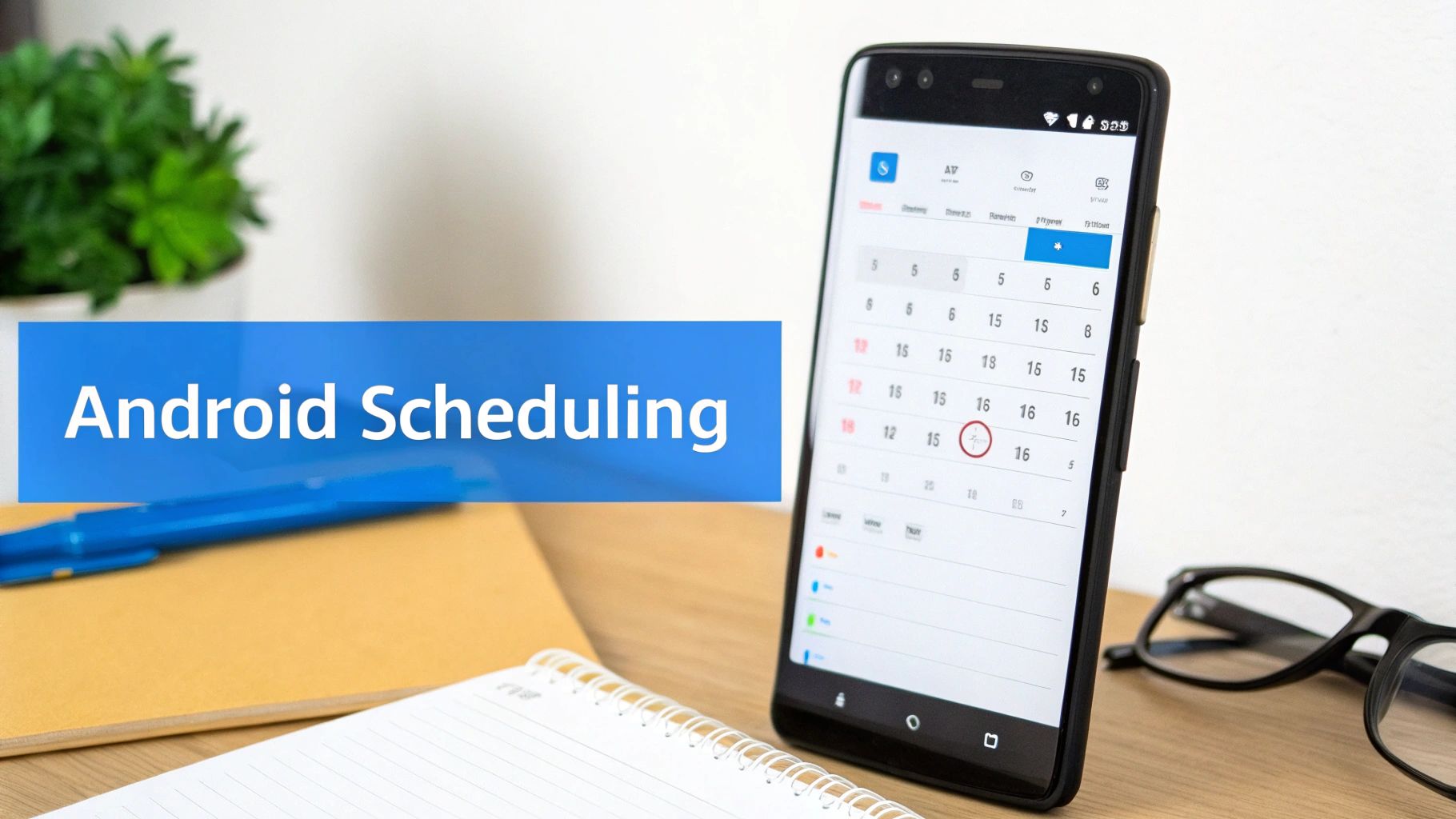
If you're an Android user, you're in luck. The platform's more open ecosystem allows third-party apps to provide the direct scheduling features WhatsApp lacks. This is the most common answer you'll find when asking can you schedule a text on WhatsApp.
Apps like SKEDit work by using Android's Accessibility Services to mimic your actions. In simple terms, they "press the buttons" for you at the scheduled time. It's a clever workaround, but it also means you have to grant these apps significant permissions.
Once you install an app like SKEDit and grant permissions, the process is straightforward:
- Pick WhatsApp as your app.
- Choose a contact or group.
- Write your message.
- Set the exact date and time for it to send.
Sending Scheduled Texts on iOS with Shortcuts
For iPhone users, the journey looks a little different due to Apple’s stricter security. Your best tool is the built-in Shortcuts app, which lets you build a "personal automation" that gets your message queued up.
Here’s the quick setup:
- Open the Shortcuts App and go to the "Automation" tab.
- Create a New Personal Automation, choosing "Time of Day" as your trigger.
- For your action, search for and select "Send Message via WhatsApp."
- Compose your message and select the recipient.
At the scheduled time, your iPhone will prepare the message in WhatsApp. However, because of iOS security, you still need to tap the 'Send' button yourself. It’s a semi-automated process that ensures you always have the final say. For a more detailed walkthrough, check our complete guide on how to schedule a WhatsApp message on iOS.
The Professional Solution: WhatsApp Business API

When simple workarounds aren't enough, it's time to bring in the heavy hitters. For businesses that need reliability and scale, the WhatsApp Business API is the definitive answer. The API is a powerful backend service that plugs WhatsApp directly into your business software.
This allows for true, server-side automation that works flawlessly whether your phone is on or off. By using a platform like FastBots.ai—often connected with automation tools like Zapier or Make—you can build sophisticated communication workflows.
Imagine an e-commerce store that automatically sends a scheduled follow-up message two days after delivery to ask for a review. This is a genuine "set it and forget it" campaign that runs like clockwork. You can find more data on how timely messaging impacts customer engagement here.
The API is best suited for businesses with high-volume needs, such as sending order confirmations, appointment reminders, or class announcements. Getting started typically means working with a platform that has this integration already baked in, which is a natural first step before you integrate an AI chatbot on WhatsApp.
What to Watch Out For: Limitations and Considerations
While scheduling messages is powerful, you need to be aware of the trade-offs, especially when using unofficial third-party apps. Your security and account status are at stake.
The single biggest concern is the permissions these apps demand. To work, many schedulers need you to grant them Accessibility permissions. This is a powerful setting that lets the app read your screen and copy your taps, creating a potential security risk. A malicious app could capture sensitive information like passwords or private chats.
Beyond data privacy, you're also walking a fine line with WhatsApp's Terms of Service. Using unauthorized apps that automate messaging can get your account flagged, which could lead to a temporary suspension or even a permanent ban.
Actionable Takeaway: Your Security Checklist
- Avoid apps that require disabling your screen lock. This is a major security compromise.
- Read recent user reviews before installing any third-party app.
- Understand the permissions an app is requesting.
- For business use, always stick to the official WhatsApp Business API. It's the only method that guarantees you're playing by the rules. You can learn more about the security of automated systems in our guide on how secure are AI chatbots.
Finally, remember that your scheduled messages might not go through if you're traveling in a region with service restrictions. It’s always smart to have a plan for maintaining WhatsApp access in countries like Qatar to ensure your communications always land.
Conclusion: Choosing Your Scheduling Method
So, can you schedule a text on WhatsApp? Yes, absolutely. You just need to pick the right tool for the job. Your choice depends entirely on your goals, technical comfort, and whether you're using it for personal or business reasons.
For personal birthday reminders, the iOS Shortcuts app or a reputable Android scheduler can work well. But if your business operations depend on messages being sent reliably and at scale, the official WhatsApp Business API is the only path forward. It's the only method that provides the security, reliability, and compliance you need.
Ready to stop messing with workarounds and get true, reliable WhatsApp automation for your business? With an AI chatbot platform, you can schedule messages, deploy AI chatbots, and manage customer conversations at scale using the official API.



