
A Practical Guide to Automating Customer Service with AI

Automating customer service is about using smart technology, like AI, to instantly handle the common questions and simple tasks your customers have. This means you can offer 24/7 support without needing a human agent for every single chat, freeing up your team to tackle the trickier issues that need their expertise.
This guide will walk you through building a strategy, implementing the right tools, and avoiding common pitfalls so you can make automation work for you.
Why Automating Customer Service Is a Game Changer
Let's get straight to it. Bringing automation into your customer service isn't just a tech upgrade; it's a fundamental shift in how you meet modern customer expectations. People now expect immediate, hassle-free support, and businesses that can't deliver that risk being left behind.

The biggest immediate win is efficiency. By letting bots handle routine queries—think "Where's my order?" or password resets—you dramatically cut down the repetitive work bogging down your agents. This lets your team apply their skills where it truly counts: solving complex problems that require a human touch.
Key Benefits of Customer Service Automation
Here's a quick summary of the advantages you can expect when integrating automation into your customer support workflow.
| Benefit Area | Impact on Your Business | Example Metric |
|---|---|---|
| Operational Efficiency | Frees up human agents for complex, high-value tasks. | Many businesses see a 40% reduction in time spent on repetitive queries. |
| Cost Savings | Reduces the need to hire more staff as ticket volume grows. | It's common to see a 30% decrease in overall customer service costs. |
| 24/7 Availability | Provides instant support to customers anytime, anywhere. | Typically, 95% of after-hours queries can be resolved without human intervention. |
| Customer Satisfaction | Delivers immediate answers, reducing wait times. | A 25% increase in Customer Satisfaction (CSAT) scores is achievable. |
| Scalability | Handles massive spikes in inquiries without a drop in service. | Manages 10x ticket volume during peak season with the same team size. |
As you can see, the impact goes far beyond just answering questions faster.
Scaling Support Without Scaling Costs
As your business grows, your support requests will inevitably follow. The old way of thinking was to just hire more agents, but that's expensive and slow. Automation changes the math, letting you handle a much higher volume of interactions without a proportional spike in your headcount.
This isn't just about saving money; it's about investing your resources more intelligently. Your team's expertise is a valuable asset, and automation ensures it's used for high-impact work, not copy-pasting tracking links all day. For a deeper dive, our guide on the benefits of AI chatbots in customer service breaks down exactly how this synergy works.
Laying the Groundwork: Your Automation Strategy
Before you pick a chatbot provider, we need to talk strategy. Many businesses get caught up in the excitement of AI and jump straight to the tech, but that's like building a house without a blueprint. A successful automation project always starts with a solid plan.

The very first step is figuring out what "success" actually means for your business. A vague goal like "automating customer service" won't get you anywhere. You need specific, measurable targets that tie directly back to what your company is trying to achieve.
Pinpoint Your Goals and KPIs
Are you trying to slash your first-response times? Do you want to deflect a certain percentage of common questions? Nailing down your Key Performance Indicators (KPIs) from the get-go will shape every decision you make.
Here are a few examples of what strong, measurable goals look like:
- Deflect 30% of all "Where is my order?" tickets within the first three months.
- Reduce the average first-response time for after-hours support requests by 75%.
- Increase the self-service resolution rate on our help center by 20% in the next six months.
When you have clear targets like these, you can actually measure your return on investment. It keeps your team focused on the outcome, not just the technology.
Audit Your Support Tickets to Find the Low-Hanging Fruit
With your goals in hand, it’s time to find the easiest wins. The best starting point for automation is always the high-volume, low-complexity tasks that are currently eating up your team's time.
Look for the patterns in your support tickets and chat logs. What are the top 5-10 questions your team answers over and over again? They’re usually things like:
- Order status and tracking updates
- Password resets
- Return policy questions
- Basic product feature explanations
These repetitive questions are your automation goldmine. They are simple enough for an AI to handle reliably and will give your team the fastest relief.
Actionable Takeaway: Are You Ready for Automation?
Wondering if this is the right move for you right now? Here's a quick gut check.
- Repetitive Questions: Is your team constantly answering the same 5-10 questions day in and day out?
- After-Hours Gaps: Are you missing opportunities to help customers who reach out after you've gone home?
- High Ticket Volume: Does your support team feel like they’re drowning in tickets?
- Scalability Concerns: Are you worried about how you'd handle a sudden surge in customers?
If you nodded along to two or more of these, you're likely a great candidate for automation.
How to Implement Your AI Support System
Alright, you’ve mapped out your strategy. Now for the fun part: bringing your AI support system to life. This is where you get into the practical work of building, training, and deploying a tool that feels like a genuine part of your brand.
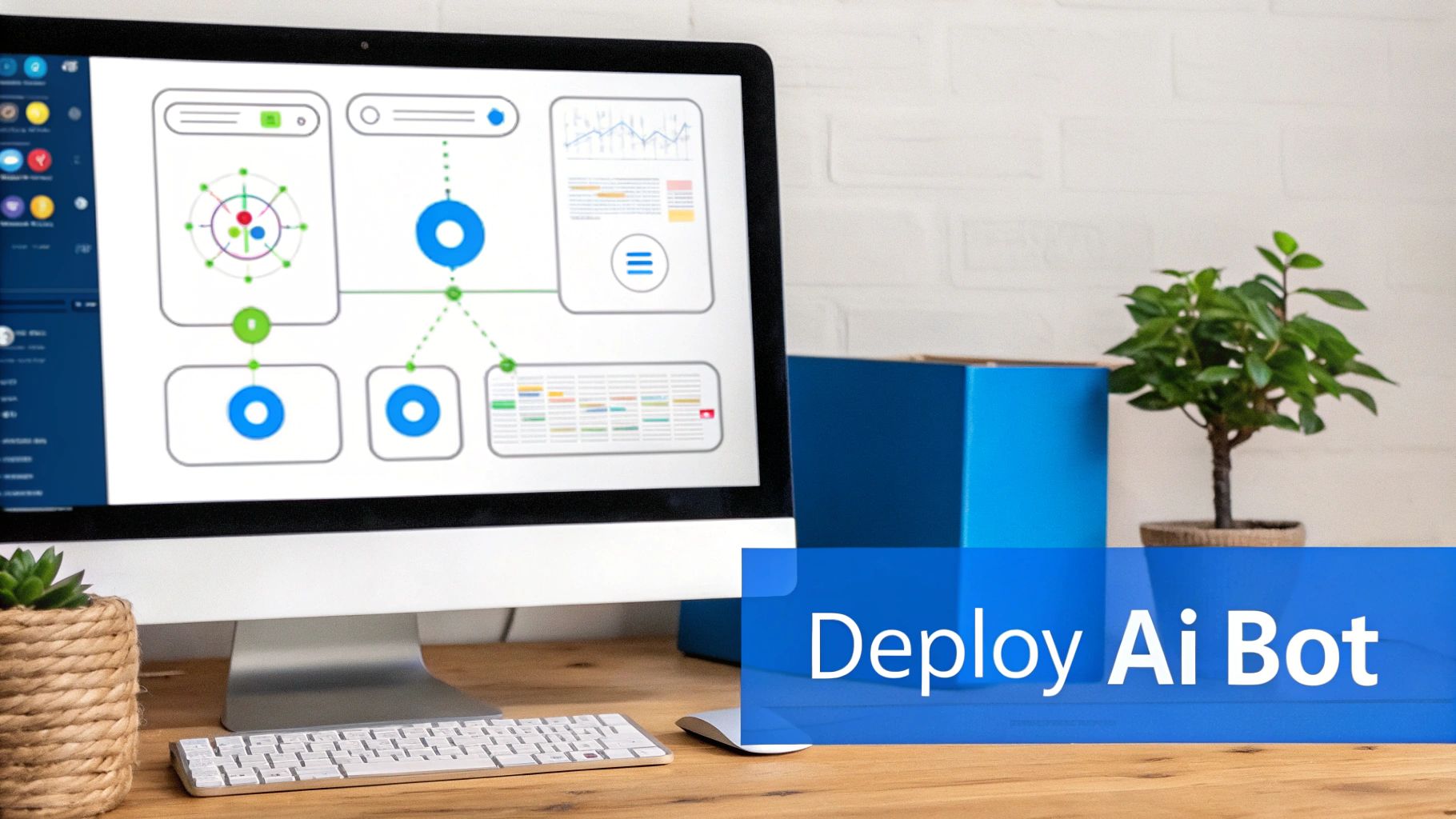
First, you'll feed your AI the knowledge base you’ve already prepped. Then, you’ll deploy it across the channels where your customers already are.
Training Your AI and Defining Its Persona
The first real step in automating customer service is to teach your AI what it needs to know. Thankfully, modern platforms make this incredibly simple. You can usually just upload documents, drop in your website URL, or connect it to other knowledge sources.
But facts are only half the story. You also need to give your chatbot a personality. Is it going to be friendly and casual, or more formal and professional? A consistent tone reinforces your brand identity and makes the experience feel less robotic.
Deploying Across Key Customer Channels
An amazing AI support system is useless if nobody can find it. The goal is to be where your customers are, so think about their journey and plan to meet them there.
- Website Chat: An embedded website chatbot is your tireless front-line employee, greeting visitors, answering questions, and capturing leads 24/7.
- Social Media Messengers: Many customer conversations start on platforms like Facebook Messenger or WhatsApp. Integrating your bot here provides instant support right inside the apps they use every day.
- In-App Support: If you have a mobile or web app, embedding support directly inside is a huge win for user experience.
Meeting customers on their preferred channels shows you respect their time, which goes a long way in building loyalty.
Creating Powerful Automated Workflows
True automation isn’t just about answering questions—it's about doing things. By connecting your AI to your other business software, you can build powerful workflows that solve problems from start to finish.
This is usually done with integration platforms like Zapier or Make, or through direct API connections. You can teach your bot to perform specific tasks, turning it from a simple Q&A tool into an active part of your operations.
For example: A retail store could integrate their chatbot with their shipping system. When a customer asks, "Where is my order?" the bot pings the shipping carrier's API in real-time and displays the exact tracking status right in the chat. This is one way to create a more dynamic and helpful experience.
These integrations are what separate a basic FAQ bot from a genuinely automated customer service engine. For a deeper dive, check out our guide on how to integrate enterprise chatbots with business tools.
Designing a Seamless Human Handover
No matter how smart your AI gets, some problems will always need a human. A critical part of your setup is a smooth handover process from the bot to a live agent. Customers should never feel trapped in a loop with a bot that can’t help.
The AI should be smart enough to recognize when a question is too complex or emotionally charged. Once it hits a trigger, it should immediately offer to connect the user to a person, passing along the entire chat history so the customer doesn't have to repeat themselves.
What to Watch Out For: Limitations and Considerations
While the upside of automating customer service is huge, it's important to be realistic about the challenges. Diving in without a clear-eyed view of what can go wrong can leave you with frustrated customers.
One of the quickest ways to damage your brand's reputation is by trapping a customer in a frustrating chatbot loop. We’ve all been there: the bot doesn't get it, spits out the same unhelpful answer, and offers no escape route to a real person.
The Dreaded Bot Loop and How to Break It
To prevent this, your human handover process needs to be seamless. A well-designed AI knows its own limits. When it picks up on frustration or a request it can't handle, its number one job should be to escalate the conversation gracefully.
Think of it this way: escalating isn't a failure. It's a core feature of an intelligent system. A great handover automatically passes the entire chat transcript to the human agent so the customer never has to repeat themselves.
Knowing the Limits of Automation
Another common mistake is expecting AI to solve every single problem. Automation is fantastic for high-volume, predictable questions, but it’s not the right tool for every job.
You should always have rules in place to route these issues directly to a human:
- Highly emotional situations: A customer who is angry or distressed needs human empathy, not an algorithm.
- Complex, multi-step problems: If an issue involves digging through multiple systems or creative problem-solving, a human is far better equipped to handle it.
- High-value customers or critical sales inquiries: For VIP clients or big-ticket sales questions, the personal touch of a skilled agent can make all the difference.
By setting clear boundaries for your AI, you protect your customer relationships. The point of automation isn’t to eliminate human interaction, but to elevate it.
Data Security and Customer Trust
The moment you start automating customer service, you're handling sensitive information. A data breach from a poorly secured chatbot can be catastrophic for your reputation.
Security can't be an afterthought. This means picking a platform with strong security standards and being upfront with your customers. A simple "You're chatting with our AI assistant" at the beginning of a conversation builds trust. You can learn more about how to integrate their tools securely to keep data safe.
Monitoring Performance and Improving Your AI
Launching your AI chatbot is a huge milestone, but your work isn’t finished. Think of your AI as a new team member that needs ongoing coaching and feedback to get better at its job. This cycle of monitoring, learning, and refining is what transforms a decent bot into an indispensable asset.

The first step is to know what you’re measuring. You need to track specific numbers that tie directly back to the goals you set in the beginning.
Key Metrics for AI Performance
To get a clear picture of your bot’s impact, you should look at its performance and how it affects your overall support operation.
- Resolution Rate: What percentage of conversations does the bot handle from start to finish without needing a human? This is your core measure of effectiveness.
- Escalation Rate: Conversely, how often does the bot have to pass a conversation to a human agent? A high rate here might signal gaps in its knowledge base.
- CSAT on Bot Interactions: Are customers happy with the automated support? A simple post-chat survey provides direct, invaluable feedback.
- Most Frequent Topics: What are customers asking about most often? This shows you if your automation efforts are focused on the right areas.
Tracking these numbers gives you a quantitative baseline to work from. For instance, if your bot has a 70% resolution rate but a low CSAT score, it might be answering questions in a way that’s unhelpful or frustrating.
Creating a Powerful Feedback Loop
Data tells you what is happening, but you need human insight to understand why. Your support agents are on the front lines and are your most valuable resource for improving your AI.
Set up a simple process for your team to flag conversations where the bot failed. This could be a dedicated Slack channel or a specific tag in your helpdesk software. Reviewing these chats weekly is one of the most effective ways to identify knowledge gaps.
This creates a powerful feedback loop: the bot handles the repetitive stuff, freeing up agents to focus on complex issues and provide feedback to make the bot smarter. Our guide on implementing AI into your support strategy covers how to build this collaborative process.
Quick Checklist for Continuous Improvement
Here’s a practical checklist to help you improve your AI over time.
- Weekly Review: Block out one hour each week to review your AI analytics. Look for trends in your key metrics.
- Analyze Failed Chats: Dive into a handful of escalated conversations. Pinpoint the exact moment the bot failed.
- Update Your Knowledge Base: Based on your analysis, update your bot’s training data by adding a new FAQ or clarifying an existing article.
- Share Insights: Loop back with your support team to communicate the improvements you've made. This keeps them engaged and shows their feedback is valued.
Final Thoughts and Next Steps
Automating customer service isn't about replacing your team; it's about empowering them. By handling repetitive queries with AI, you free up your agents to focus on the complex, high-value interactions that truly define your brand.
You can start small by identifying your most common customer questions and building a bot to answer them. From there, you can expand to more complex workflows and integrations. The key is to begin with a clear strategy, monitor performance, and continuously refine your approach.
Ready to see how simple it is to get started automating customer service? With FastBots.ai, you can build and train a custom AI chatbot on your business data in minutes. Create your free AI chatbot today and see what a difference it makes.



