
Your Guide to an AI Customer Service Chatbot

If you're looking for a smarter, more efficient way to handle customer support, you've come to the right place. An AI customer service chatbot isn't like those old, frustrating automated phone menus. Think of it as an intelligent, tireless team member, ready to help your customers 24/7.
This technology is quickly becoming essential for businesses that want to deliver great service without burning out their team. In this guide, we'll walk you through how it works, the benefits you can expect, and a step-by-step plan to get started.
Why an AI Customer Service Chatbot Matters Now

Let's cut through the buzzwords. An AI customer service chatbot uses technology like Natural Language Processing (NLP) to understand, interpret, and respond to your customers' questions in a surprisingly human-like way. It's designed to instantly resolve the common, repetitive questions that often clog up your support inbox.
That instant support is a game-changer because customer expectations have soared. People want answers now, not tomorrow morning. An AI bot meets that demand head-on, providing round-the-clock help without needing breaks or holidays.
Meeting the Demand for Automation
The shift toward AI-powered support is happening fast. Some projections even suggest that by 2025, a large majority of customer interactions could be handled by AI systems. Why the massive shift? It comes down to the need for faster, more scalable support.
Many businesses that adopt these tools see a significant drop in their average resolution times. You can explore these AI customer service statistics to see the broader impact.
By automating the simple inquiries, you achieve two major goals at once:
- Your customers get faster solutions. No more waiting in a queue for a simple question about order tracking or a password reset.
- Your team can focus on what matters. Your human agents are freed from monotonous tasks, allowing them to handle the complex, sensitive conversations that build real customer loyalty.
The Real-World Impact on Your Business

So, what does an AI customer service chatbot actually do for your business? This isn't just about saving a few pennies; it’s about creating a fundamentally better experience for both your customers and your team.
When you automate routine questions, you give your support agents the breathing room they need to tackle the tricky, high-value problems that require a human touch. Imagine slashing your average customer response time from hours down to seconds.
A huge chunk of your support tickets can be resolved instantly, without a single human getting involved. Your customers get the quick answers they crave, and your team's workload gets significantly lighter. It's a win-win.
Translating Efficiency Into Financial Wins
The numbers behind AI chatbots are often compelling. Some studies show a significant return on investment because a well-trained chatbot can help lower operational costs and dramatically cut down response times.
When you compare the cost of a single chatbot interaction to a traditional phone call or email chain, the savings can stack up quickly. This efficiency typically impacts your bottom line in a few key ways:
- Lower Cost Per Interaction: Answering a simple question automatically is much cheaper than paying an agent to do it.
- Increased Agent Capacity: When your team isn't bogged down by the same questions, they can handle more complex issues.
- Always-On Support: A chatbot works 24/7, capturing leads and solving problems even when you’re asleep.
The topic of AI in Business Automation offers some great insights into how this fits into the bigger picture of driving value across your operations.
Comparing Support Channels: Traditional vs. AI Chatbot
| Metric | Traditional Support (Email/Phone) | AI Customer Service Chatbot |
|---|---|---|
| Availability | Typically 8-10 hours/day, 5 days/week | 24/7/365 |
| Average Response Time | Minutes to hours (or even days) | Instant (under 2 seconds) |
| Cost Per Interaction | High (agent salaries, overhead) | Very Low (pennies per query) |
| Scalability | Limited by number of agents | Handles unlimited concurrent conversations |
| Consistency | Varies by agent and workload | 100% consistent answers every time |
| Data Collection | Manual tracking or requires CRM input | Automatically captures every interaction for analysis |
As you can see, the chatbot model offers a clear advantage in speed, cost, and the ability to scale without piling on more headcount.
Real-World Scenarios and Tangible Benefits
Let's look at a practical example. An e-commerce store that sets up an AI chatbot to handle "Where is my order?" requests can see immediate benefits. If that bot can automatically resolve 40% of those inquiries, it frees up hundreds of hours for the support team. Now, they can focus on helping customers with complicated returns or tricky checkout problems.
Or consider a software company that uses a bot for instant technical help with common setup snags. Instead of a new user getting frustrated and waiting for an email, they get guided, immediate assistance. That interaction can be the difference between a happy customer and early churn.
The real magic happens when your AI chatbot becomes a true partner to your human team. This isn't about replacing people; it’s about augmenting them. The bot handles the volume, and your team provides the high-touch, empathetic support that no machine can replicate. To really nail down the financial impact, you’ll want to track the right numbers. Our guide on how to measure the ROI of your chatbot for business growth is a great place to start.
Core Capabilities of a Modern AI Chatbot
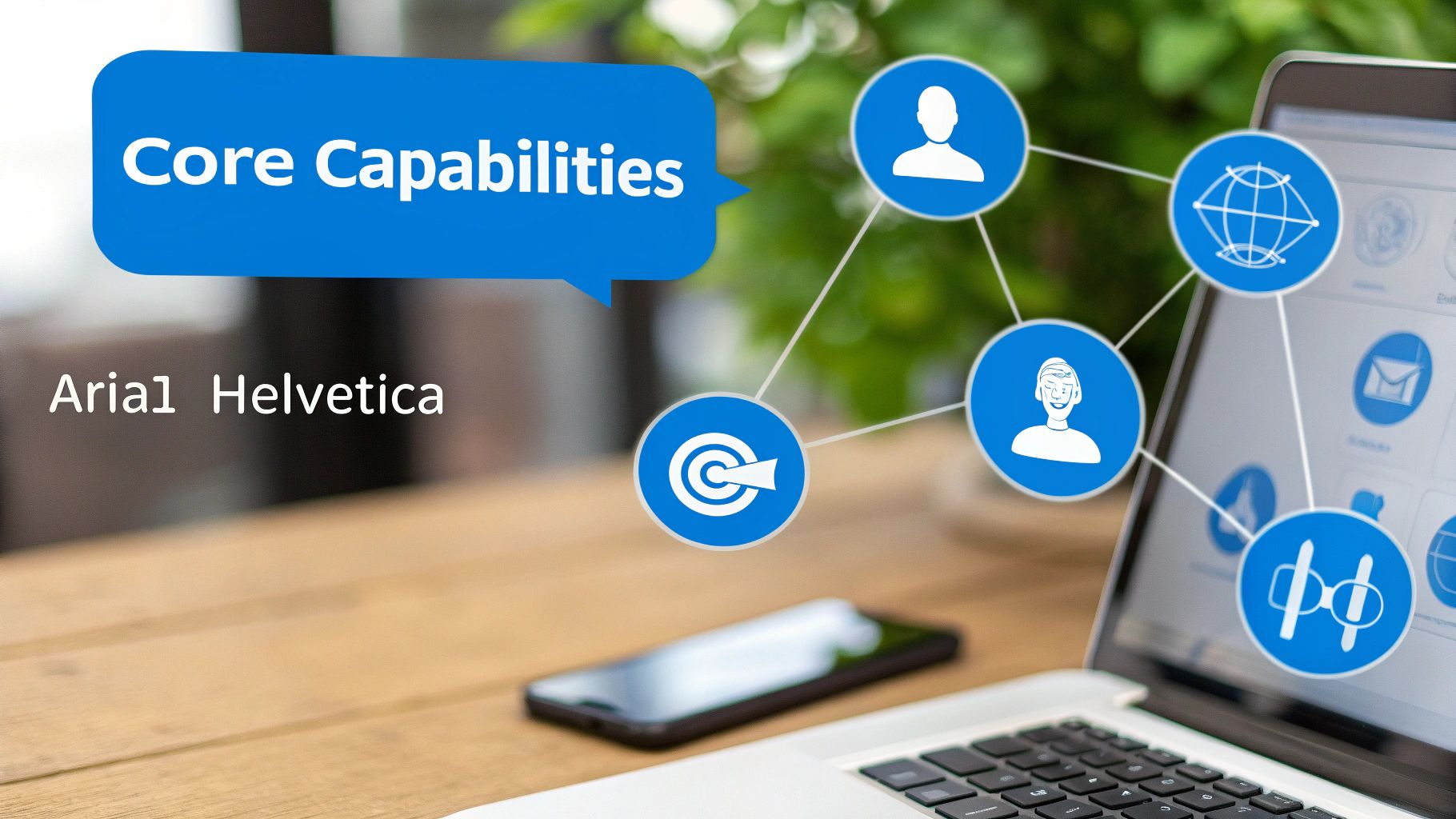
So, what can a modern AI customer service chatbot actually do? If you're picturing the clunky bots of the past, it's time for an update. Today’s AI chatbots are a completely different breed, built to understand, adapt, and genuinely solve problems.
The technology behind it all is Natural Language Processing (NLP). Think of NLP as the bot's language-learning center. It lets the bot figure out what your customers are really asking, even if they use slang or make spelling mistakes. Instead of just hunting for keywords, it gets the intent behind the words. If you want to dive deeper, our guide on unravelling the tech behind AI chatbots breaks it all down.
Understanding and Responding Naturally
One of the biggest leaps forward is contextual awareness. A modern bot remembers what was said earlier in the conversation, which allows for a natural back-and-forth that feels less like a script.
For instance, a customer might ask, "Do you ship to Australia?" and follow up with, "And how long does it take?" The chatbot knows that "it" refers to shipping to Australia and gives the right delivery timeframe. This single ability often makes the difference between a frustrating dead-end and a helpful interaction.
Seamlessly Integrating Into Your Workflow
An AI chatbot shouldn't be a lonely island. Its real power is unlocked when it connects with the other software you already use. This is how a simple Q&A tool becomes a true automated assistant.
These integrations turn your chatbot into the central hub for customer interactions, pulling together different parts of your business to create one smooth, unified experience.
Key Integration Capabilities
- CRM and Helpdesk Connection: The bot can access your CRM to see a customer's history and offer personalized help. It can also create support tickets in your helpdesk system with the full chat transcript attached.
- E-commerce Platform Sync: For online stores, the bot can hook into your e-commerce platform to check an order status, initiate a return, or see if a product is in stock—all in real-time.
- Scheduling and Booking: A chatbot can sync with calendar tools to book appointments or schedule demos right inside the chat window, removing a huge point of friction.
Knowing When to Ask for Help
Here’s something that might surprise you: one of the most important features of a smart AI chatbot is knowing its own limits. A great bot is programmed to recognize when a question is too complex, too sensitive, or when a customer is clearly getting frustrated.
When that happens, it executes a seamless agent handover. A proper handover means the bot intelligently transfers the entire conversation—context and all—to a live human agent. The customer doesn't have to repeat anything, and your agent can jump in with a full picture of the situation. It’s the perfect blend of AI’s speed and your team’s empathy.
How to Implement an AI Customer Service Chatbot

Ready to build an AI customer service chatbot? It might feel like a massive project, but you can break it down into manageable steps. Think of this as your roadmap from idea to a successful launch.
If you follow this process, you’ll end up with a bot that actually helps your customers and takes a load off your team.
Step 1: Define Your "Why"
Before you think about conversation flows, you need to nail down your core objectives. Don't just build a chatbot because it seems popular. Pinpoint the exact problem you're trying to solve.
Are you drowning in tickets about order status? Trying to qualify leads after hours? A vague goal like "improve support" is hard to measure. A sharp goal like "reduce 'where is my order' tickets by 30%" gives you a clear target.
Step 2: Dig Into Your Data
The good news is you're already sitting on a goldmine of information. You don't have to guess what your customers want to know. It’s all right there in your helpdesk tickets, live chat transcripts, and customer emails.
Dive in and look for the most common questions. You’ll probably find that a small handful of topics make up a huge chunk of your support volume. Tackling these first will give you the biggest return on your effort.
Step 3: Design Conversations That Help
Now it's time to map out how the conversations will work. You want the flow to feel less like a robot interrogation and more like a quick chat with a helpful employee.
Start by scripting the ideal path for each of your high-priority questions. What information does the bot need? What follow-up questions might the user have? And most importantly, always include an "escape hatch"—an obvious way for the user to talk to a human if they get stuck.
Step 4: Train, Test, and Tweak
This is where the magic happens. Training is all about feeding your chatbot the right information. With a platform like FastBots.ai, this can be as simple as uploading your existing knowledge base articles, FAQs, and other documents.
Once it's trained, it's time to try and break it. Before any customer sees it, have your own team throw everything they can at the bot. Ask them to use weird phrasing and test every conversation flow. This internal feedback is crucial for catching awkward phrasing or dead ends.
Step 5: Go Live and Keep Improving
Launch day isn't the finish line—it's the starting line. When you flick the switch, make sure you introduce the chatbot clearly. A simple "Hi! I'm an AI assistant. I can help with..." sets expectations perfectly.
After you're live, keep a close eye on the analytics and chat logs. This data tells you exactly where the bot is succeeding and where it's fumbling. Make it a habit to regularly review this feedback and refine its answers. A truly great AI customer service chatbot is always learning and getting better.
Actionable Takeaway: Quick Checklist for Your AI Chatbot Strategy
Use this checklist to make sure you're building a tool that solves real problems right from the start.
- Define Your #1 Goal: What's the single most important thing you want to improve? (e.g., cut down ticket volume, speed up response time).
- Identify Your Top 5 FAQs: Dig into your helpdesk data. What five questions is your team tired of answering?
- Map Out a Simple Conversation: Pick one FAQ and sketch out a helpful, straightforward conversation flow.
- Plan the Human Handover: Decide exactly when and how the bot should pass a conversation to a live agent.
- Choose Your Training Data: Select the most accurate and up-to-date documents (FAQs, knowledge base) to train your bot.
What to Watch Out For: Limitations and Considerations
While an AI customer service chatbot can be a powerful asset, a successful launch requires a realistic plan. Knowing the potential challenges ahead of time is the best way to sidestep common frustrations.
Let's be honest: a poorly trained bot is worse than no bot at all. It can get stuck in frustrating loops, misunderstand simple questions, and ultimately create a negative experience that drives people away.
Overlooking the Human Element
One of the biggest mistakes you can make is trying to pretend your chatbot is a person. Transparency is key. Be upfront from the first message, and always provide a clear, easy-to-find option to connect with a human agent.
This isn't a sign of failure; it's smart design. Your chatbot should be a helpful first line of defense, not a wall that blocks customers from the support they need. When a conversation gets too complex, a seamless handover to a live agent is the best possible outcome.
Underestimating Training and Data Quality
An AI chatbot is only as good as the information it's trained on. If you feed it outdated or confusing knowledge base articles, you can expect it to give outdated and confusing answers.
This is why the data analysis step is so critical. You need to invest time in cleaning up your support documentation. Think of it like hiring a new employee—you wouldn't just hand them a messy pile of random documents and expect them to succeed. Our guide on 10 common chatbot mistakes and how to avoid them dives deeper into this.
Forgetting Security and Compliance
When your chatbot handles customer interactions, it's often dealing with sensitive information. Data security can't be an afterthought.
You have to ensure your chatbot provider meets high security standards and complies with regulations relevant to your customers, such as GDPR. This covers everything from data encryption to how customer chat histories are stored. Neglecting this doesn't just put your customers at risk; it puts your business at risk.
Your Next Steps
We’ve walked through the what, why, and how of AI chatbots for customer service. The big takeaway is that a great chatbot isn’t a ‘set it and forget it’ tool. It needs clear goals, smart design, and a commitment to making it better over time based on real user feedback.
So, where do you start? The first step is to take a hard look at your own customer service process. Begin by finding the repetitive, high-volume questions that eat up your team’s day. This is the low-hanging fruit and the perfect place to see an immediate win from an AI customer service chatbot.
A well-built chatbot should feel like the most efficient member of your team. It handles the predictable tasks flawlessly, freeing up your human experts to use their skills where they actually matter.
By focusing on the fundamentals, you’re setting yourself up for a successful launch. You’re not trying to solve every problem at once; you're solving one high-impact problem first. We encourage you to check out solutions like FastBots.ai, which offer easy-to-use platforms to make your rollout smooth and successful.
Frequently Asked Questions
Thinking about bringing an AI customer service chatbot into your business? You’ve probably got a few questions. We’ve rounded up some of the most common ones we hear to give you clear, straightforward answers.
How much does an AI customer service chatbot cost?
The honest answer is: it depends. The cost can range from a small monthly fee for a simple bot to a major investment for a custom-built system. It all comes down to complexity.
Most small and medium-sized businesses find a sweet spot with SaaS platforms. These usually have scalable pricing plans based on usage. When you’re looking at the price, think about the return on investment—fewer support tickets and a more efficient team can make it pay for itself quickly.
How long does it take to set up an AI chatbot?
The setup time hinges on your goals and the tool you choose. With a no-code platform like FastBots.ai, you could have a basic chatbot live in just a few days. That kind of bot could learn your top FAQs straight from your website.
If you’re dreaming bigger, like a chatbot that needs to integrate with your CRM and other business tools, that will take more time. A project of that scale might take a few weeks to plan, build, and test properly.
Will an AI chatbot replace my human agents?
This is a common myth. The goal of an AI chatbot isn't to replace your people—it's to augment them. Think of it as a tool to handle the flood of simple, repetitive questions that cause agent burnout.
A chatbot acts as a super-efficient assistant. It filters and solves routine issues, letting your human agents use their empathy on complex conversations that build customer loyalty. The best support teams create a partnership between AI and humans.
Ready to see what an AI customer service chatbot could do for your support and sales? With FastBots.ai, you can build and launch a custom AI agent trained on your own data in minutes, not weeks.



