
How AI Chatbots for SaaS Companies Drive Growth

As a SaaS company, think of an AI chatbot as your dedicated virtual assistant. We've seen them built to instantly answer product questions, guide new users, and qualify leads right where it counts—on your dashboard, pricing page, or anywhere else people get stuck.
These bots give you 24/7, on-demand support and engagement. The end goal for your software business is to smooth out user onboarding, nail more conversions, and keep customers around longer, all without needing to hire more people.
Why AI Chatbots Are a Game Changer for SaaS
In a crowded market where customer experience is everything, your ability to provide instant, helpful answers is what sets you apart. Prospects and customers expect solutions now, whether they're comparing pricing plans at midnight or hitting a snag with a feature on a Sunday afternoon.
This is exactly where AI chatbots for SaaS companies stop being a "nice-to-have" and become a core part of your growth strategy.
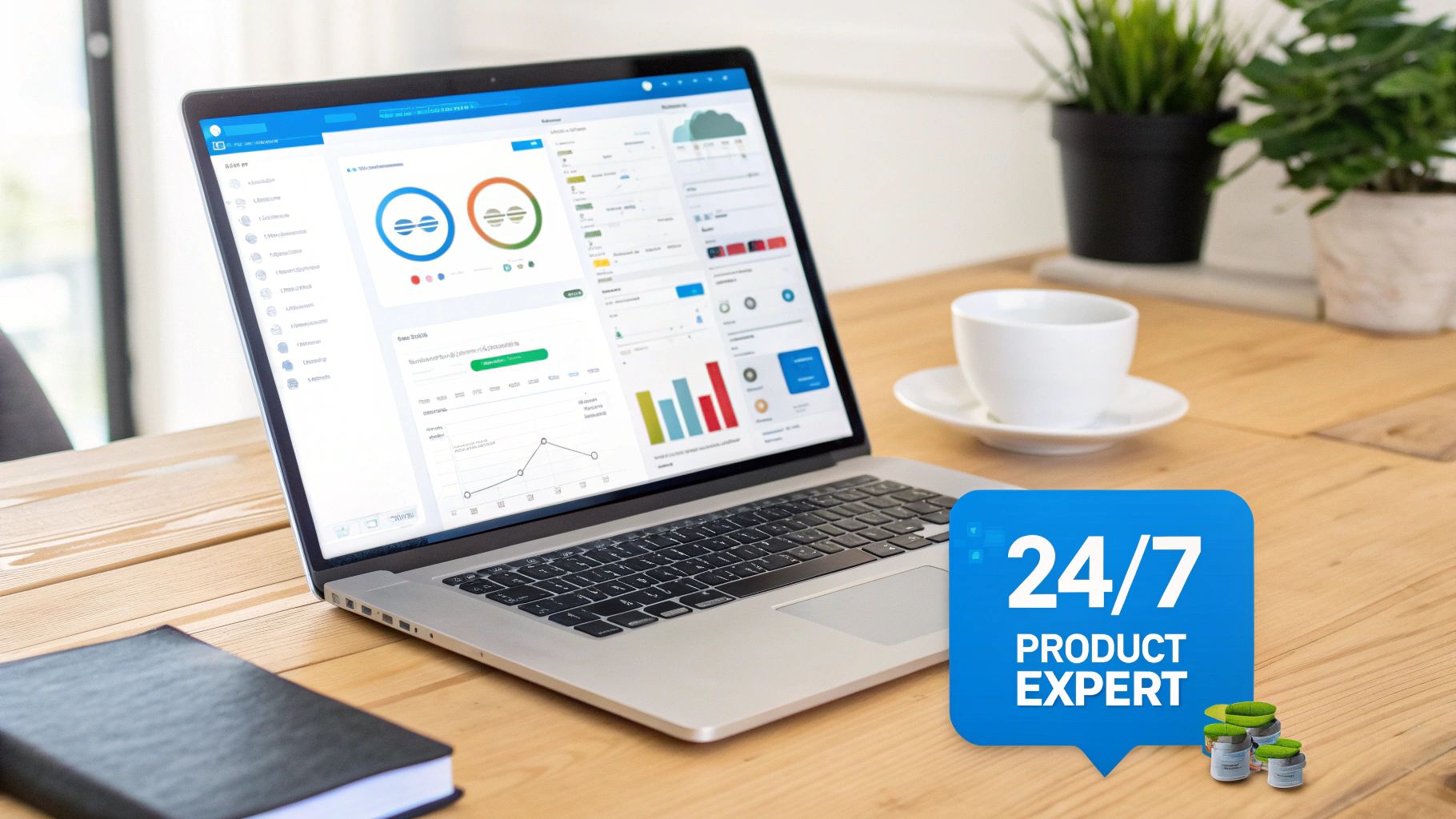
Imagine a tireless product expert living on every page of your site and inside your app. This expert can juggle an endless number of conversations at once, walking potential customers through complex features or helping new users get that first "aha!" moment. This isn't just theory; it's a practical way to reduce friction at every step of the customer journey, which can directly translate to your bottom line.
The Shift to Proactive Engagement
For a long time, customer support has been a reactive game. A user hits a wall, gets frustrated, and then has to dig through help docs or file a ticket. An AI chatbot can flip that model on its head by offering proactive, contextual help right where and when users need it most.
This proactive approach is incredibly powerful for SaaS businesses, which often have complex products with a bit of a learning curve. A well-trained bot can dramatically shorten a user's "time-to-value"—that magic moment they truly get the benefit of your product—which is a huge factor in long-term retention. In fact, improving how you support users is a proven way to learn more about how AI chatbots increase customer retention in SaaS companies.
The market data tells a similar story. The global AI SaaS market is on track for significant growth, projected to expand from USD 71.54 billion in 2023 to USD 775.44 billion by 2031. This shows that AI is becoming a fundamental piece of the SaaS puzzle, with 92% of SaaS companies reportedly planning to use more AI in 2025.
Core Chatbot Use Cases Across the SaaS Lifecycle
So, where do these bots actually fit in? Here’s a quick look at how AI chatbots support users at every stage of their journey.
| Lifecycle Stage | Chatbot Function | Primary Business Goal |
|---|---|---|
| Prospect Engagement | Answers pricing and feature questions, qualifies leads. | Increase Conversions |
| New User Onboarding | Provides in-app guidance, demonstrates key features. | Improve Product Adoption |
| Existing User Support | Offers instant troubleshooting, resolves common issues. | Boost Customer Retention |
From the first curious click to the seasoned power user, a chatbot can act as a consistent, helpful guide that makes your entire product experience better.
Putting Your SaaS Chatbot to Work
Let's move past the big-picture benefits and talk about the practical, specific ways you can use an AI chatbot to see real results. For a SaaS company, this is about engaging users at the most critical moments of their journey.
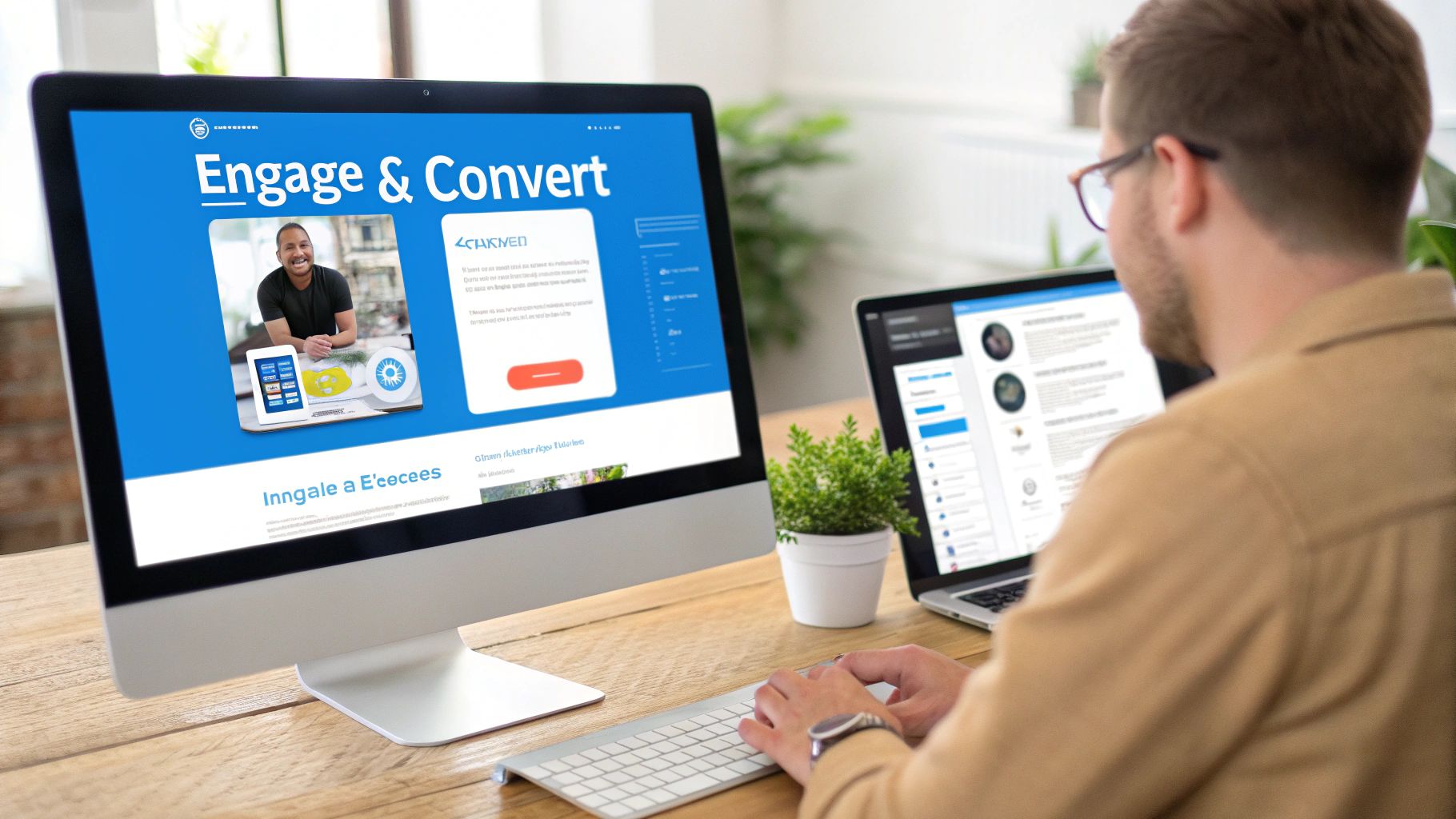
You can strategically place a chatbot right where the action is, like on high-traffic landing pages or inside your app's dashboard. This gives people instant, context-aware help, turning a static page into a dynamic conversation that can help you convert curious visitors and onboard new sign-ups.
Engaging Prospects on Your Marketing Site
Think about your pricing and features pages. They are often the last stop before someone either signs up for a trial or bounces. This is where prospects have their most urgent questions, and any hesitation can send them to a competitor.
An AI chatbot on these pages acts like a tireless sales assistant. It can instantly clear up confusing feature comparisons, explain the nuts and bolts of your subscription tiers, and even pre-qualify leads by asking a few smart questions.
For example, a project management SaaS could have a bot on its pricing page. A visitor might ask, "What's the real difference between the Pro and Business plans?" The bot gives them a detailed breakdown on the spot and then guides them smoothly toward a decision.
This kind of immediate, helpful engagement is becoming more common. The global chatbot market was valued at USD 7.76 billion in 2024 and is expected to grow to USD 27.29 billion by 2030. You can dig into the specifics in this detailed market analysis from Grand View Research.
Streamlining New User Onboarding
For many SaaS products, the first few minutes a new user spends inside your app are make-or-break. If they're overwhelmed or can't figure out how to solve their core problem, they may leave. This is where an in-app AI chatbot becomes a powerful onboarding tool.
Instead of a passive product tour, you can use a chatbot to offer proactive, smart guidance right when they need it. The bot can pop up with a useful tip as they explore a new feature or simply ask what they're trying to accomplish.
Generic Example: A new user logs into a marketing automation tool for the first time. The in-app chatbot could say, "Welcome! What's the first thing you'd like to do? A) Create an email campaign, B) Import my contacts, or C) Set up a workflow?" The bot then walks them through it step-by-step, shortening their time-to-value.
This guided experience helps users hit that "aha!" moment much faster, which is key to driving adoption. To learn more, check out our guide on top SaaS chatbot strategies to maximize customer engagement.
Providing Instant 24/7 Customer Support
Finally, let’s talk about one of the most immediate wins you'll get from AI chatbots for SaaS companies: offering round-the-clock support without hiring an army of agents. Your customers are all over the world, and they don't care about your 9-to-5 schedule.
By training a chatbot on your knowledge base—your help docs, tutorials, and FAQs—you create an AI expert that can solve a large portion of common problems instantly. This frees up your human support team to tackle the tricky, high-value issues that actually require a human touch.
How to Launch Your First SaaS Chatbot
Ready to put an AI chatbot to work? The good news is that launching one is no longer a complex, months-long project. With modern platforms, you can go from sign-up to a fully functional chatbot in minutes.
This section will walk you through a simple, step-by-step process. We'll cover everything from figuring out its core purpose to training it on your unique business knowledge.

Step 1: Define Your Primary Goal
Before you build anything, decide exactly what you want this chatbot to accomplish. A bot without a clear goal is just a website widget. A bot with a focused objective, however, becomes a tool that drives real business results.
Start by picking a single, high-impact area. Are you trying to slash repetitive support tickets? Or is your main priority to capture more qualified leads from your pricing page? Defining this goal will steer every other decision you make.
Step 2: Gather Your Knowledge Base
An AI chatbot is only as smart as the information you give it. This is where you create its "brain" by feeding it content that defines your product and company. Luckily, this process is usually straightforward.
You can simply upload your existing content. This can include:
- Your Help Center: Point the bot to your knowledge base URL, and it can absorb your support articles.
- Website Pages: Provide links to key pages like features, pricing, and about us sections.
- Documents: Upload PDFs, technical manuals, or sales one-pagers.
The AI will process this information, building a comprehensive understanding of your SaaS. This is the foundation that allows it to answer specific, nuanced questions.
Step 3: Train the AI and Set Its Personality
Once your chatbot has its knowledge, it's time to shape its identity. This step is crucial for making the bot feel like a natural extension of your brand.
You can often set its persona with simple instructions. For example, you might tell it: "You are a friendly and helpful product expert for our SaaS. Your tone should be professional but approachable. Always be encouraging and guide users toward solutions."
This level of customization makes the user experience feel more authentic and helps build trust.
Step 4: Configure Powerful Integrations
A truly effective AI chatbot doesn't just answer questions—it can also take action. This is where integrations come in. By connecting your chatbot to other tools in your stack, you can create automated workflows.
Using a platform like Zapier, you can link your bot to your CRM or calendar. For instance, a prospect can ask the chatbot to "book a demo," and the bot can use a connection to find an open slot and schedule the meeting right then and there. This turns your bot from an information source into a functional assistant.
Step 5: Deploy and Go Live
With your bot trained and customized, the final step is to put it in front of your audience. Deployment can be as simple as copying and pasting a line of code onto your website.
You decide exactly where you want it to appear. For example, you could place the chatbot widget on your help center, pricing page, or in-app dashboard to guide new users. The process is designed to be quick, letting you get your AI chatbot for your SaaS company up and running in a single afternoon.
What to Watch Out For: Limitations and Considerations
AI chatbots are a powerful tool for SaaS companies, but they aren't a magic wand. Knowing their limits is just as important as knowing their strengths. Being upfront about what they can and can't do helps build trust with your users and sets your project up for success.
Think of it this way: rolling out an AI chatbot isn't a "set it and forget it" task. It requires a smart strategy, especially when it comes to the quality of its knowledge and how it deals with tricky problems. A little foresight helps you avoid common traps.
Your Chatbot Is Only as Smart as Your Knowledge Base
This is the golden rule: an AI chatbot is a direct reflection of the data it's trained on. If your help docs are out of date or confusing, your chatbot is going to give out-of-date and confusing answers.
That's why a high-quality, comprehensive knowledge base is essential. Before you launch a bot, it's a good idea to treat your help center, FAQs, and technical guides like core assets.
The Critical Need for a Human Handover
No matter how advanced an AI gets, it will eventually hit a wall. It might run into a question it can't answer or a user who is too frustrated. This is where a smooth escalation pathway is essential. A user should never hit a dead end with the bot.
A clean handover to a human agent is your safety net. This could be a "Click here to talk to a person" button that opens a live chat or automatically creates a support ticket. For example, if a customer asks about a complex billing issue three times and gets nowhere, the bot should be smart enough to proactively offer a connection to your support team.
Data Privacy and Security Considerations
When you launch a chatbot, you're asking users to share information. Protecting that data is your responsibility. It's vital to pick a vendor that puts security first and complies with major data protection standards.
Look for platforms that are GDPR and SOC 2 compliant. These certifications show a real commitment to strict security and privacy practices. Your chatbot provider should be transparent about how they handle, encrypt, and store conversation data.
Managing User Expectations to Avoid Frustration
Finally, how you introduce your chatbot makes a big difference. If users think they're chatting with a person and find out it's a bot, they can feel tricked. Honesty is typically the best approach here.
Consider labeling your chatbot as an "AI assistant" or a "virtual guide." This simple act of setting expectations can improve the user experience. When people know they're talking to an AI, they tend to be more patient and use the kind of direct language the bot understands best.
Your Quick Checklist for Choosing a Chatbot
Picking the right AI chatbot for your SaaS company is an important decision. The market is packed with options, but not all of them are cut out for the unique demands of a software business. This simple checklist is here to help you cut through the noise.
Think of this as your guide to the five things that really matter for SaaS companies, from converting more trial users to keeping existing customers happy.

Ease of Use and Management
Your chatbot shouldn't need a team of engineers to build or update. The best platforms are typically no-code, designed so your marketing, sales, and support teams can manage the bot themselves. These are the people who understand your customers, after all.
When you can quickly add a new product update to the knowledge base or tweak the bot's tone without filing a ticket with the dev team, you become incredibly agile.
Comprehensive Data Sources
A SaaS product is complex, and the answers users need can be scattered. Your chatbot has to be able to learn from all of them. Look for a platform that can pull in information from a wide variety of sources.
A powerful bot should be able to connect to:
- Your entire website and help docs
- PDFs, Word documents, and other files
- Live Google Sheets for data that changes
- Video content like your YouTube tutorials
This ensures your chatbot has a complete "brain," allowing it to give comprehensive answers to niche product questions.
Seamless Integration Capabilities
A chatbot that only answers questions is helpful. A chatbot that takes action is a game-changer. This is where integrations come in. Your chosen platform must connect smoothly with the other tools you use.
Using services like Zapier or Make, your chatbot can do things like book a demo, create a new lead in your CRM, or log a support ticket. This transforms the bot from a passive library into an active member of your team. This is one of the most important features of a SaaS chatbot you should be looking for.
Customization and Brand Persona
Your chatbot is an extension of your brand. A generic, robotic-sounding bot can damage the user experience. You need control over its appearance, tone of voice, and personality to make sure it feels like you.
A good platform will let you customize everything, from the colour of the chat widget to the bot's core persona, using simple instructions. This is how you create a consistent and authentic experience.
Enterprise-Grade Security
Last but not least, don't compromise on security. Your chatbot will be handling customer conversations. You should choose a provider that is fully compliant with modern security standards like GDPR and SOC 2. This is about protecting your customers and your business.
Actionable Takeaway: SaaS Chatbot Vendor Checklist
With so many options, it's easy to get overwhelmed. Use this checklist to compare different AI chatbot platforms and find the right fit for your SaaS company. Score each vendor from 1 to 5 to see how they stack up.
| Evaluation Criteria | Why It Matters for SaaS | Your Rating (1-5) |
|---|---|---|
| No-Code Interface | Can your non-technical teams (support, marketing) manage and update the bot? | |
| Data Source Versatility | Does it support your content types? (Website, PDFs, videos, Google Sheets, etc.) | |
| Integration Power | Can it connect to your CRM, calendar, and helpdesk via Zapier, Make, or webhooks? | |
| Brand Customization | How much control do you have over the bot's look, feel, and personality? | |
| Security & Compliance | Is the platform GDPR and SOC 2 compliant to protect your customer data? | |
| Analytics & ROI Tracking | Does it provide clear metrics on bot usage, satisfaction, and lead generation? | |
| Scalability & Performance | Can it handle a growing volume of conversations without slowing down? | |
| Pricing Model | Is the pricing clear, predictable, and aligned with the value you expect? |
By systematically going through these criteria, you'll be able to make a data-driven decision and ensure the platform you pick will deliver results.
Your Next Step Toward a Smarter Customer Experience
We’ve walked through the why, what, and how of AI chatbots for SaaS companies. By now, you should have a solid picture of how this technology can genuinely lift your lead generation, user onboarding, and customer support.
If there’s one thing to take away, it’s that building a powerful AI chatbot is no longer a complex, resource-draining project. With modern no-code platforms, you can spin up an intelligent assistant trained on your own data and get it live in a single afternoon.
The Power of an Afternoon
Think about that for a second. An AI chatbot is like your best front-line expert, working tirelessly to make sure no question goes unanswered, whether it's a hot lead on your pricing page or a new user finding their footing. That immediate, 24/7 assistance has a direct line to your retention and growth.
The real game-changer here is the shift from being reactive to proactive. Instead of waiting for users to get stuck, you can offer the right help at the exact moment they need it. That’s how you create a smoother product experience.
Take Action Today
Building a smarter customer journey doesn't have to be a far-off goal. The tools available now give you the power to make a real impact on your key metrics—like trial-to-paid conversion rates and customer churn—in a surprisingly short amount of time.
The first step is simple: figure out where an intelligent assistant can remove the most friction for your users.
To see just how easily you can enhance customer experience and reduce support tickets, we invite you to learn more about our AI chatbots for SaaS companies. Discover what's possible for yourself and see the difference an intelligent, automated assistant can make.
Frequently Asked Questions
Got questions? You're not alone. Here are some of the most common things we hear from SaaS businesses when they're considering an AI chatbot.
How Long Does It Really Take to Set Up an AI Chatbot?
With modern, no-code platforms, you can often go from zero to a fully functional AI chatbot in under an hour. The process is typically built for non-technical teams.
You sign up, feed it your knowledge base (like pointing it to your help docs), tweak the bot’s look and personality, and then embed it on your site. The AI handles the heavy lifting of training itself.
Can an AI Chatbot Integrate with My Existing Tools?
Absolutely. The best AI chatbot platforms are designed to play nice with the tools you already use every day.
Using services like Zapier, you can connect your chatbot to hundreds of other apps, including your CRM and support desk. For instance, you could set up your bot to automatically create a new lead in HubSpot or log a new support ticket in Zendesk if it can’t solve an issue.
Here's a generic example: A prospect is asking your chatbot detailed questions. After answering, the bot asks if they’d like to chat with sales. If they say yes, an integration can instantly create a new contact in your CRM and notify the sales team.
Will the Chatbot Answer Complex Product Questions?
Yes, a custom AI chatbot can tackle highly specific product questions, but its intelligence depends on the data you train it on. A chatbot built for your business learns exclusively from your company's knowledge base.
If you feed it detailed technical documentation and in-depth feature guides, it will be better equipped to answer complex questions about your SaaS product. This is a core strength of AI chatbots for SaaS companies.
How Do We Ensure Data Security with a Chatbot?
Security is non-negotiable, and it’s critical to choose a provider that takes data protection seriously. You'll want to look for platforms that are SOC 2 and GDPR compliant, offer data encryption, and give you control over your data.
This ensures that customer chats are handled securely, meeting international privacy standards. Any reputable vendor will be transparent about their security protocols. For a deeper dive, you can explore the essential features of a SaaS chatbot to look for.
Ready to see how an AI chatbot can genuinely transform your customer experience, slash support tickets, and help grow your SaaS company?
With FastBots.ai, you can build a custom AI assistant trained on your own data in minutes, not months.
Build your own AI chatbot for free and discover what’s possible for yourself.



