
Your Guide to an AI Chatbot for Small Business

Think of an AI chatbot for a small business as your best employee. It never sleeps, works 24/7, answers customer questions in a flash, and captures leads without ever asking for a coffee break. It’s an automated assistant you can train on your own business data, making sure it speaks your language and helps customers the way you would.
Welcome to your no-nonsense guide on how an AI chatbot can genuinely help your small business. In a crowded market, you're always looking for an edge—a way to serve customers better, bring in more leads, and just work smarter. An AI assistant is one of the most powerful, and surprisingly simple, tools you can add to your corner.
Forget those old, clunky bots that felt like talking to a wall. Modern platforms like FastBots.ai let you build a true expert on your business. You feed it your own content—website pages, product info, internal docs, FAQs—and it becomes a powerful assistant that knows your company inside and out.
This guide is your roadmap to unlocking that power, whether you want to offer round-the-clock support or automate parts of your sales funnel. We'll give you a clear, practical look at how an AI chatbot can work for you, skipping the tech-speak to focus on real-world results.
Why an AI Chatbot Matters for Your Business
In a world where customers expect instant answers, an AI chatbot is no longer a luxury—it's a fundamental tool for growth. You can’t be everywhere at once, but your chatbot can. It’s how you stay competitive when you're juggling a dozen other tasks.
The Rise of AI in Small Business
AI isn't just for tech giants with massive budgets anymore. Small businesses are jumping in fast. Recent data shows that 58% of small businesses are now using generative AI, with many saving over 20 hours a week. You can dig into more of these numbers in recent small business AI adoption statistics.
Why the sudden shift? Because AI chatbots solve the very real problems every small business owner faces: not enough time, the need to always be "on" for customers, and the pressure to keep up with the big players.
By taking over repetitive tasks and providing instant answers, an AI chatbot frees you and your team up. You can finally focus on the work that actually grows the business—like closing big deals, creating new products, or building real relationships with your customers.
Key Benefits at a Glance
Let's break down where you'll see the biggest impact with a clear, real-world example. A local e-commerce store, for instance, used to spend hours each day answering questions about shipping times and return policies. After implementing a chatbot, these queries were handled automatically.
This freed up the owner to focus on marketing, which led to a 15% increase in sales the next quarter. The chatbot didn't just save time; it directly contributed to revenue growth by reallocating human effort to more valuable tasks.
Core Capabilities of an AI Chatbot
Let's cut through the jargon and talk about what an AI chatbot for a small business really does. Think of it less as a piece of software and more like a super-efficient digital team member who can jump into different roles whenever you need them.
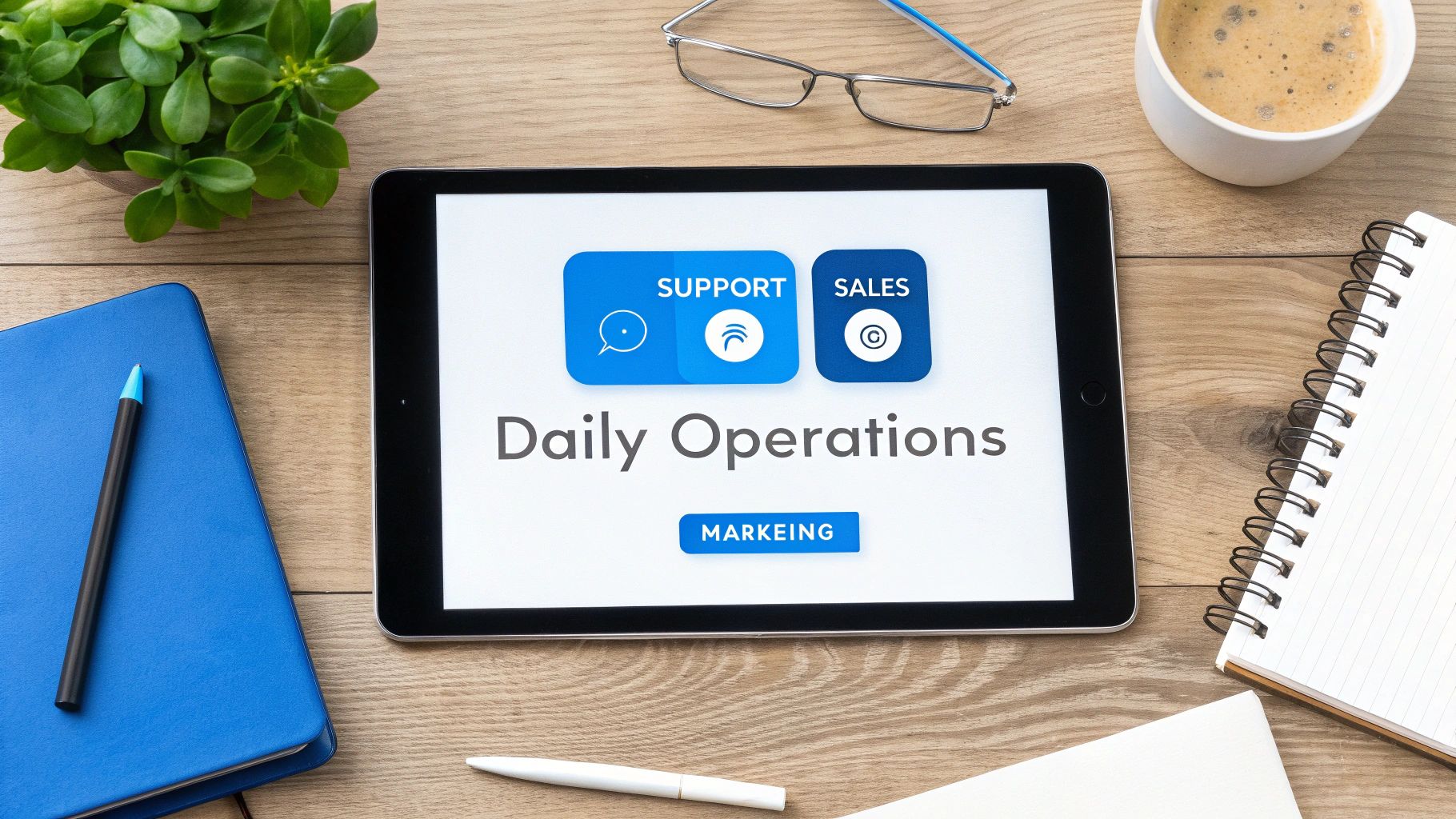
A well-trained chatbot becomes a central point for many of your customer conversations. It can handle support tickets, qualify new leads, and even help out with marketing, all from that little chat window on your website.
Your New Frontline for Customer Support
The first place you'll feel the impact is in customer support. Answering the same questions over and over is a massive time-sink for any small team. A chatbot trained on your company's own data becomes an instant expert on your business.
Using a platform like FastBots.ai, you can simply feed it your existing FAQs, product guides, or even just point it to your website. The bot reads and understands all of it, ready to provide instant, accurate answers 24/7. This means customers can get what they need at 10 PM on a Sunday without ever waiting for a human.
Turning Website Visitors into Real Leads
Your chatbot is also a seriously powerful sales engine. It engages everyone who lands on your site, acting like a friendly guide that nudges them in the right direction.
Instead of hoping a potential customer finds what they need before they leave, the bot can proactively start a conversation. For a local contractor, a chatbot could ask about the project type and budget, then book a qualified meeting directly into their calendar. This little bit of automation means you only spend your precious time talking to people who are ready to buy.
An Assistant for Marketing and Operations
You can get creative and use your chatbot as an interactive marketing tool. Run a quiz to help customers find the perfect product or offer personalised recommendations.
Even better, when you connect it to your other tools, your chatbot becomes an operational powerhouse. With integrations through platforms like Zapier or Make, you can automate entire workflows without writing a single line of code. For instance, a new lead captured by the bot can be automatically added as a contact in your CRM.
Your Step-by-Step Chatbot Implementation Plan
Getting an AI chatbot up and running is probably a lot easier than you think. You don't need to be a developer, and you definitely don't need a massive budget. What you do need is a clear plan.
Let’s walk through a practical roadmap to get your first bot launched successfully. Following these steps ensures your bot isn't just another gadget on your website, but a tool that actually solves a real problem for you and your customers.
Step 1: Define a Clear and Specific Goal
First things first: decide exactly what you want this chatbot to do. A vague goal like "improve customer service" is a recipe for a bot that doesn't do anything well. You have to get specific and measurable.
Is your main goal to slash support tickets by 25%? Or maybe it's to boost qualified sales leads by 15%? This initial focus becomes your north star for every decision that comes next.
Step 2: Gather and Organize Your Knowledge
An AI chatbot is only as smart as the information you give it. This is where you build its "brain." Your job is to pull together all the documents, resources, and data that hold the answers you want it to share.
Platforms like FastBots.ai make this part incredibly simple. You can upload existing files directly or just point it to your website. Round up your FAQs, help docs, product info, and policy documents.
Step 3: Build and Customize Your Bot
Now for the fun part: bringing your chatbot to life. This is where you shape its personality and set the rules of engagement. Modern chatbot platforms are built to be user-friendly, letting you build and customize everything without writing a single line of code.
You'll get to tweak its brand voice to match your company’s tone—is it professional and straight to the point, or more friendly and witty? Most importantly, you'll set up rules for when to hand a conversation over to a real person. A seamless human handover is non-negotiable for tackling complex issues. For a deeper dive, check out our guide on implementing AI in your customer support strategy.
Step 4: Deploy Across Your Channels
With your chatbot built and trained, it's time to put it to work. Deploying it is often as simple as copying and pasting a small piece of code onto your website.
But don't just stop at your website. To get the most out of it, put your bot where your customers already are. Many platforms let you connect the same bot to messaging apps like WhatsApp or Facebook Messenger.
Step 5: Monitor, Analyze, and Improve
Launching your chatbot isn't the finish line; it's the starting block. The final, ongoing step is to keep an eye on its performance and constantly make it better.
Regularly check the chat logs to see what questions people are actually asking. Are there common questions your bot is struggling with? Add that information to its knowledge base. This cycle of improvement is what turns your bot into an ever-smarter asset.
Actionable Takeaway: Your Chatbot Implementation Checklist
Use this quick checklist to stay on track as you build your chatbot.
- Define a Primary Goal: Start with one specific, measurable objective (e.g., "reduce ticket volume by 20%"). Don't try to solve everything at once.
- Gather Your Content: Collect all relevant documents: FAQs, help guides, product info, and policies.
- Build and Customize: Choose a platform, upload your data, and define the bot's persona and voice to match your brand.
- Test Before Launch: Have your team ask it tricky questions to find knowledge gaps. Refine the human handover process.
- Deploy and Announce: Install the bot on your website and other channels. Let your audience know there's a new, fast way to get help.
- Review and Refine: Schedule time each month to review chat logs and performance metrics. This is key to long-term success.
Limitations and Considerations for an AI Chatbot for Small Business
While AI chatbots offer powerful benefits, it's important to be realistic about their limitations. Going in with a clear understanding of the trade-offs will help you build a better experience for your customers and avoid common frustrations.
One key thing to remember is that no AI is perfect. There will always be complex, nuanced, or emotionally charged situations where a human touch is required. Your chatbot won't be able to "read the room" or handle a truly upset customer with the empathy of a trained support agent.
For example, a boutique clothing store's chatbot can easily handle questions about sizes and shipping. But if a customer receives a damaged item for their wedding next week, that conversation needs to be escalated to a human immediately.
That’s why a seamless human handover feature is absolutely critical. Your chatbot should be designed to recognize its own limits and make it easy for a user to connect with a real person. Trapping a frustrated user in a conversation loop is one of the fastest ways to lose a customer. We cover this and other potential issues in our guide on 10 common chatbot mistakes and how to avoid them.
Also, a chatbot is only as good as the data you train it on. If your knowledge base is outdated or incomplete, the bot will provide incorrect answers. This means you need to commit to a small but regular time investment to review chat logs and update its knowledge.
Ready to see how an AI assistant can genuinely change how your business operates? FastBots.ai makes it ridiculously easy to build a custom chatbot trained on your own data in minutes.



